Page
Getting to Know Your Product
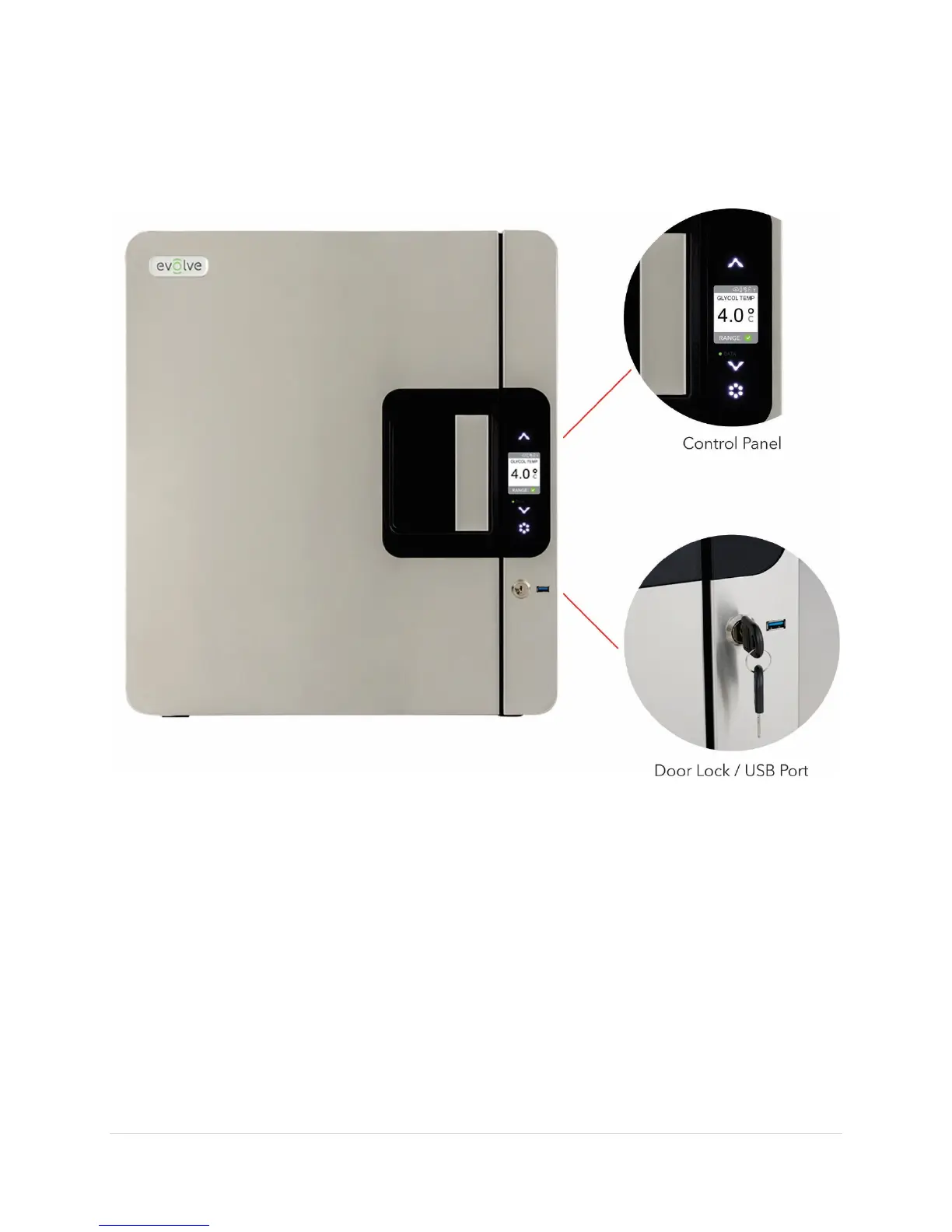
Product Exterior - Front
Door Lock
A set of keys is provided for the door lock. Verify that your pack contains two identical keys.
Additional keys for your refrigerator are available for purchase.
USB Port
A USB port is available to download the data log to a USB memory device. You will use the
USB port to download and clear the data log when the storage is full. The USB port can also
be used to update the firmware. Verify that the port is intact by inserting the USB drive (not
included) and looking for the USB icon in the icon bar at the top of the LCD display.


 To Next Page