Page
Control Panel
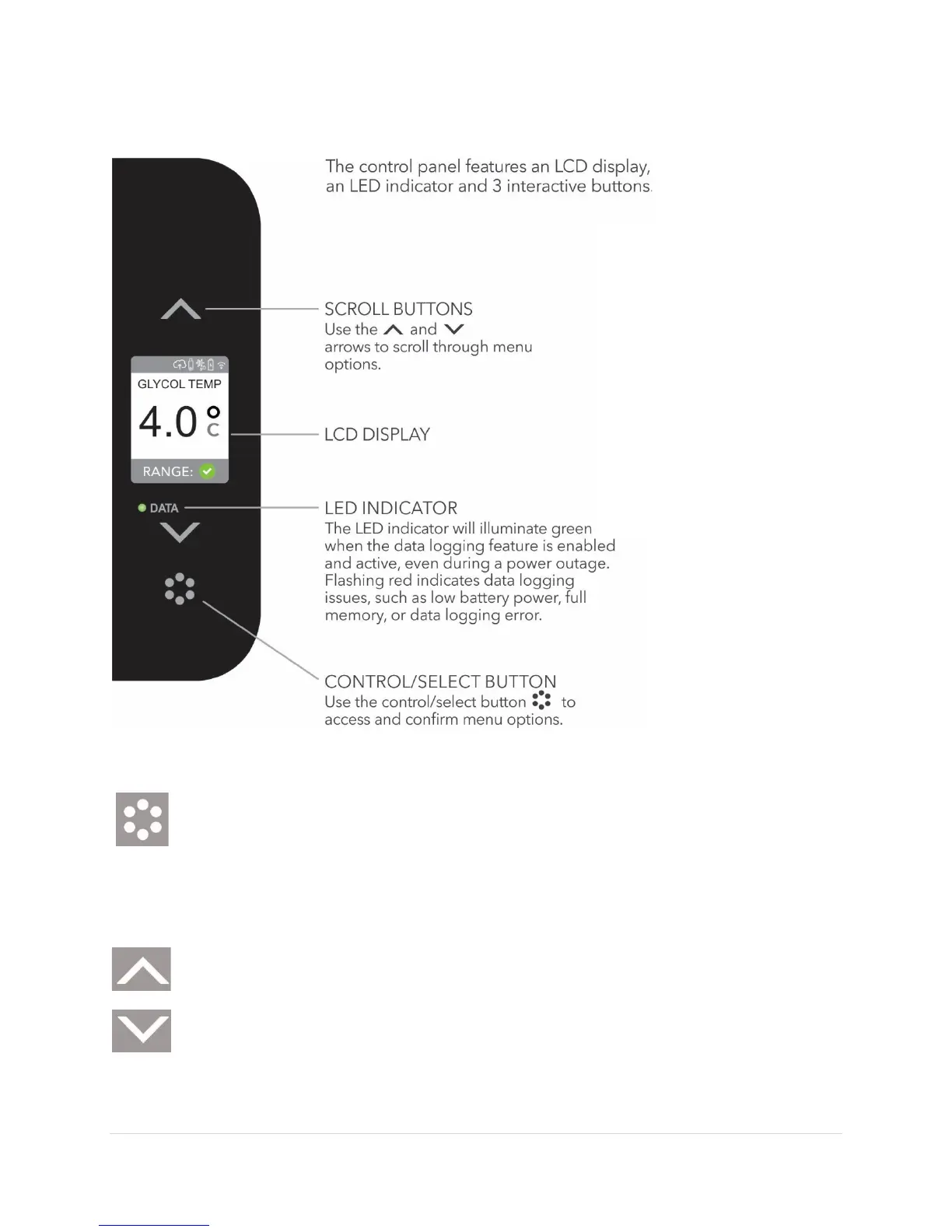
Control/Select Button
Use the
button to display the menu and then to confirm a selection.
The
button brings up the main menu and acts like an enter button
on a keyboard to confirm a selection.
Scroll Buttons
Use
and
buttons to navigate through the menu options.
Operating the
Control Panel
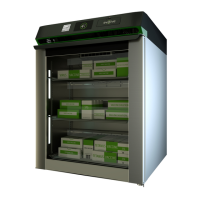
The control panel is where
you manage all of the
features for the Evolve
compact refrigerator. Your
refrigerator comes
preprogrammed with
temperature and alarm
settings but you can
change them.


 To Next Page