EXFO EX1 Main Menu
22 EXFO EX1
Reports
The following controls are available/displayed when at least one report is
selected:
Reports are stored on the EXFO EX1 device memory which is limited to
500 reports. It will not be possible to start a Speedtest once this limit is
reached, a message will be displayed.
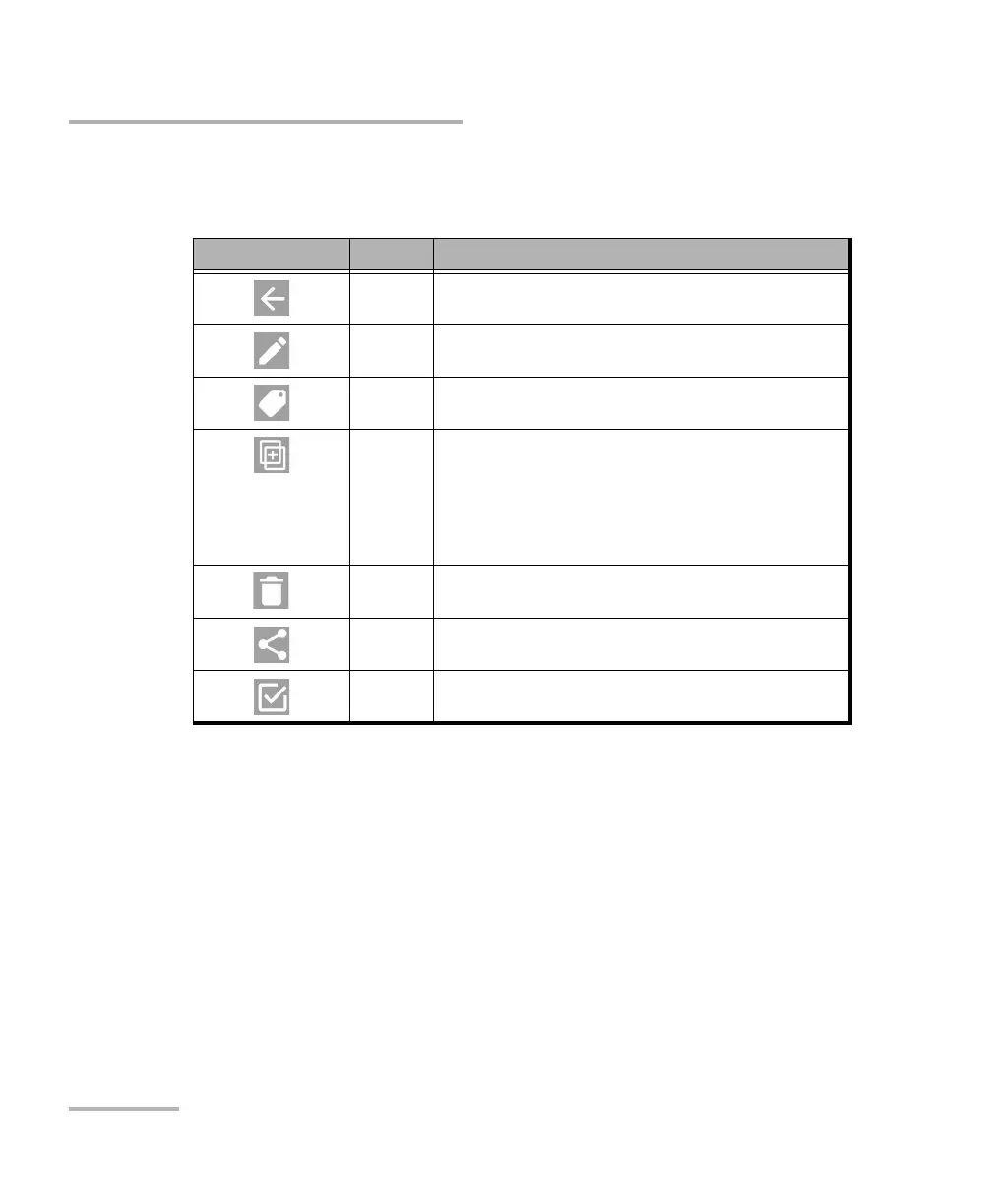
Icon Action Description
Back Exits the report selection mode and returns to the
Reports page.
Rename a
Report
a
a. Available when a single report is selected.
Tap to change the name of a report.
Tag a
Report
a
Tap to tag a report. Select a predefined tag or User
Defined to create your own tag.
Combine
Reports
b
b. Available when at least two reports are selected.
Combines reports together to create a new combined
report. Reports are appended one after the other without
altering the content of individual reports and ordered
based on their generation date and time.
It is possible to add additional individual reports (not
combined reports) to an existing combined report.
Delete Deletes the selected report(s) from the EXFO EX1 device
memory.
Share Shares the selected report(s) with relevant applications
installed on the smart device.
Select all Selects all reports.



 To Next Page