EXFO EX1 13
3 Getting Started
This section describes the EXFO EX1 device setup, smart device software
installation, then a quick procedure to initiate a test.
Turning the EXFO EX1 Device On
Note: Make sure the EXFO EX1 device is fully charged, refer to Recharging the
Battery on page 44.
Turn the EXFO EX1 device on by pressing the on/off switch for 1 second
(refer to On/Off Switch and LED on page 4).
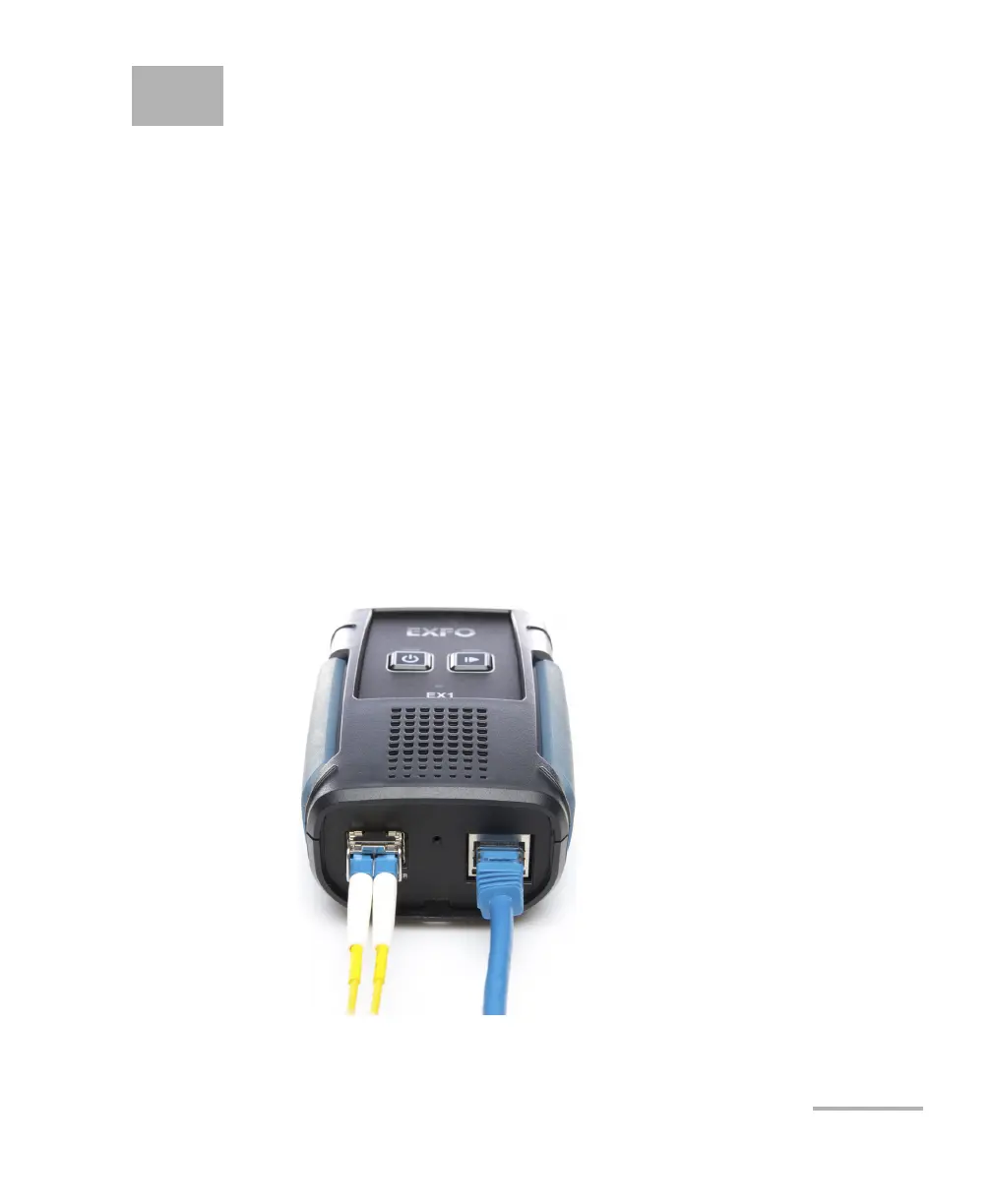
Connecting the RJ45 and SFP Ports
Note: For wireless test (Wi-Fi) there is no need to connect these ports. However a
network connection using the RJ45 port may be required for firmware
upgrade (refer to Software on page 41).



 To Next Page