Speedtest
EXFO EX1 27
Client/Server Information
Client/Server Information
Displays the following client and server Information:
Expandable Status Bar
The status bar is an expandable area that is collapsed by default.
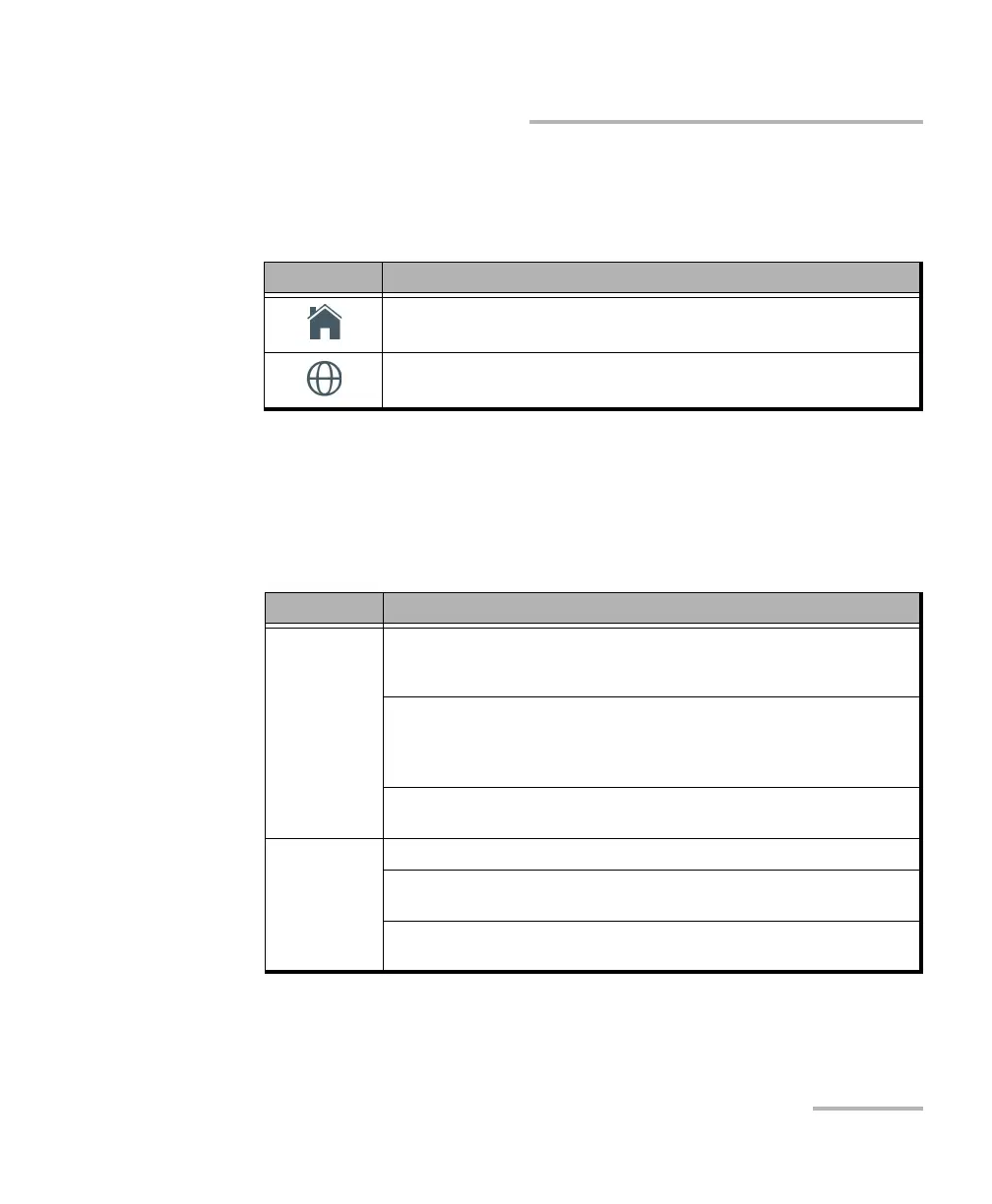
The collapsed view displays the following information:
Icon Information
The name of the Internet Service Provider.
The WAN client IP Address.
The name of the host server.
The IP address of the host server.
Information Description
Link For RJ45: Indicates the auto-negotiated rate: 10M, 100M, or 1GE.
Auto is displayed while either negotiating or not detecting any
interface/signal.
For SFP: Indicates the rate, laser status, and power level. The presence of
the laser icon indicates that the laser is on; otherwise the laser is off (the
icon is not displayed). The rate and power level (dBm) are displayed when a
valid signal is received.
For Wi-Fi: Indicates the Wi-Fi radio signal strength (icon), the frequency
band in GHz, and the link speed in Mbit/s.
Current
alarms/errors
For RJ45: Indicates if a Link Down alarm occurred during the last second.
For SFP: indicates if a Link Down or LOS alarm occurred during the last
second.
For Wi-Fi: Indicates if a Wi-Fi Down (no connection) alarm occurred during
the last second.



 To Next Page