Inspecting Fibers with a Probe
114 FTB-200 v2
2. From the Main Menu, tap Probe.
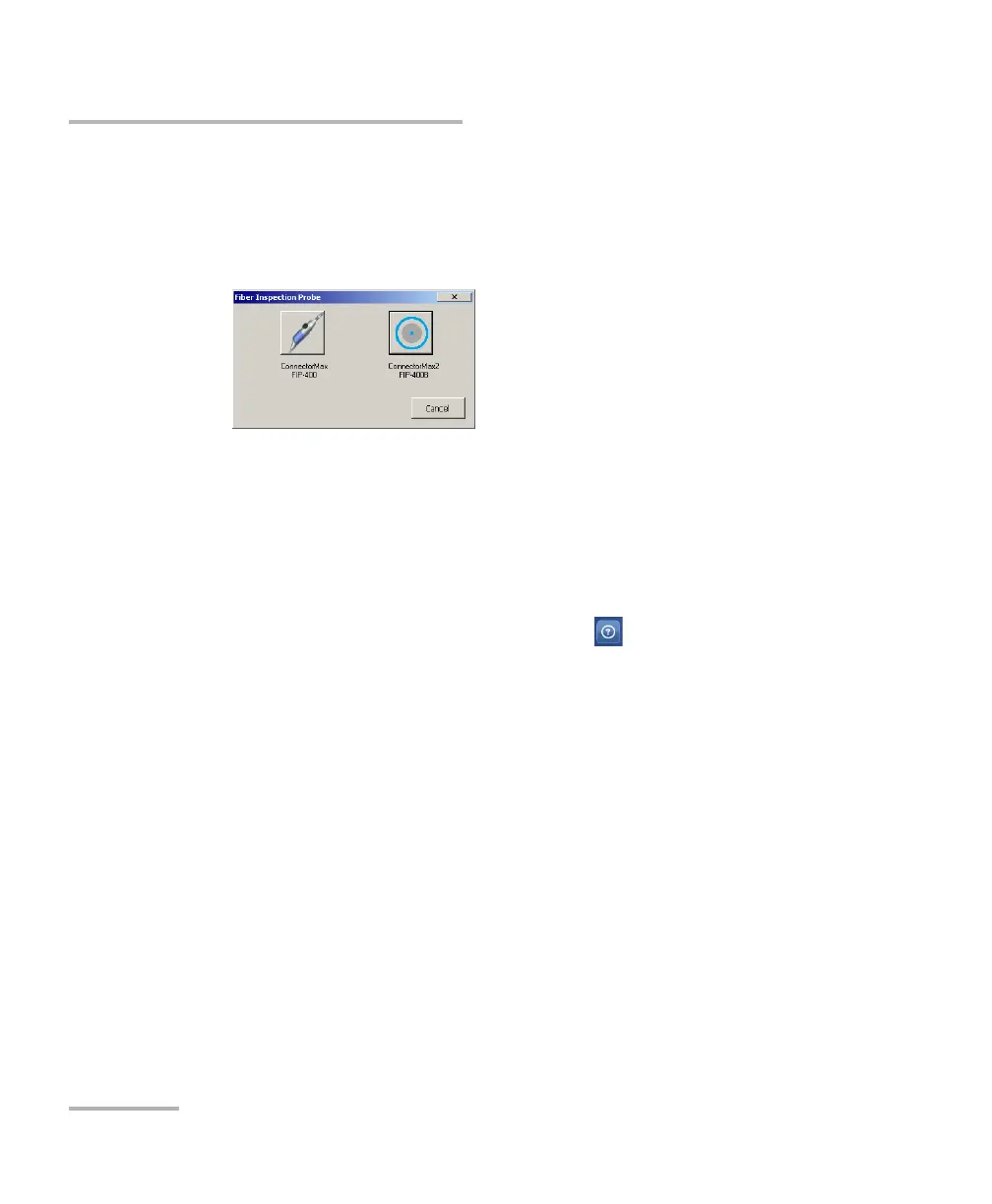
3. If the unit prompts you to select an application, tap the button
corresponding to the probe that you want to use to start the
corresponding application.
Note: If the ConnectorMax2 application is not installed on your unit, the
ConnectorMax application will start automatically, enabling you to work
with the probes of the FIP-400 series. If you also wish to be able to work
with probes of the FIP-400B series, you will need to install the most recent
ConnectorMax kit.
Note: You can access the online help by tapping the button from the
ConnectorMax or ConnectorMax2 application.












 To Next Page