Managing Data
120 FTB-200 v2
Transferring Data via Bluetooth
To transfer data via Bluetooth:
1. Configure your unit as follows:
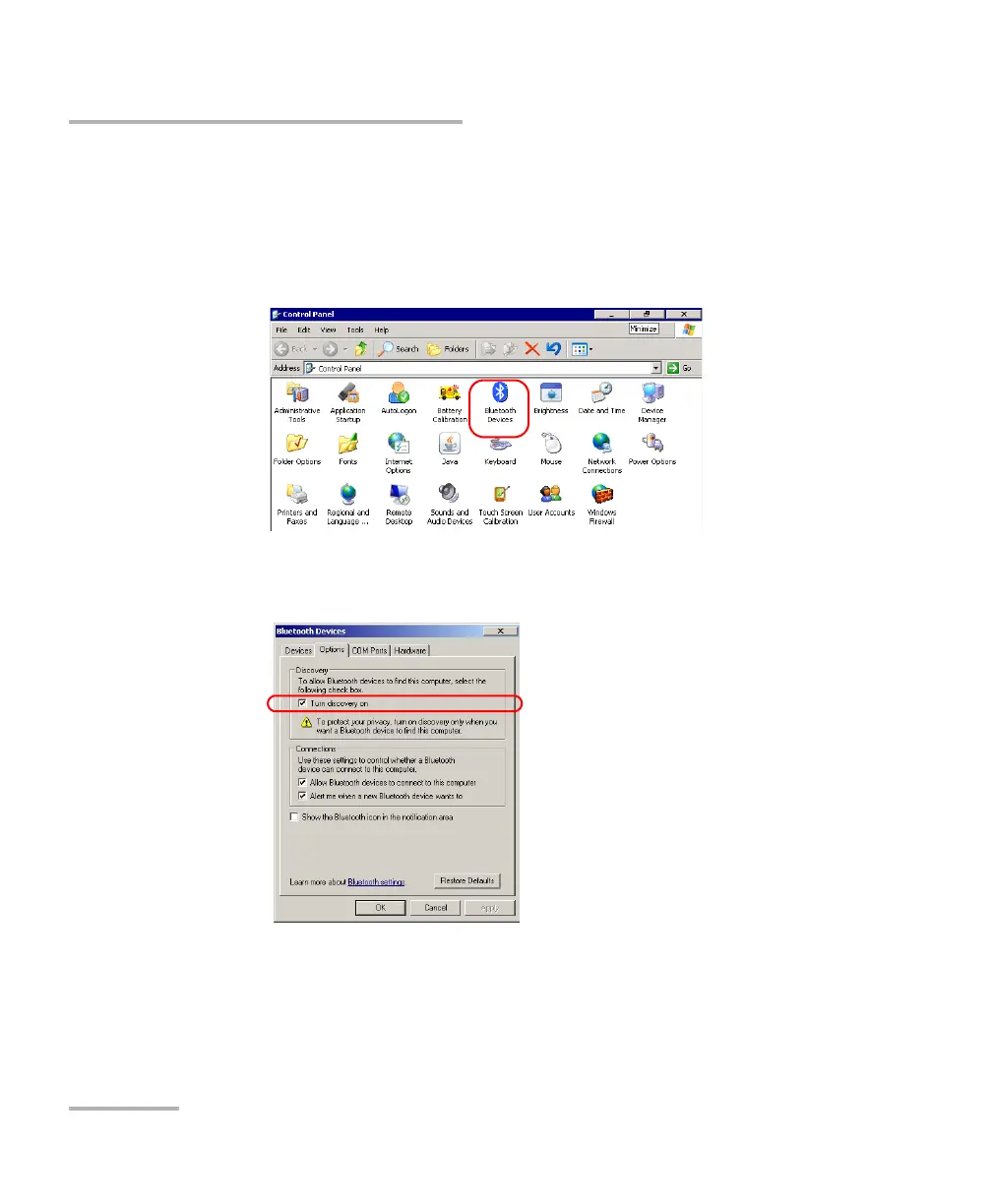
1a. From the Main Menu, tap Setup.
1b. Double-tap Bluetooth Devices.
1c. From the Options tab, under Discovery, select the
Tur n discover y on check box.
1d. Ensure that the Allow Bluetooth devices to connect to this
computer check box is selected.
1e. Tap OK to confirm.












 To Next Page