Managing Data
124 FTB-200 v2
Transferring Data via Bluetooth
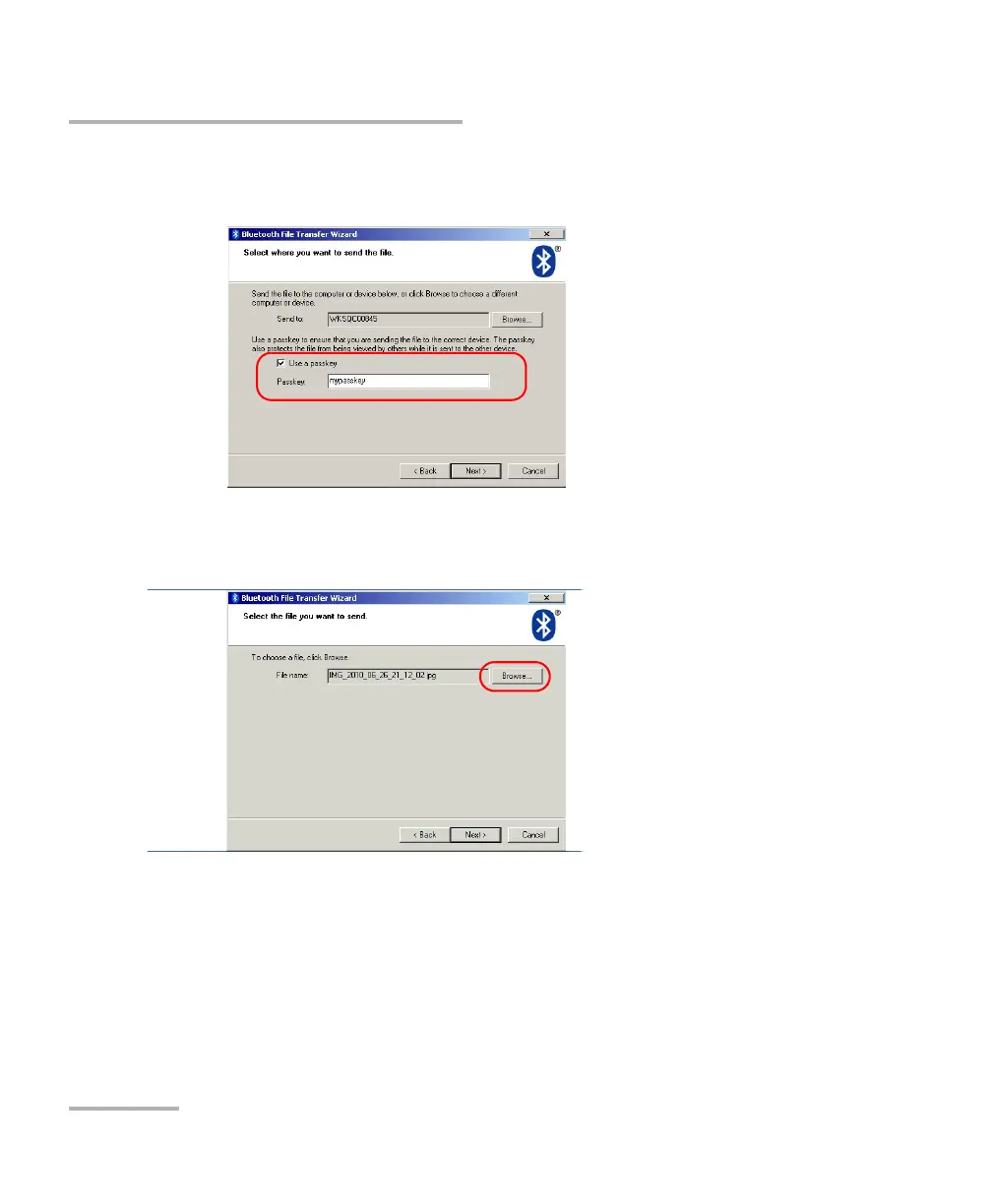
9. If you want to use a passkey, select the corresponding check box and
enter the passkey.
When you have finished, tap Next.
10. Tap Browse to select the file that you want to send to the computer.
11. Select the file, tap Open to confirm, and then Next.












 To Next Page