Managing Data
Compact Modular Platform 127
Connecting to a Wireless Network
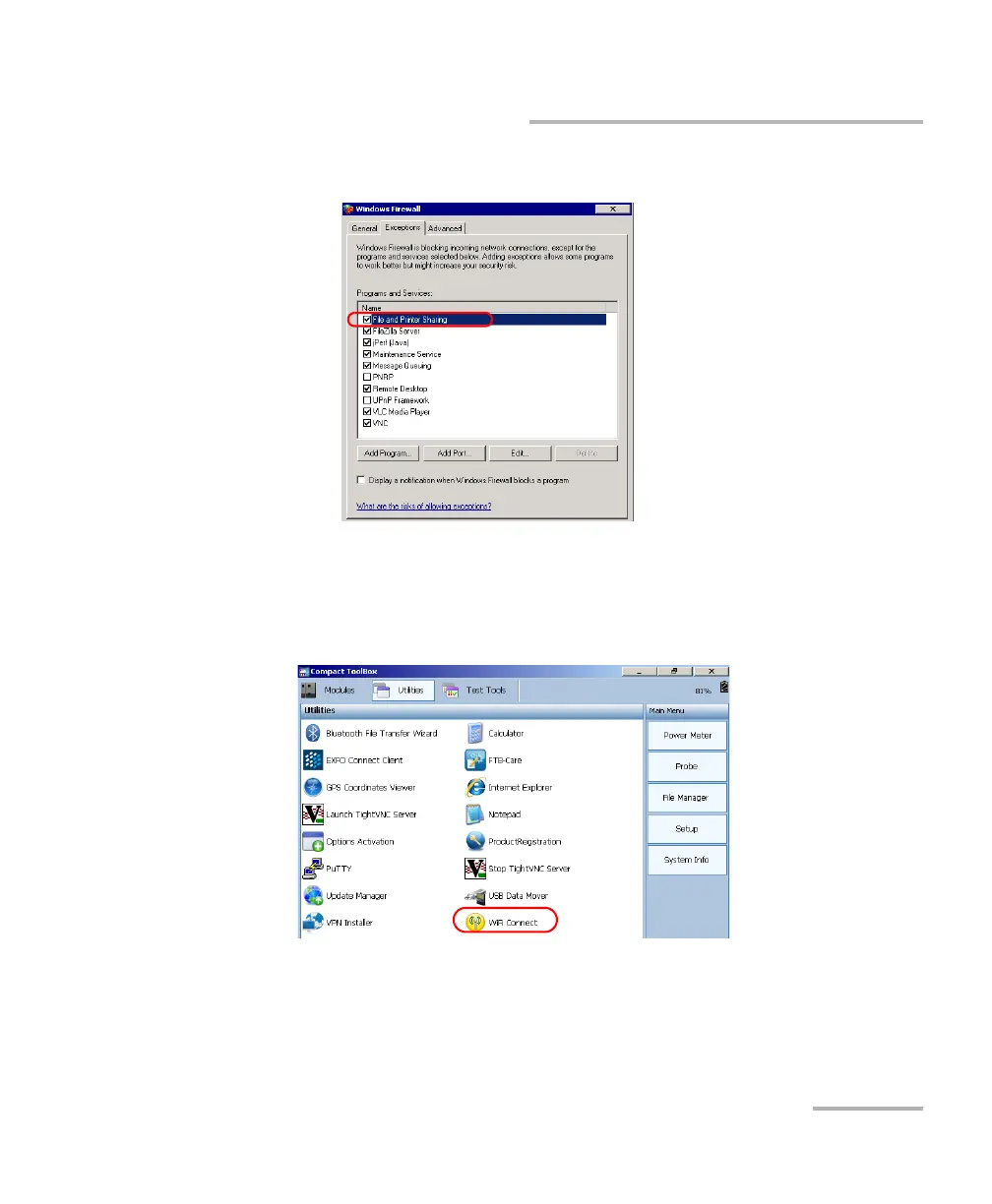
2d. Ensure that the File and Printer Sharing item is selected.
2e. Tap OK to confirm.
3. On your unit, from Compact ToolBox, select the Utilities tab.
4. Double-tap WiFi Connect.
5. Tap OK to acknowledge the message on how to display the list of
wireless networks.












 To Next Page