Managing Data
130 FTB-200 v2
Connecting to a Wireless Network
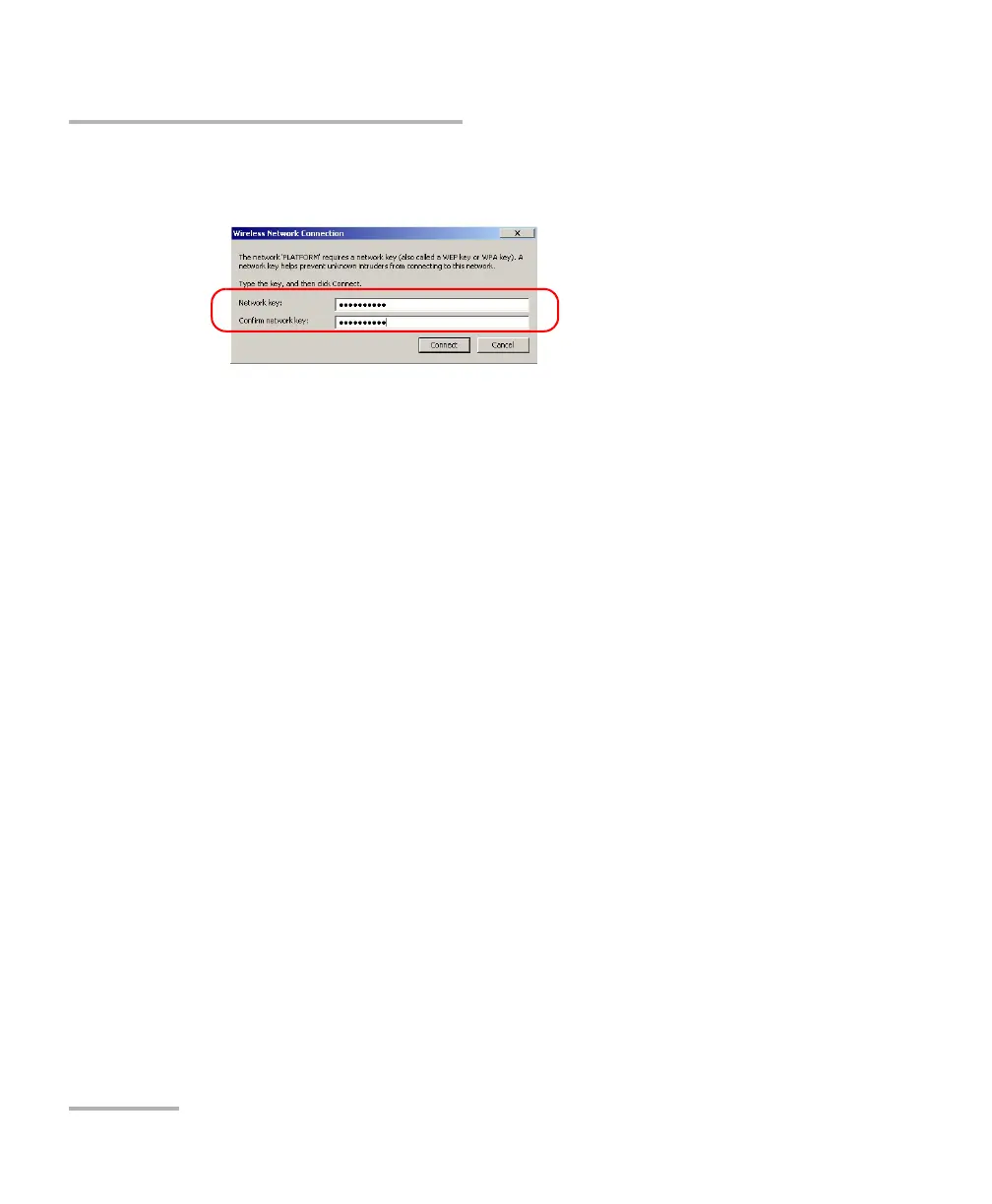
10. If the network is protected by a network key (password) enter it in the
corresponding boxes and tap Connect.
Note: Since all networks are different, you may also need to configure other
parameters before being able to transfer data via Wi-Fi. For information on
the configuration specific to your network, contact your network
administrator.
As soon as the connection is established, you can start working with the
selected wireless network. When you have finished, from the Wireless
Network Connection window, tap Disconnect to stop communication
with the wireless network.












 To Next Page