Accessing Your Unit Remotely
166 FTB-200 v2
Working With TightVNC
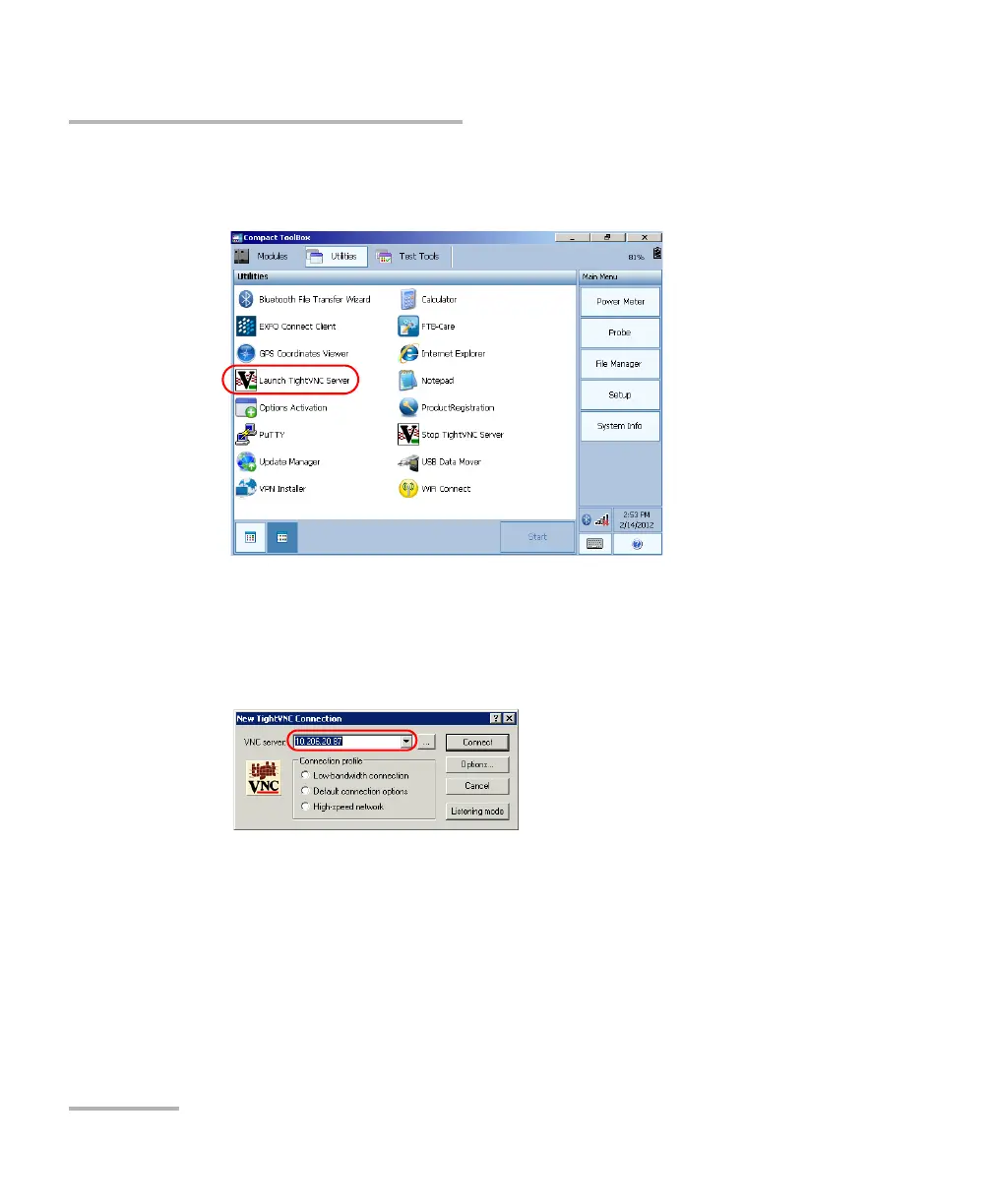
5. From Compact Toolbox, select the Utilities tab, then double-tap
Launch TightVNC Server.
6. From your computer, double-click the TightVNC Viewer shortcut on
your desktop.
7. In the VNC Server list, type the IP address of your unit that you wrote
down at step 4.
8. Click Connect.












 To Next Page