Testing Network Connections
Compact Modular Platform 171
Performing a Ping Test
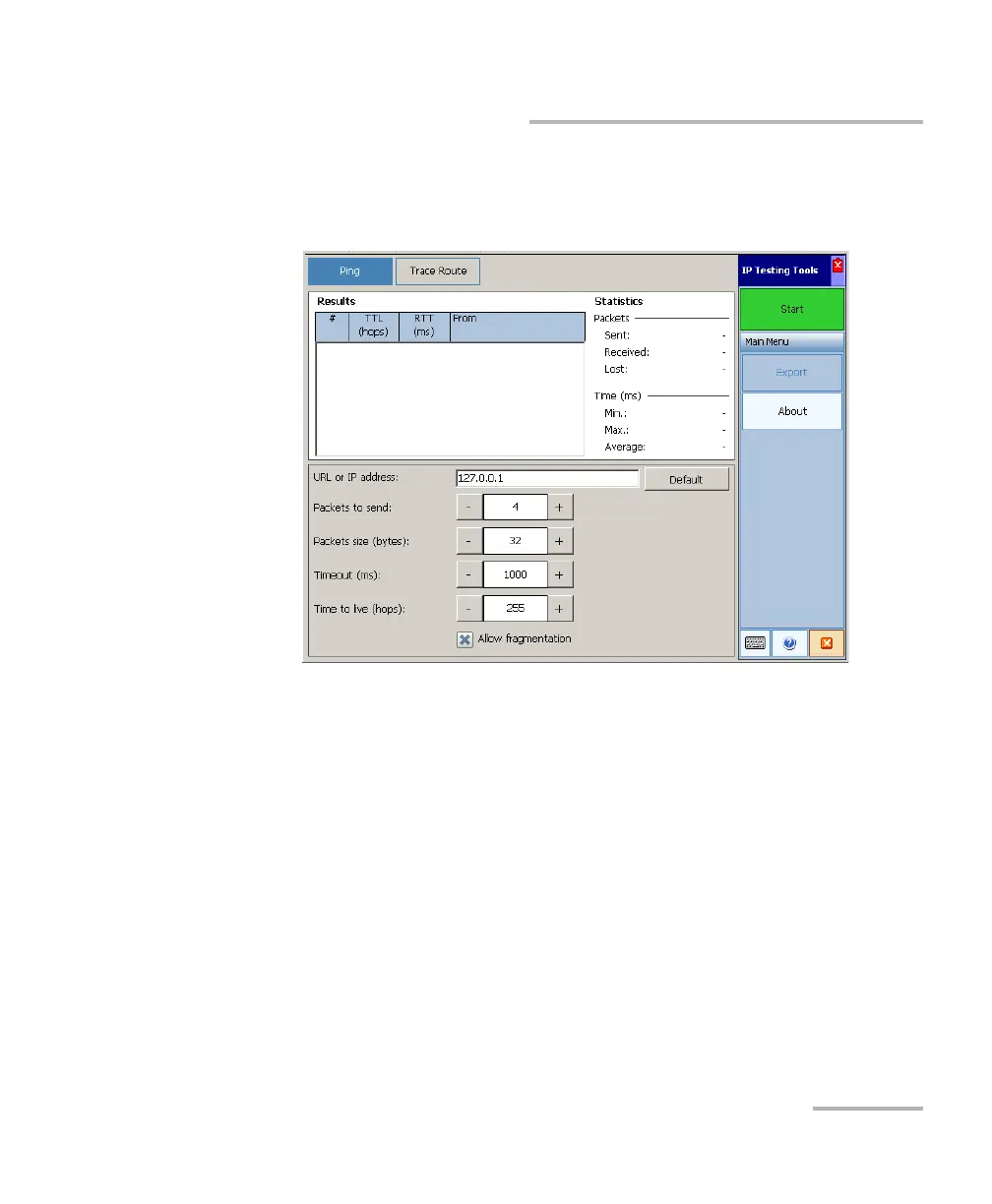
3. Enter a URL or an IP address to reach. You can tap the Default button
to use the unit's default ping address. The default value cannot be
configured.
4. Set the other parameters:
Number of packets to send
Packet size
Timeout limit
TTL limit
Clear the Allow fragmentation check box if you prefer sending
complete packets to the host.
5. Tap the Start button.
You can stop a ping test at any time by tapping the Stop button.












 To Next Page