Troubleshooting
Compact Modular Platform 193
Restoring Your Unit to Normal Operation
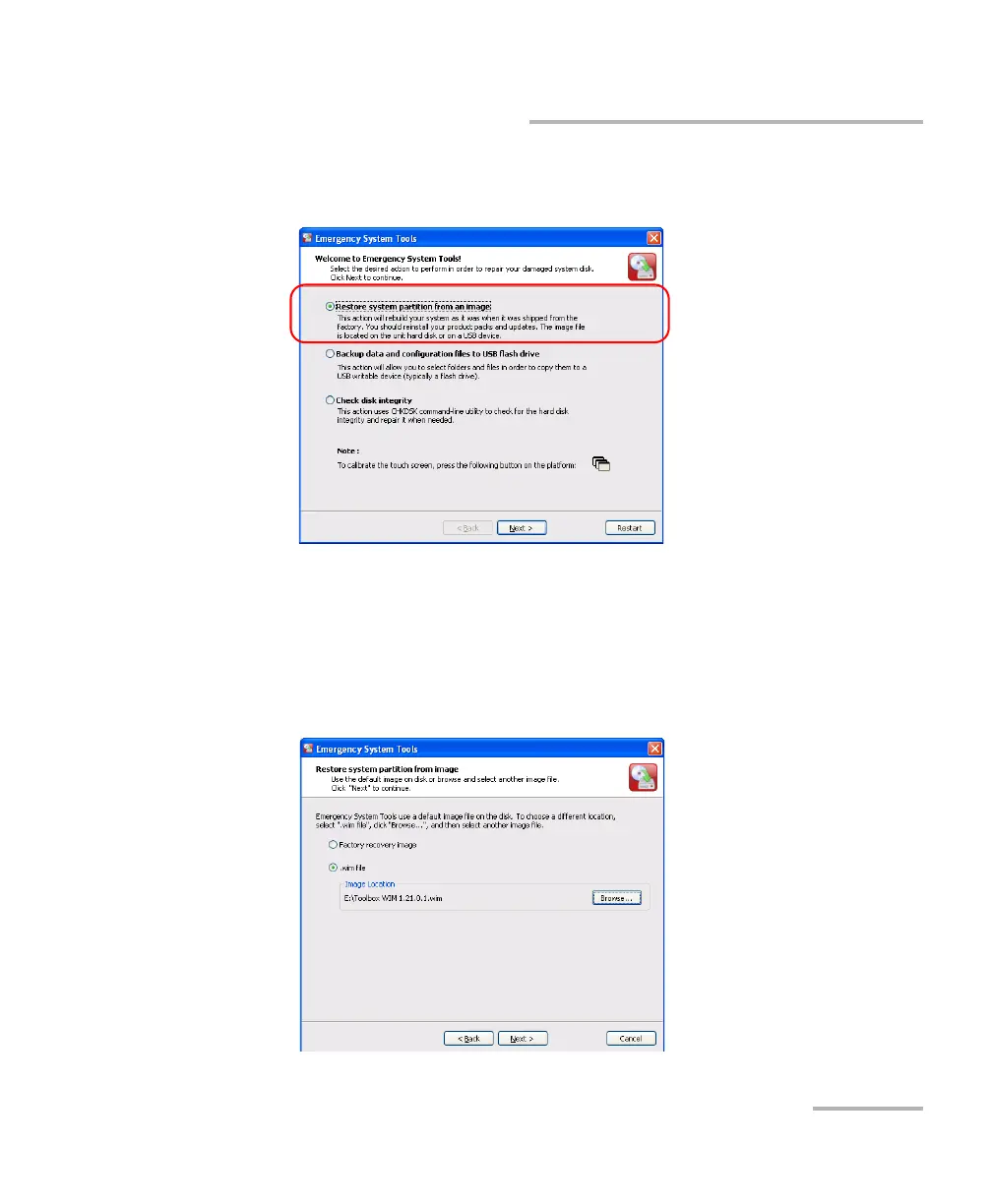
4. From the main window, select Restore system partition from an
image, then tap Next.
5. If you want to revert your unit to its initial state (most cases), select
Factory recovery image.
OR
If you prefer to use an image file (provided by customer service, for
example), select .wim file and use the Browse button to locate the file.












 To Next Page