Troubleshooting
196 FTB-200 v2
Restoring Your Unit to Normal Operation
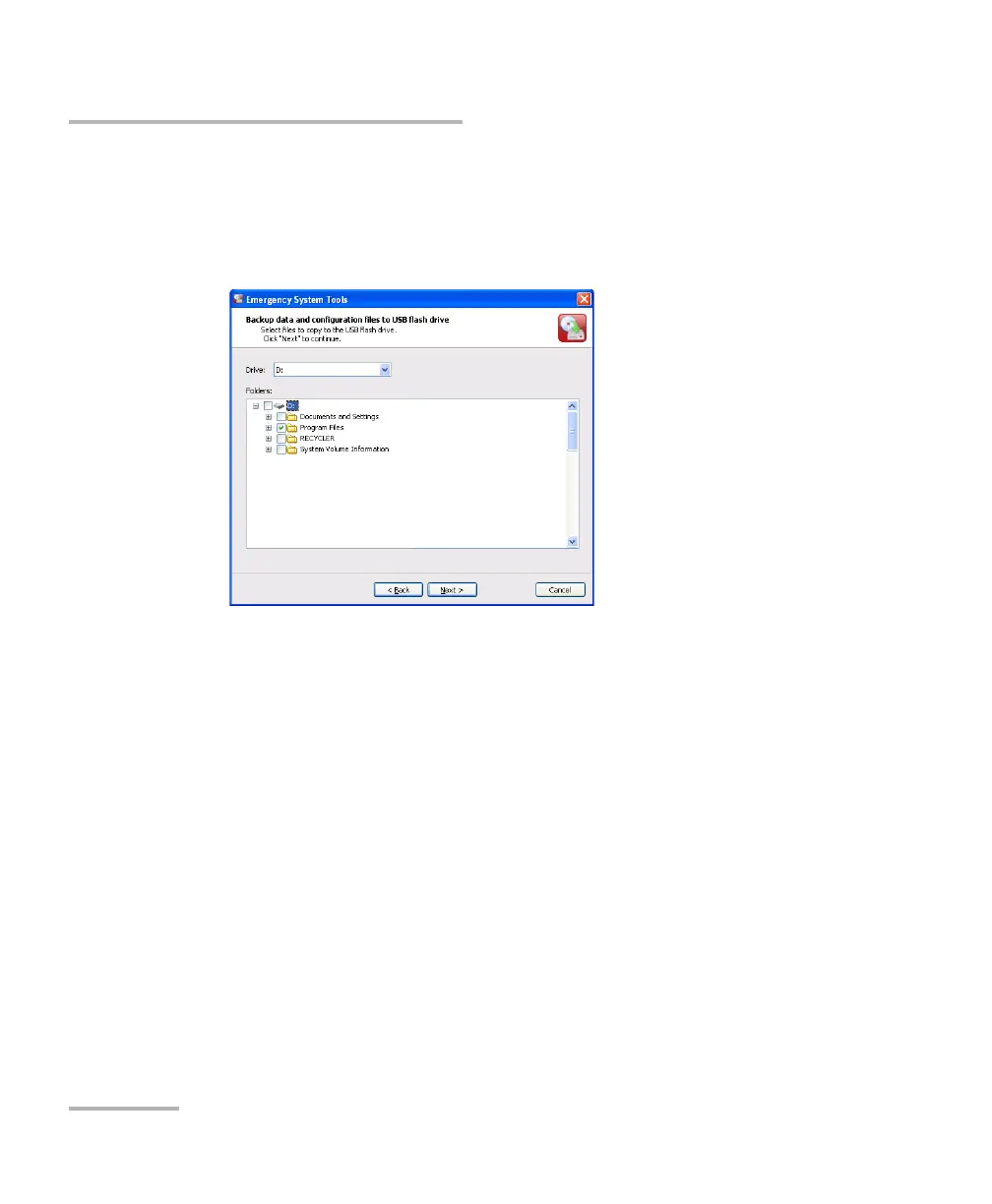
5. Select the files to back up.
A check mark indicates a selection of the entire folder (subfolders and
files). A shaded check box indicates that not all of the files of
subfolders are selected.
6. If the USB device you want to use is not connected to the unit, connect
it now so that the system can find it. Tap Next.












 To Next Page