Getting Started with Your Unit
Compact Modular Platform 23
Inserting and Removing Test Modules
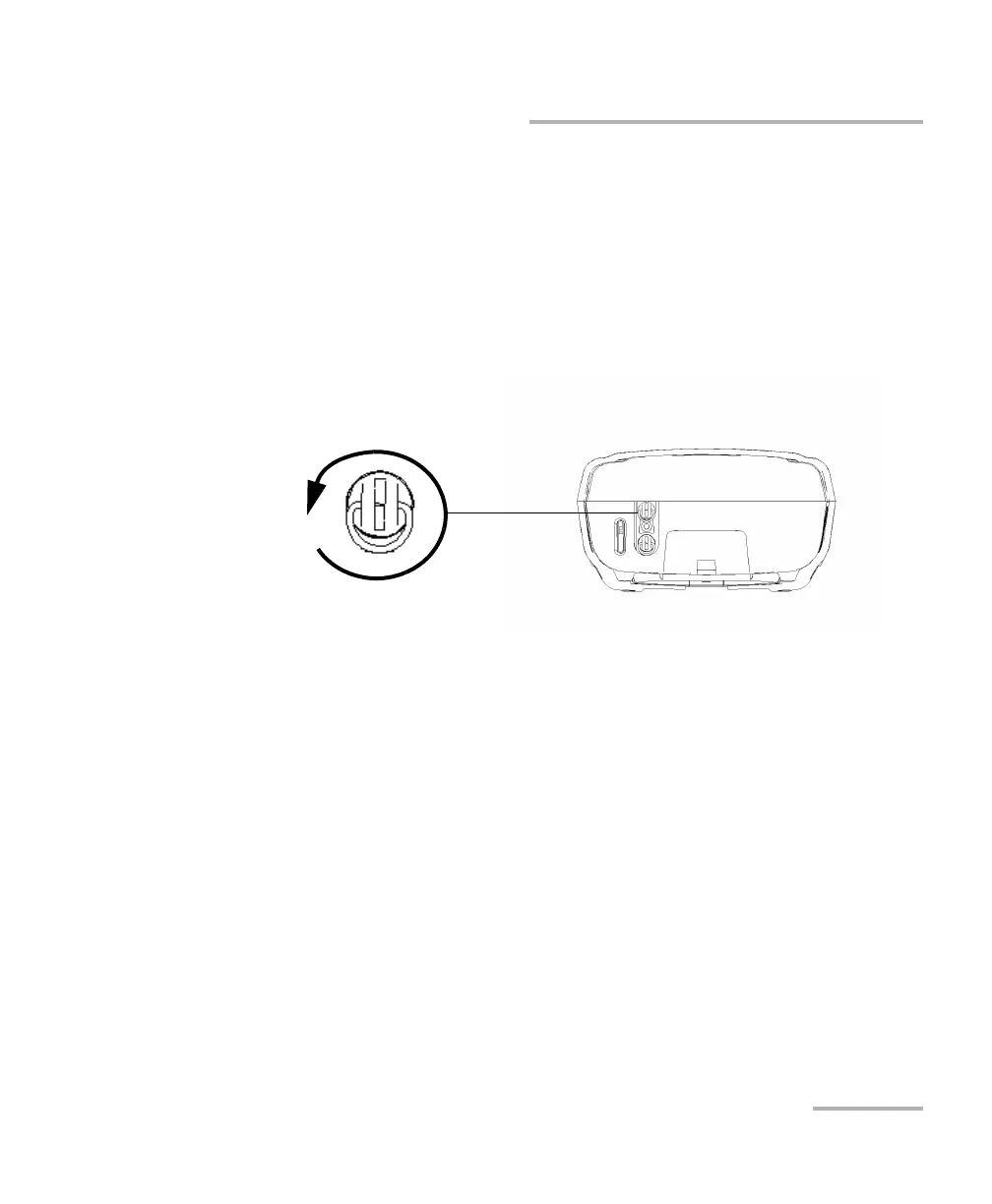
To remove a module from the Compact Modular Platform:
1. Turn off your unit.
2. Position the unit so that the bottom panel is facing you.
3. Lift the mobile part of the retaining screw and use it to turn the
retaining screw counterclockwise until it stops.
The module will be slowly released from the slot.
4. Place the unit so that the top panel is facing you.
Turn retaining screws
counterclockwise
Bottom panel












 To Next Page