Getting Started with Your Unit
30 FTB-200 v2
Turning On or Off the Unit
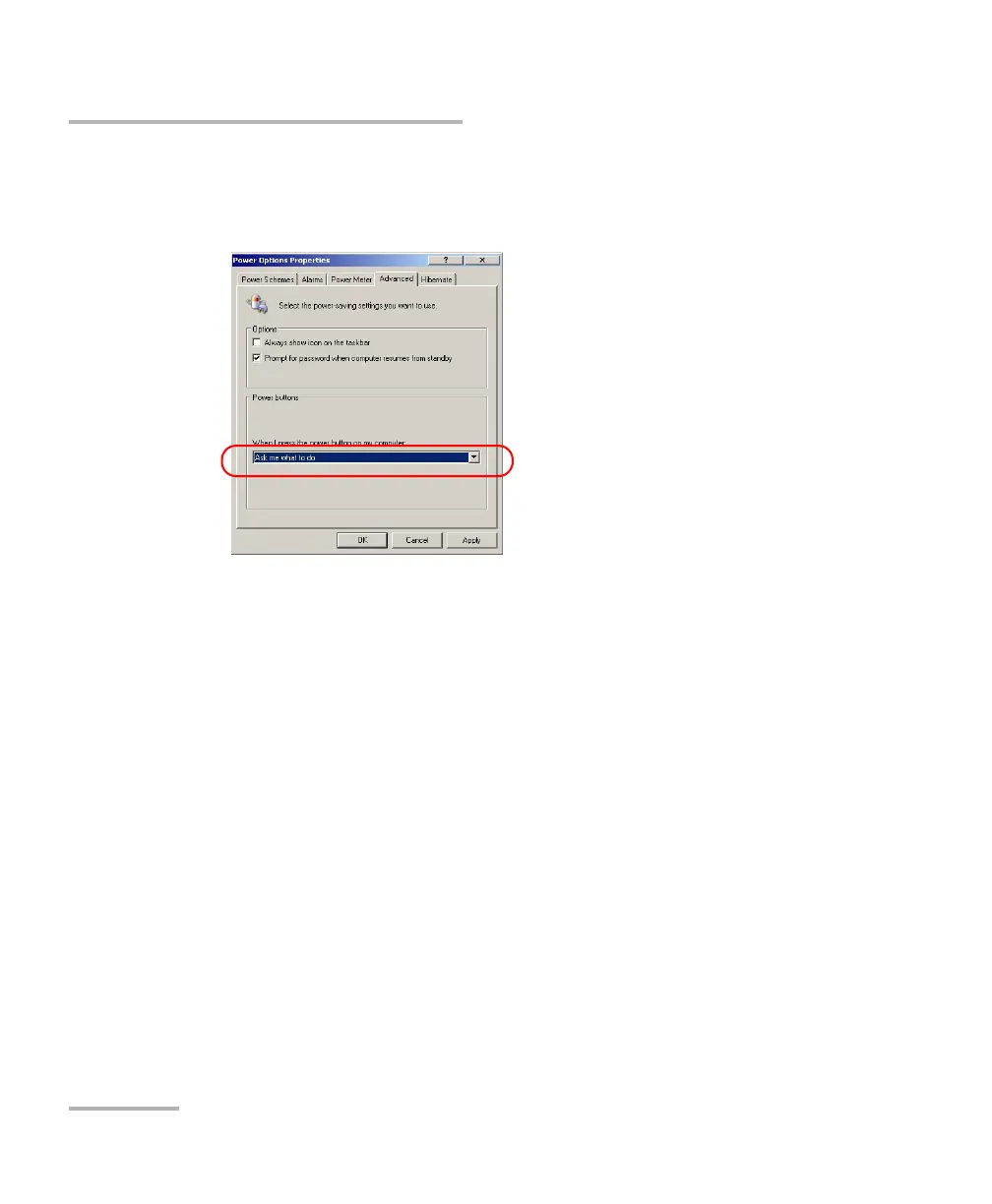
4. From the When I press the power button on my computer list, select
the desired behavior (Ask me what to do option is selected by
default).
5. Tap Apply to confirm the changes, and then OK to return to Control
Panel.












 To Next Page