Getting Started with Your Unit
Compact Modular Platform 41
Activating Software Options
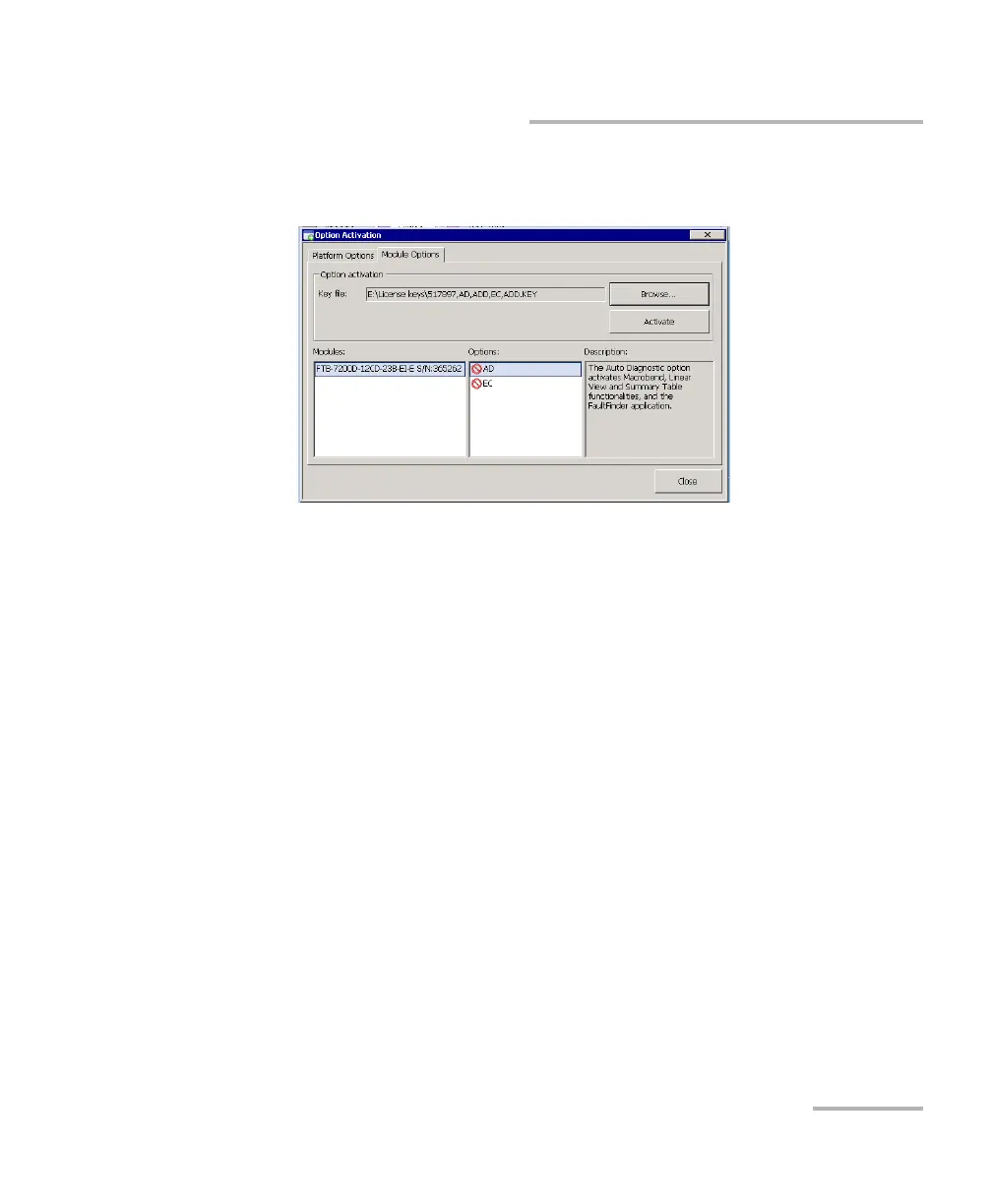
5. In the Module Options tab, use the Browse button to locate the key
file that you want to use.
6. Press Activate.
The option indicator will turn into a green check mark to confirm that
the option is now active.
Note: You can see the supported options for the module in the Options list.
7. Press Close to exit the Option Activation window.
Note: At this point, if you have used a USB key to copy your key file, you can
remove it as it is not required to use your new options.












 To Next Page