Setting Up Your Unit
54 FTB-200 v2
Enabling or Disabling the Touchscreen Right-Click Feature
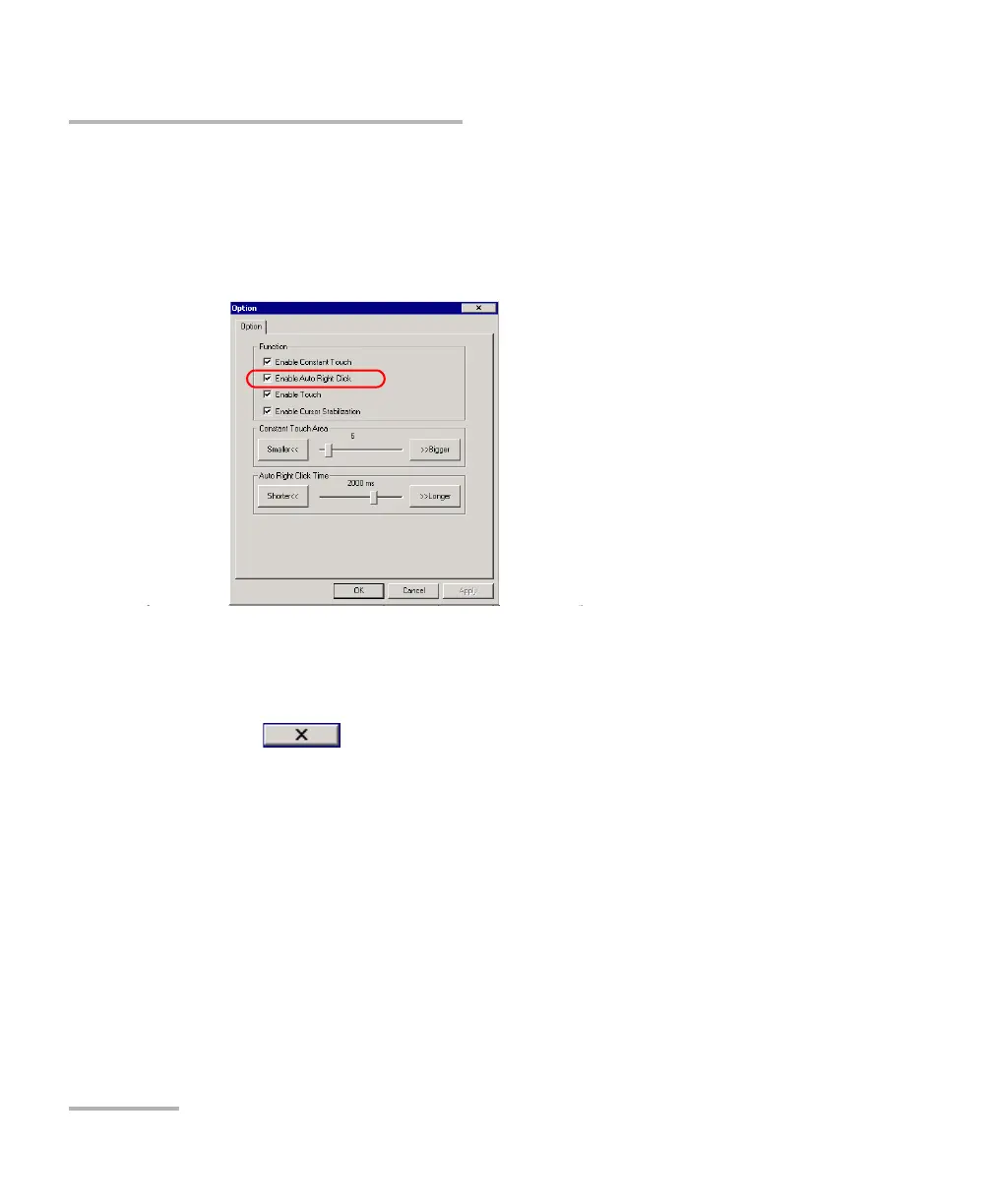
6. From the Option tab, select the Enable Auto Right Click check box to
enable the option.
OR
Clear the check box if you prefer to disable the right-click.
7. Tap Apply to confirm the changes, and then OK to return to the
Control Panel window.
8. Tap OK once again to close the touchscreen parameters window.
9. Tap to close the Touchscreen Calibration window.












 To Next Page