Setting Up Your Unit
58 FTB-200 v2
Enabling or Disabling the Automatic Logon
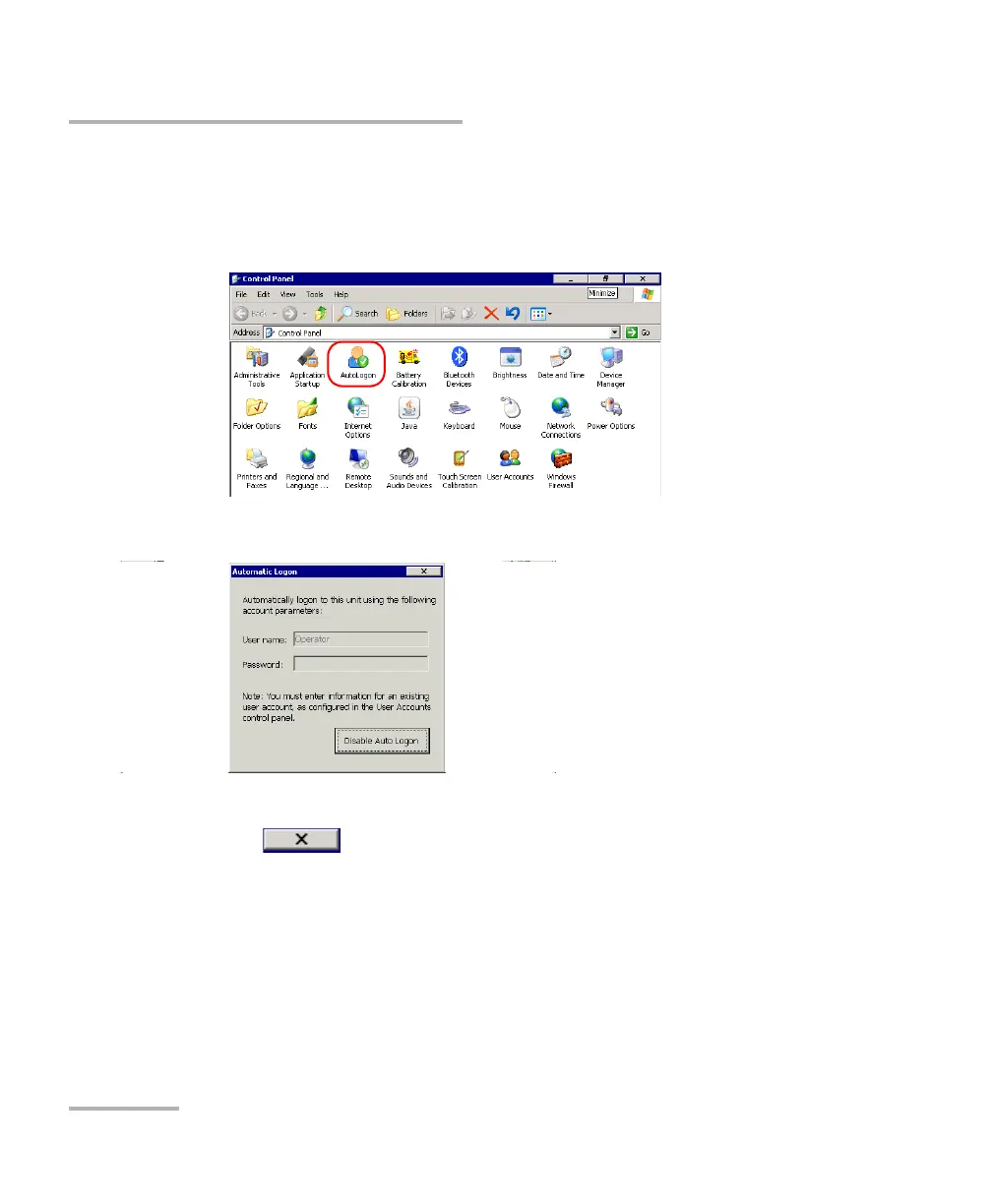
To disable the automatic logon:
1. From the Main Menu, tap Setup.
2. Double-tap AutoLogon.
3. Tap Disable Auto Logon.
4. When the application prompts you, confirm with Yes.
5. Tap to return to the Control Panel window.
At next startup, you will have to specify the user name and password.












 To Next Page