Setting Up Your Unit
80 FTB-200 v2
Configuring the Power Management Options
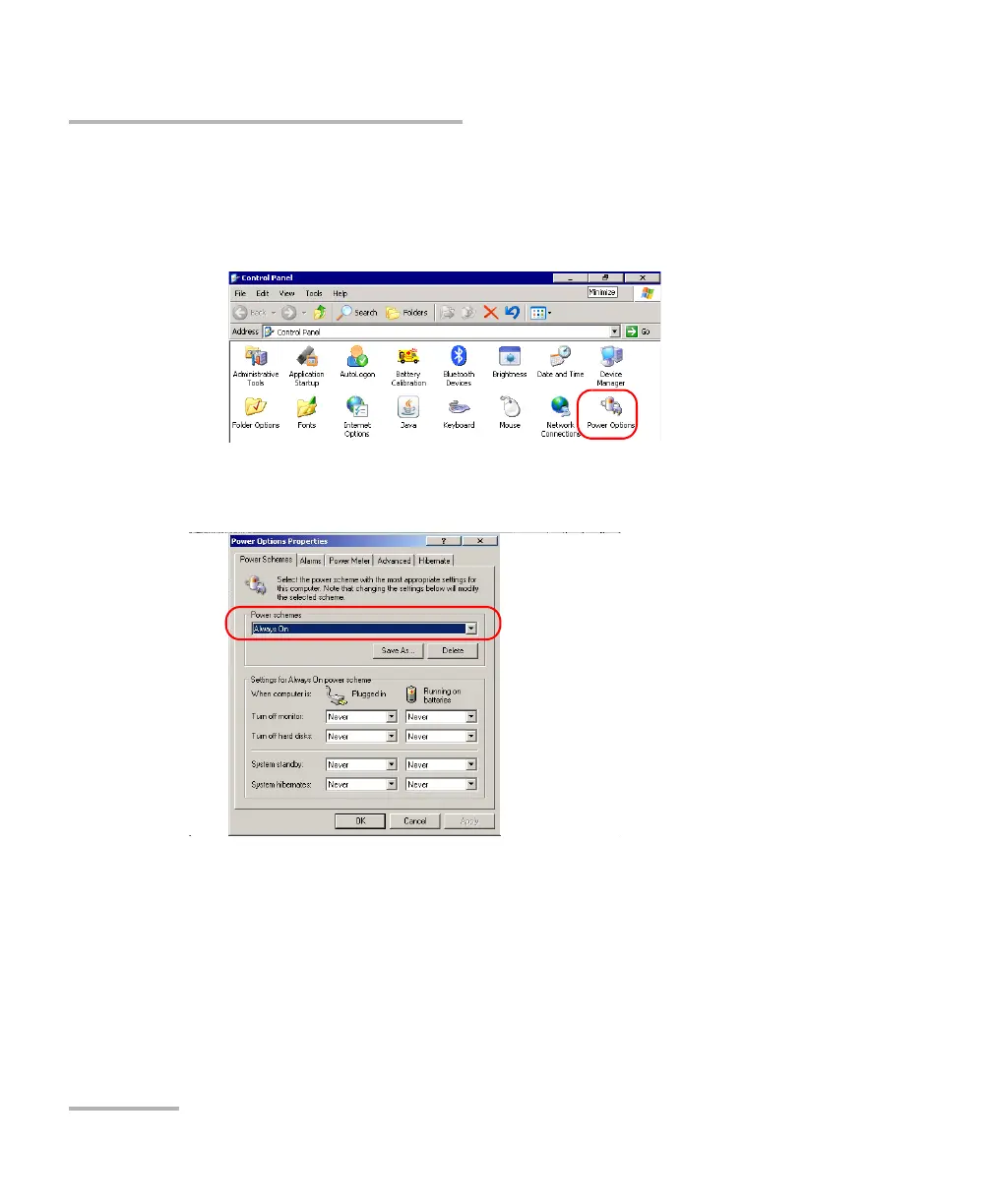
To select a power scheme:
1. From the Main Menu, tap Setup.
2. Double-tap Power Options.
3. From the Power Schemes list, select the desired predefined set of
parameters.
4. Tap Apply to confirm the changes, and then OK to return to the
Control Panel window.












 To Next Page