Working with Your Unit
Compact Modular Platform 85
Printing Documents
5. If necessary, tap Preferences to adjust the parameters to your needs.
Note: If you selected a network printer, you can save the whole set of preferences
for future use with the Save As button or simply press
the unit’s knob to save the parameters for the current work session.
6. Tap Print to start the printing process.
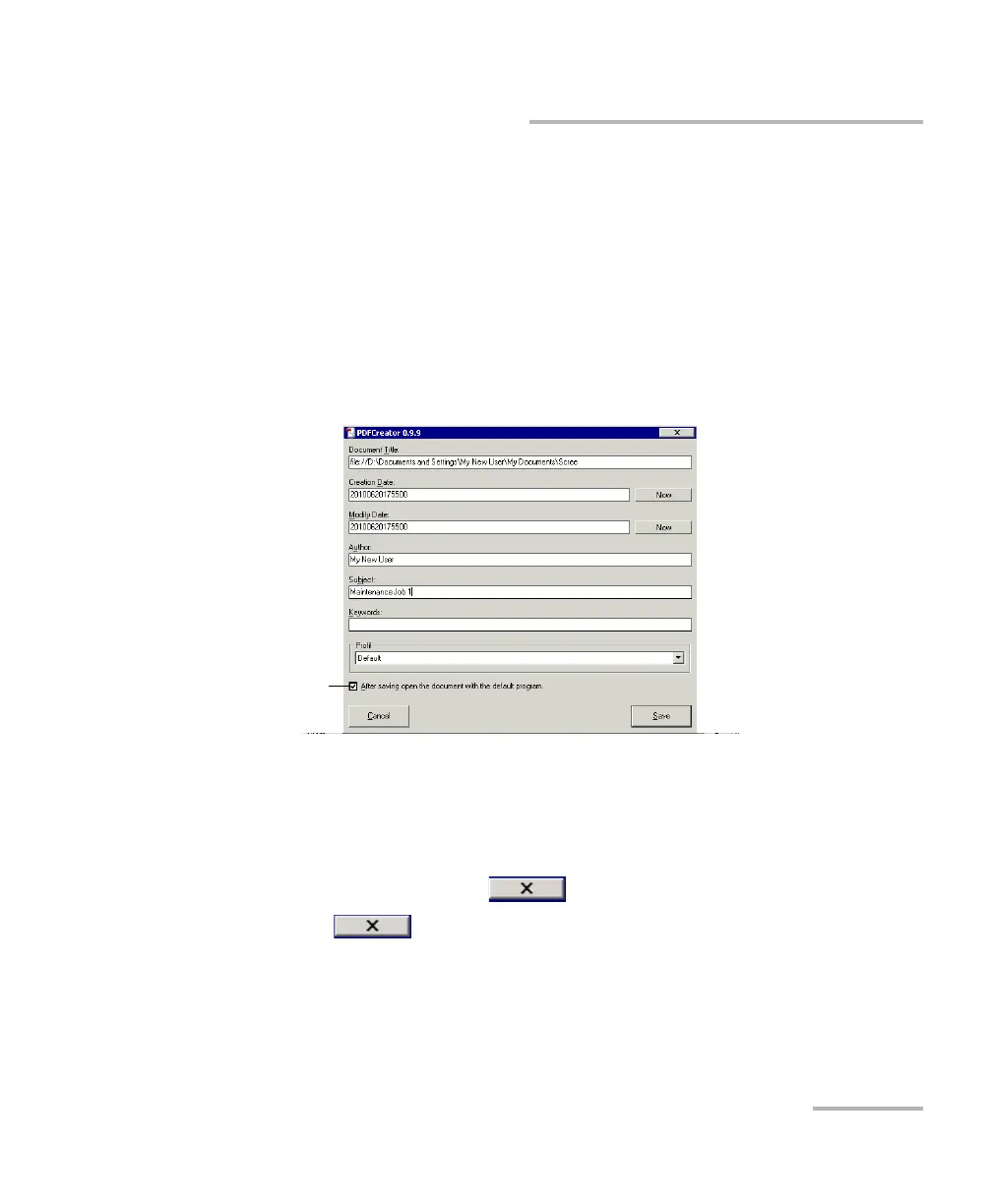
7. If you selected PDFCreator, proceed as follows:
7a. Enter the desired information.
7b. Tap Save.
7c. Specify a location and a file name and tap Save.
If you have selected the option to view the PDF file after its
creation, the SumatraPDF reader will display the new file.
7d. If necessary, tap to close the SumatraPDF window.
8. Tap to close Internet Explorer and return to the Utilities tab.
To view the PDF
file immediately
after its creation












 To Next Page