SAIC Exploranium – GR-135 System Manual page: 65
A negative signal to noise ratio indicates that a peak has been found but is likely the result of
backscatter or a Compton edge. Even if the peak is not highlighted with a red, green, or blue indicator,
the peak info will be displayed.
3.5 VIEWING SEARCH DATA
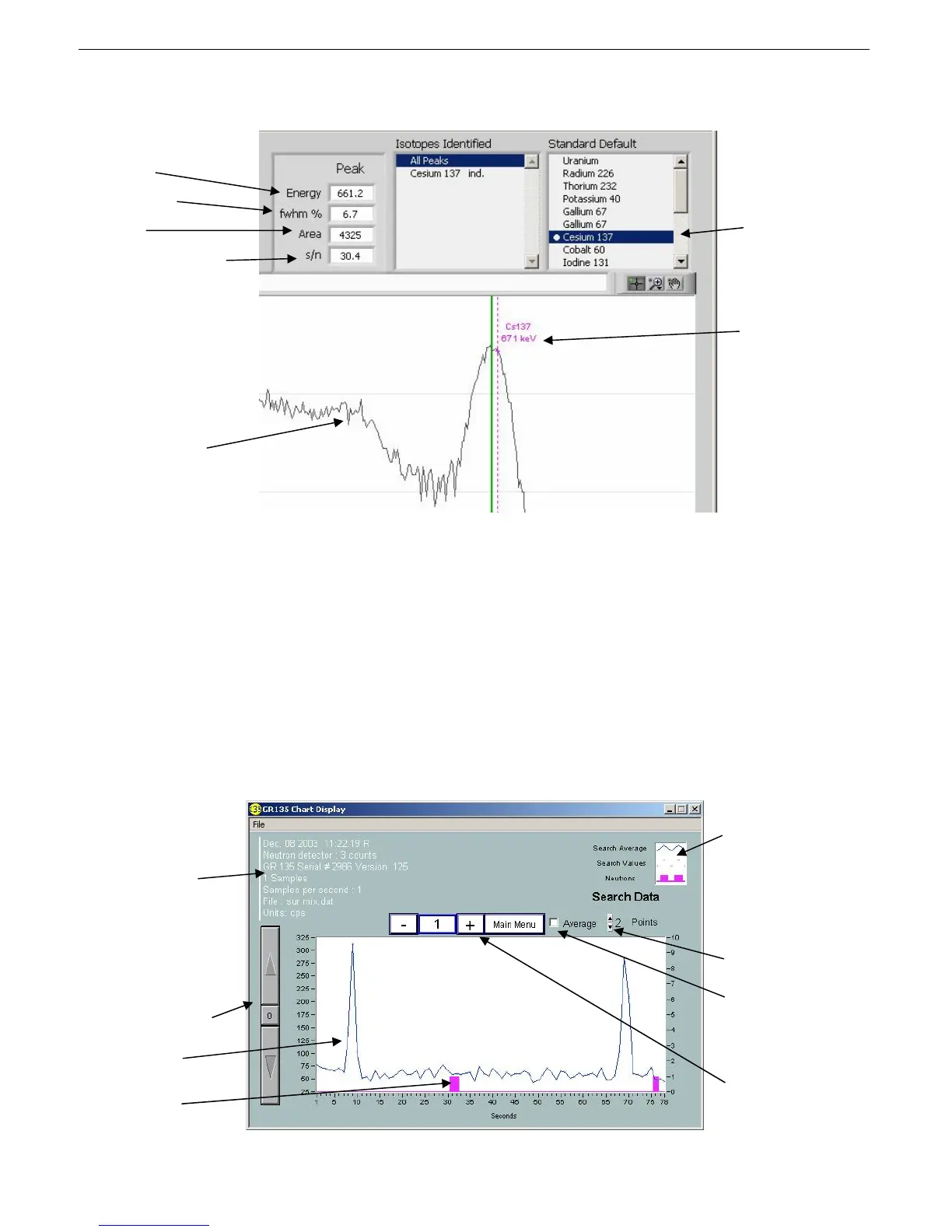
You can views counts per second as a function of time. Click the View Search Data button on the
IdentiView main screen. The Chart display appears.
Identifies the GR-
135 unit, firmware
version, sample
time, and date and
time of the
spectrum. Each
specific has its own
date/time stamp.
Adjust cps scale
Gamma data
Neutron data
Plot Legend (enabled
from Visible items on
the context menu)
gives you various
styles and options for
displaying the
spectra.
Sets the average for
the number of data
points
Averages the search
data
Select spectrum
number using -/+
buttons.
Peak info closest to the
cursor
Resolution
Size
Signal to noise ratio
Compton edge
Active Indicator
Cursor energy



 To Next Page