2.5 1 Selecting a Hydrometer String
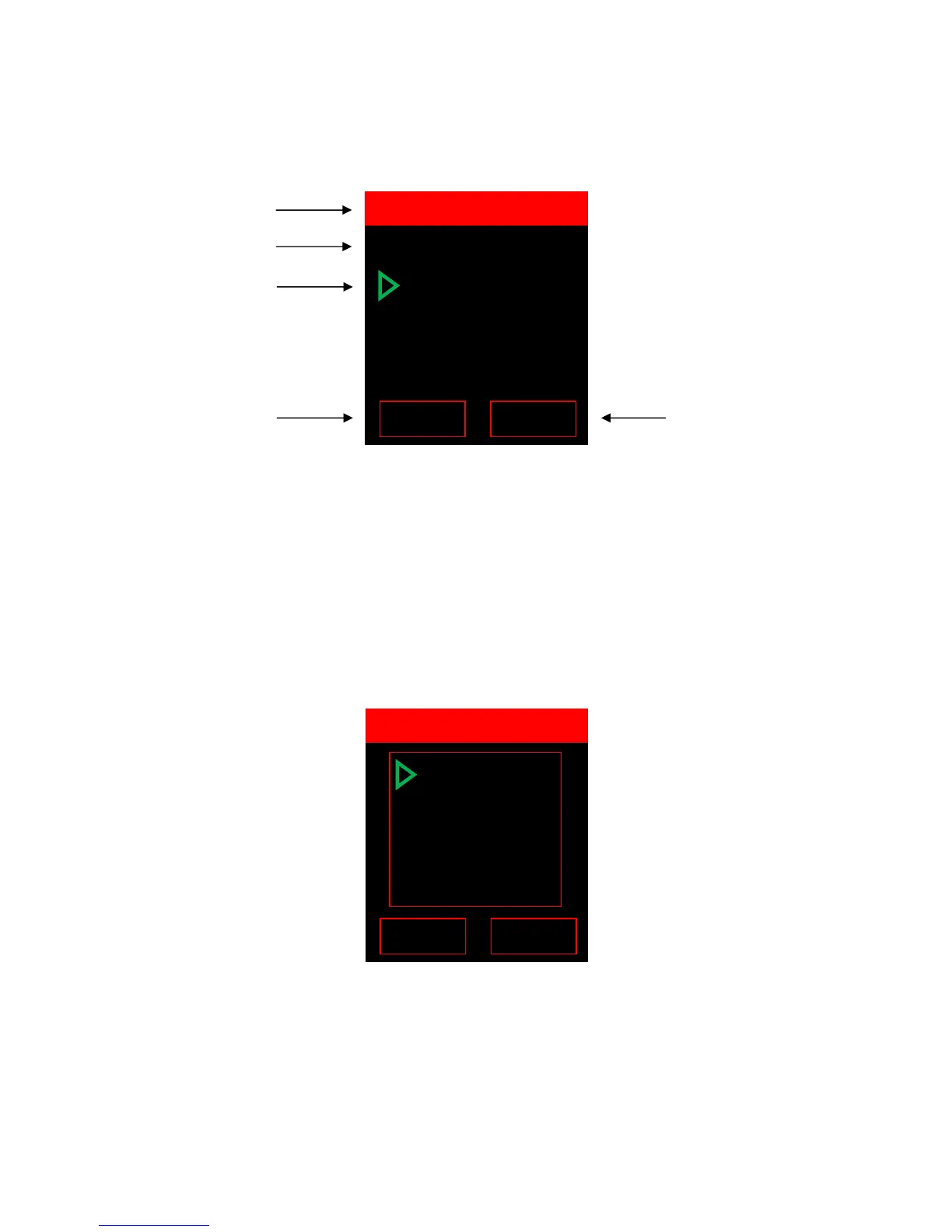
Use the “UP” & “DOWN” keys to highlight the required string then push the right soft key (below
“ENTER”) to select/open the string.
Readings highlighted in
blue indicate they are below the low threshold level. Readings highlighted in
red
show they are above the high threshold level. Threshold levels for both specific gravity are optional
and editable.
To scroll through all hydrometer readings in String A, use the “UP” and “DOWN” keys.
2.5.1 HYD Sub-Menu
To enter the VDC sub-menu press the right soft key (below “MENU”).
Selecting VDC Sub-Menu Options:
Use the “UP” & “DOWN” keys to highlight the appropriate option then push the right soft key (below
“ENTER”) to select that option.
02/08/12 13:50
001 1.113 072.5
002
1.217 082.5
003 1.223 072.5
004 1.213
062.5
005
1.273 072.5
Date and time last
reading was taken
Currently selected
reading (001)
Press the left soft key to
return to the “SELECT HYD
STRING”.
Press the right soft key to
initiate the sub-menu for
HYD String A.
Upload NEW
Statistics
Graph
Limits
-> Flash USB
-> Print IRDA
Delete String



 To Next Page