2.4 VDC Mode
To select VDC Mode, from the “Main Menu” use the up/down keys to highlight “VDC Mode” then
push the right soft key (below “ENTER”) to select.
Select the “VDC MODE” to view, analyze, export to USB flash drive, print via IRDA, edit or add to stored
DC cell voltages.
The DLV50 stores up to 8 strings of 256 readings stored in strings A through H.
Once “VDC Mode” is selected the user then selects which string (A through H) to open. Each string is
displayed together with the number of contained readings and the date the last reading was taken.
2.4.1 Selecting a Voltage String
Use the “UP” & “DOWN” keys to highlight the required string then push the right soft key (below
“ENTER”) to select/open the string.
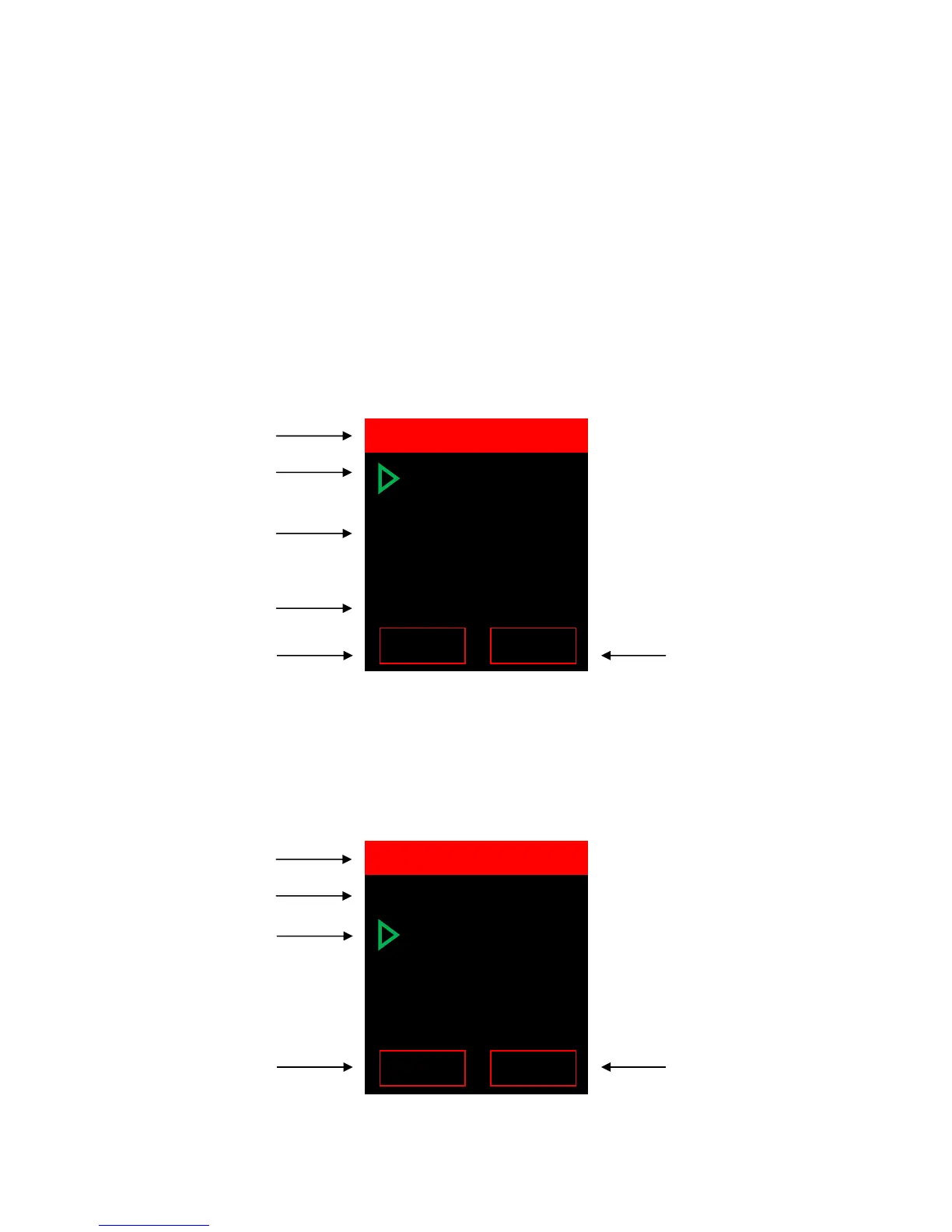
A 048 02/08/12
B 000 --/--/--
C 000 --/--/--
D 000 --/--/--
E 000 --/--/--
F 000 --/--/--
G 000 --/--/--
H 048 02/08/12
String A (48 readings, last
String H (48 readings, last
readings taken 2/8/12)
Press left soft key to return
to the “Main Menu”.
Press right soft key to
select highlighted string.
02/08/12 14:50
001 +2.023 VDC
002 +2.227 VDC
003 +2.237 VDC
004
+2.423 VDC
005 +2.223 VDC
Date and time last
Current menu
Currently selected
reading (001)
Press the left soft key to
return to the “SELECT VDC
STRING”.
Press the right soft key to
initiate the sub-menu for
VDC String A.



 To Next Page