5.0 Taking DC Cell Voltage Measurements
5.1 Measuring DC Cell Voltages
Cell voltage measurements are taken in a similar fashion to traditional voltmeter.
(i) Turn the DLV50 ON.
(ii) Select “VDC Mode”.
(iii) Select required string (A through H)
(iv) Press “Menu” then select “Add/Delete”.
The DLV50 is designed to measure absolute DC cell voltages between 0.1 VDC and 19.999 VDC
Attempts to measure higher DC voltages will result in an “OVERVOLTAGE!!!” warning.
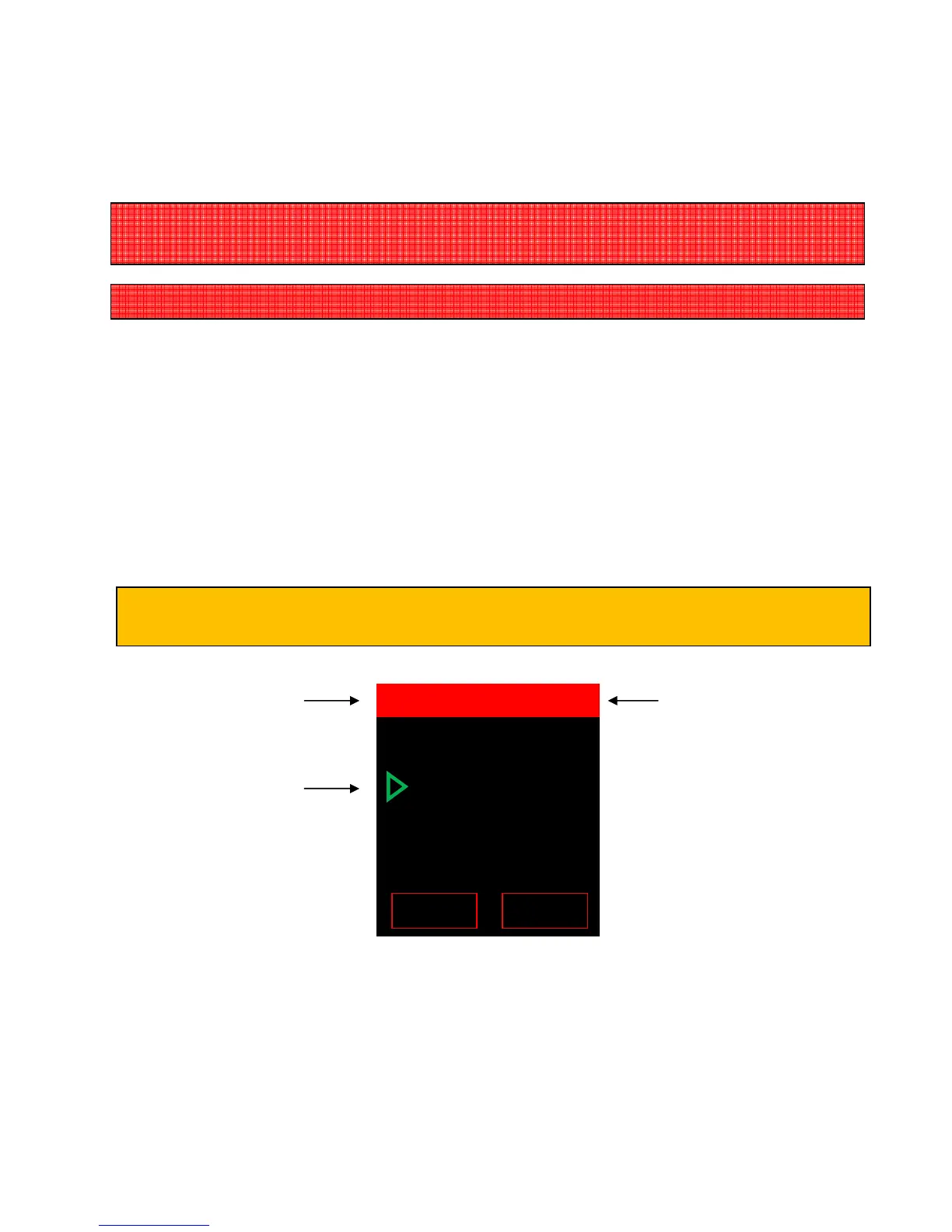
Sum of cell voltages
(102.3VDC) for the
Current string (A) and
number of readings
(48).
Selected reading (048)
If the selected string already contains voltage reading, the DLV50 will automatically “point” to the
last reading location.
048 +2.023 VDC
047 +2.227 VDC
046 +2.237 VDC
045
+2.423 VDC
044 +2.223 VDC



 To Next Page