PQ3470-en-GB_V1.9 10/15
11
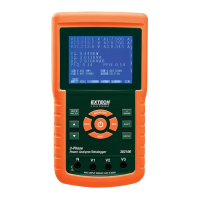
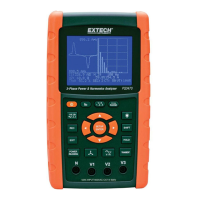
4.3 Keypad Summary
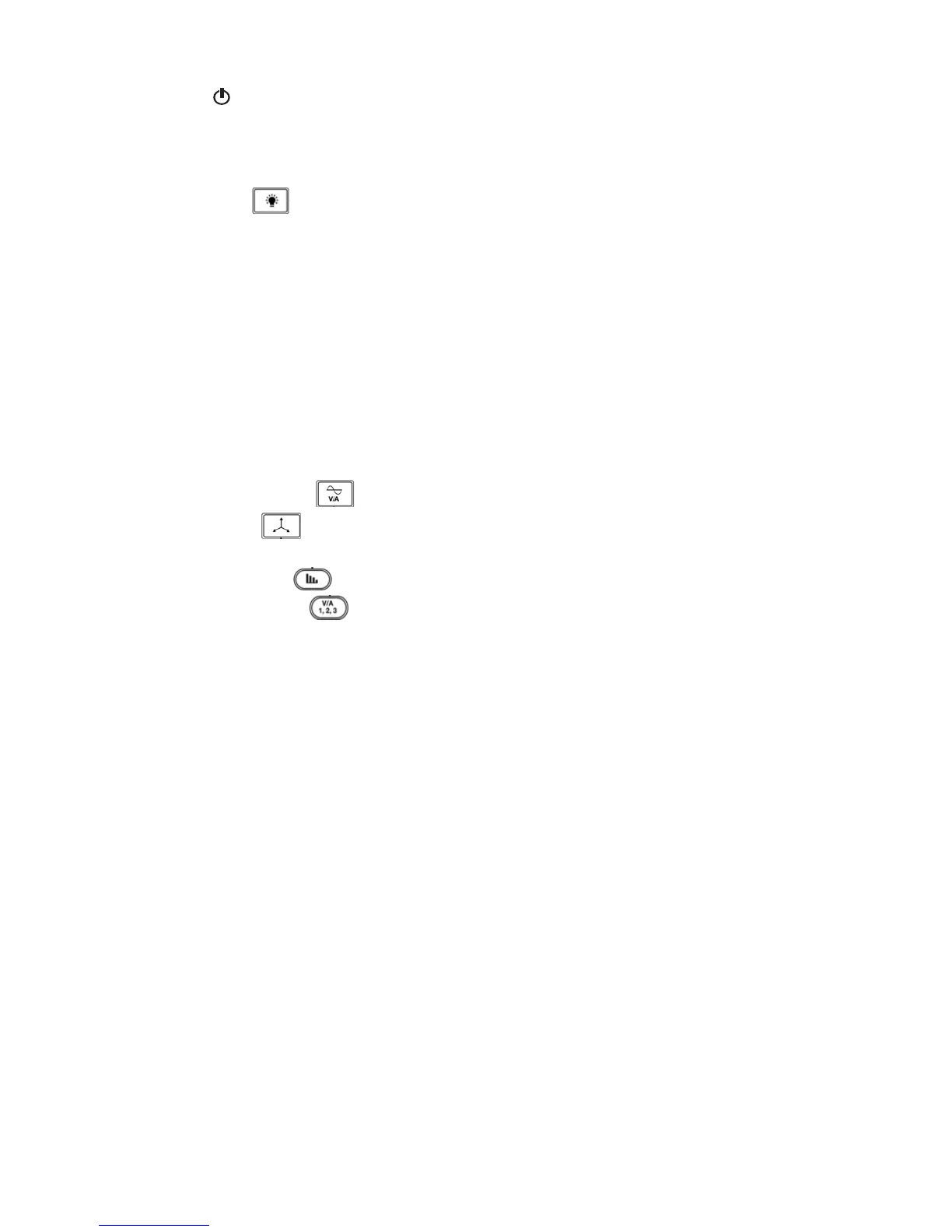
POWER : Press and hold to power ON/OFF
1Φ 3Φ (phase/wire) : Select (1P/2W, 1P/3W, 3P/3W, 3P/4W) measurement functions
REC : Data record key for the SD Memory Card
HOLD: Freeze the displayed reading
BACKLIGHT
: Switch LCD backlight ON/OFF
SETUP/ENTER : Enter the Setup mode. Also used as an Enter key to confirm entries
EXIT : Exit a screen when programming
SHIFT: Programming key for use in the Setup Mode
Up arrow ▲ : Generally, press to move the cursor up or to change a parameter value, however
use varies with each particular function
Down arrow ▼ : Generally, press to move the cursor down or to change a parameter value,
however use varies with each particular function
Left arrow ◄: Use varies according to a particular function
Right arrow ►: Use varies according to a particular function
Volt/Amp Range
: Select a range for voltage or current harmonic measurements
Transient
display : Capture transient measurements
V/A Waveform
display : View waveform representations of voltage and current
Phase
diagram : View measurements in vector display format
Power Reading
: Display power measurements
Harmonics
display : Display Harmonics
Harmonics Analysis
: View the Harmonics analysis


 To Next Page