PQ3470-en-GB_V1.9 10/15
10
4.0 Meter Basics and Setup Mode
4-1 Initialization Screen
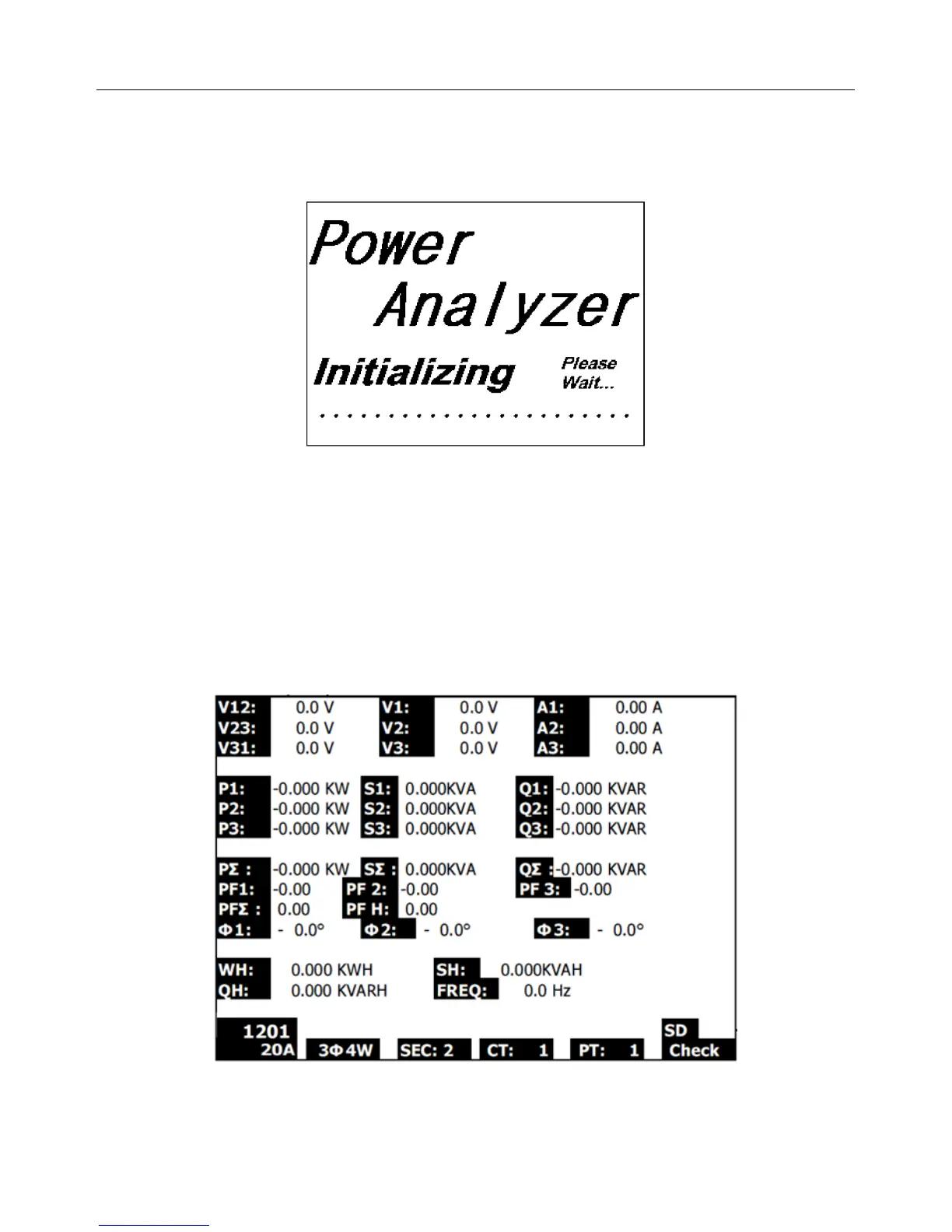
1. When the meter is switched ON the initialization screen appears (see Fig. 4-1 below).
Figure 4-1: Start-up Initialization Screen
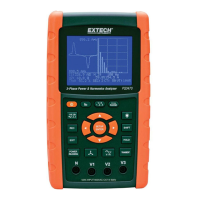
2. The meter will also check for an inserted SD memory card. ‘SD check’ will appear on the lower
right side of the display. If an SD card is inserted, the blinking display will switch off after several
seconds. When no card is inserted the display will show ‘No disk’.
4-2 Measurement Screens
After the initialization screen, the meter then displays one of the measurement screen
configurations. The meter reverts to the screen that was displayed at the last power down and may
not be the screen shown below. Other screen configurations are shown later in this User Guide.
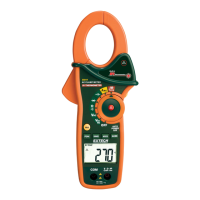
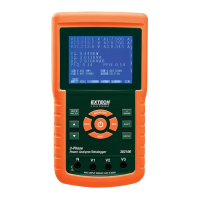
Measurement Screen Example


 To Next Page