PQ3470-en-GB_V1.9 10/15
16
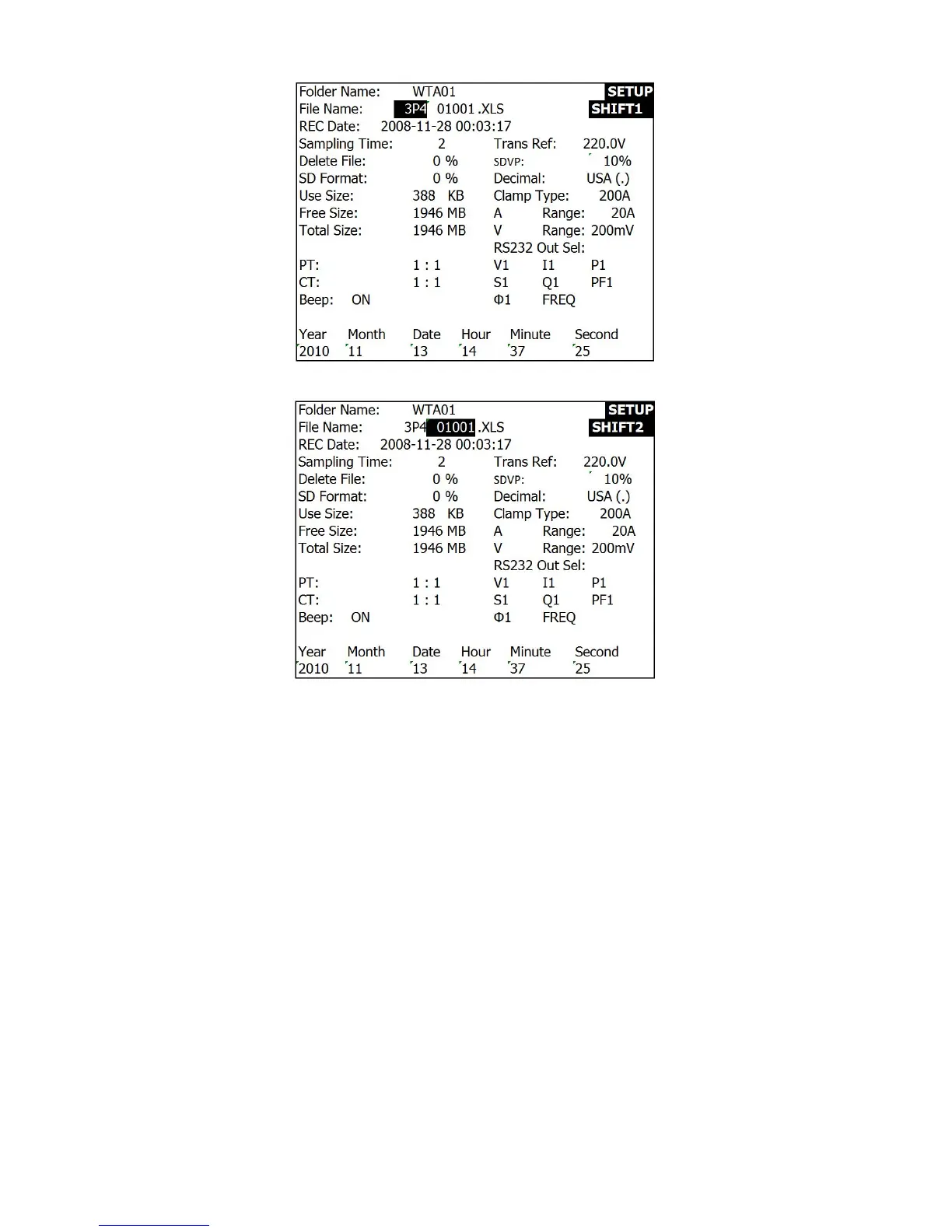
File Name (Screen 3)
File Name (Screen 4)
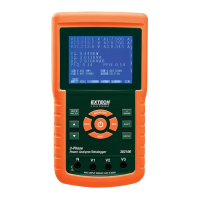
4.5.3 Set the Sampling Time (datalogging rate) for recording onto the SD Memory Card
1. In the Setup Mode, use the up and down arrow keys to scroll to the SAMPLING TIME field.
2. Press the SHIFT key and the symbol "SHIFT1" will switch ON.
3. Use the arrow keys to adjust the sampling time; the range is 2 to 7200 seconds.
4. Press the SHIFT key again to return to Setup Mode editing.


 To Next Page