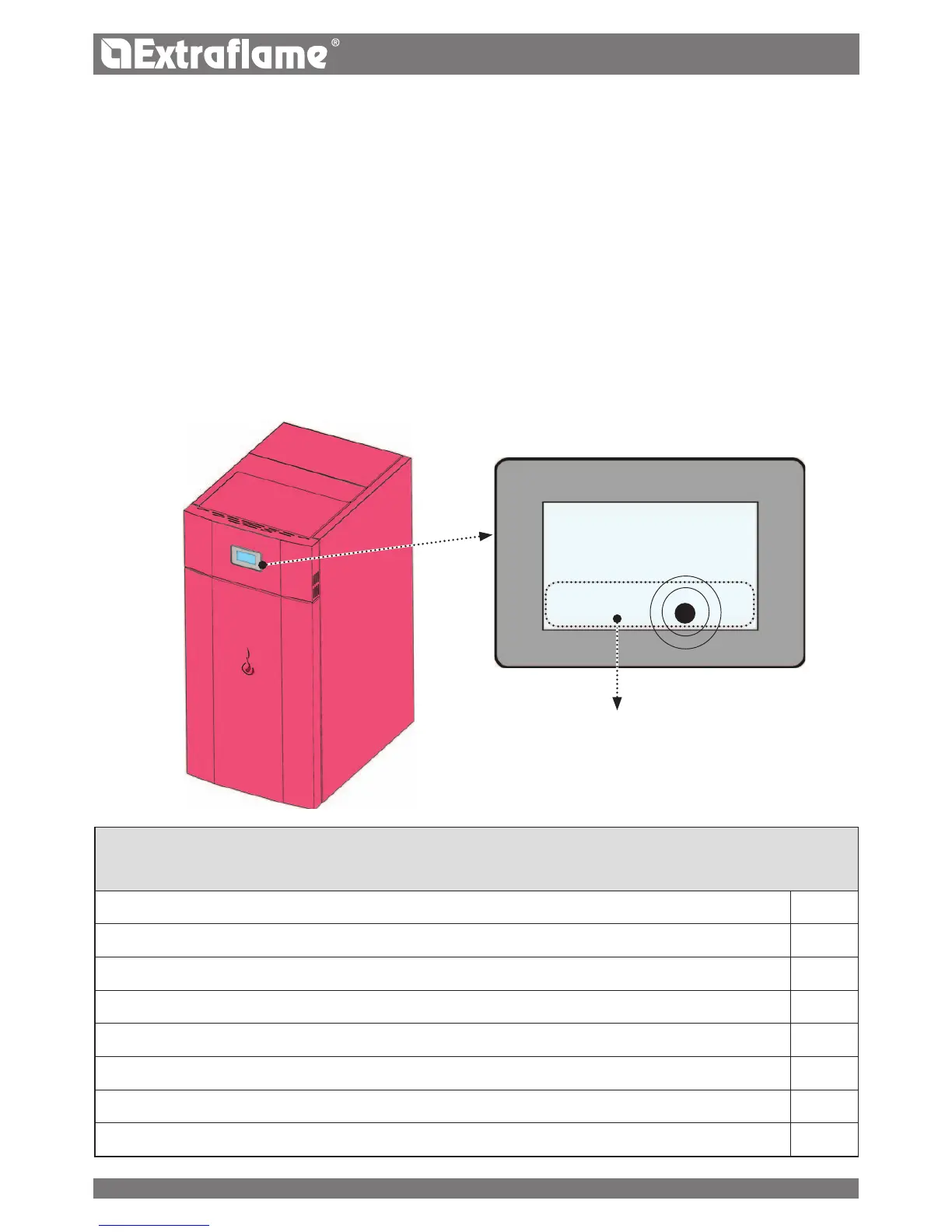
TOUCH SCREEN DISPLAY
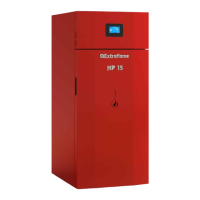
The boiler is equipped with a modern touch-screen display that allows the adjustment of the individual device functions in an easy and
intuitive way to the user.
All adjustments and settings depicted in the screens can be performed directly via the integrated touch-screen display.
Tapping the buttons (icons) on the display surface the dierent actions are activated. The surface of the touch-screen display reacts with the
touch of a nger.
WARNING
� Do not use protective lms, this may cause the malfunction of the display
� Do not put the touch screen to direct or indirect contact with the water. The touch screen display may malfunction in humid conditions
or when exposed to water.
� To avoid damaging the touch-screen display, it should not be touched with sharp objects and too much pressure must be exerted with
your ngers.
TOUCH SENSITIVE PART.
The manufacTurer has an addiTional card opTion ThaT allows The boiler, The following addiTional
funcTions in sysTem managemenT. The Table below shows The various possibiliTies which The opTional can
offer.
Management of domestic water accumulation
P
Puer management
P
3 heating areas
P
Option of instant domestic water
P
Management puer pump or 4th heating area
P
Anti-Legionnaires' disease management for domestic water accumulation
P
Chrono domestic water management accumulation
P
Auxiliary output management and control
P
L
14


 To Next Page