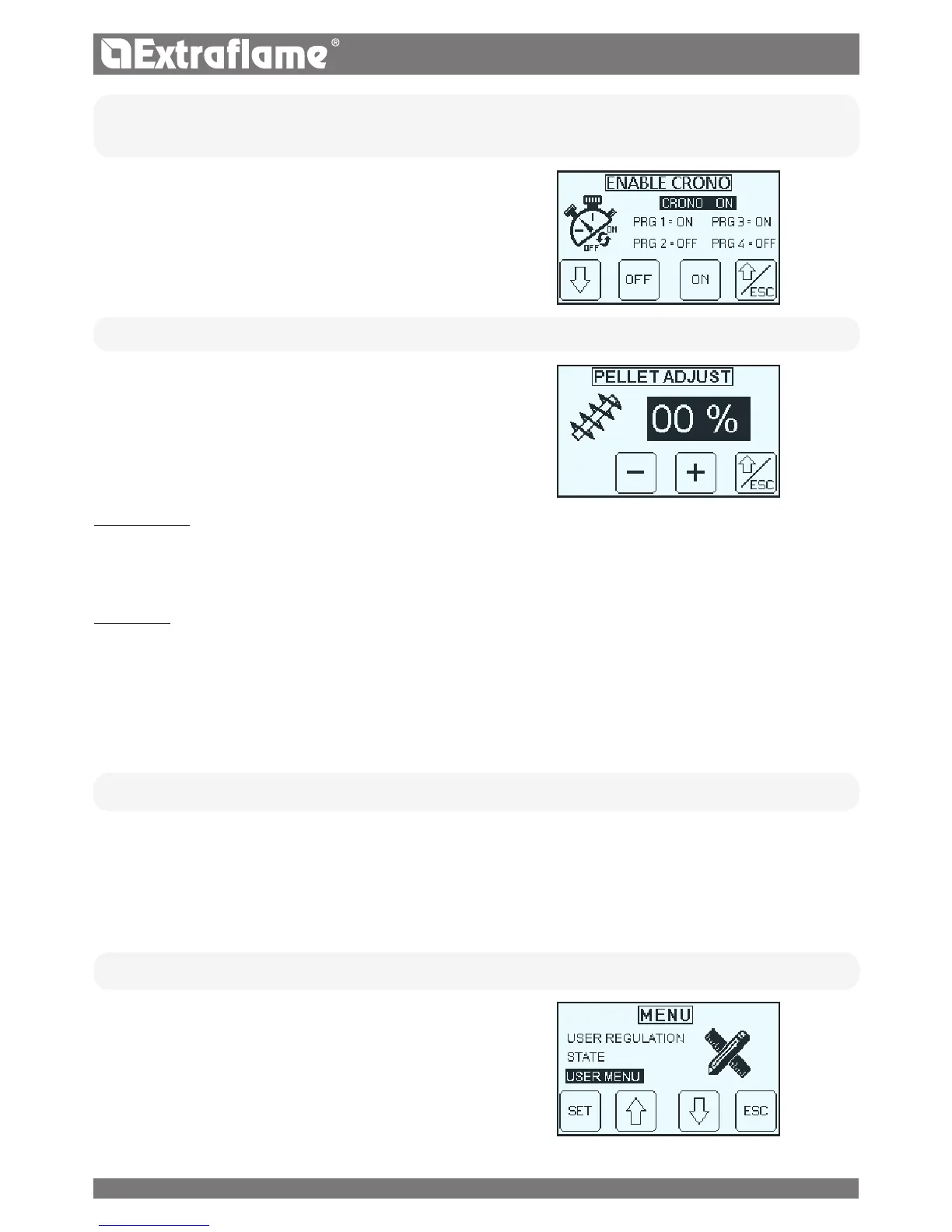
• ENABLE CHRONO
It allows to enable/disable the chrono and the various time slots of the boiler.
• PELLET REGULATION
The following menu allows to adjust the percentage of pellet feed.
If the generator has operating problems due to the quantity of pellets,
you can adjust the pellet load directly from the control panel.
Problems related to fuel quantity can be divided into 2 categories:
FUEL SHORTAGE:
� the generator never manages to develop an adequate ame, tending to remain very low even at high power.
� at minimum power the generator tends to almost switch-o taking the generator into “NO PELLETS” alarm.
� when the generator displays the alarm for “
NO PELLETS
” there may be non-burnt pellet inside he brazier.
EXCESS FUEL:
� the
generator
develops a very high ame even at low power.
� the panoramic glass tends to get very dirty, almost completely darkening it.
� the burn pot tends to become encrusted, blocking the holes for air intake due to the excessive pellet feed, as it is only burned partially.
The adjustment to be performed is in percentage. Therefore a modication of this parameter will lead to a proportional variation of all
generator
feeding speeds.
Feeding is from -30% to +20%.
STATUS
References reserved to the technician
USER MENU
The USER MENU allows you to:
� Set date and time (See chapter before ignition)
� Set the programming CHRONO
� Set the LANGUAGE
� Set the DISPLAY
� Use the RESET
21


 To Next Page