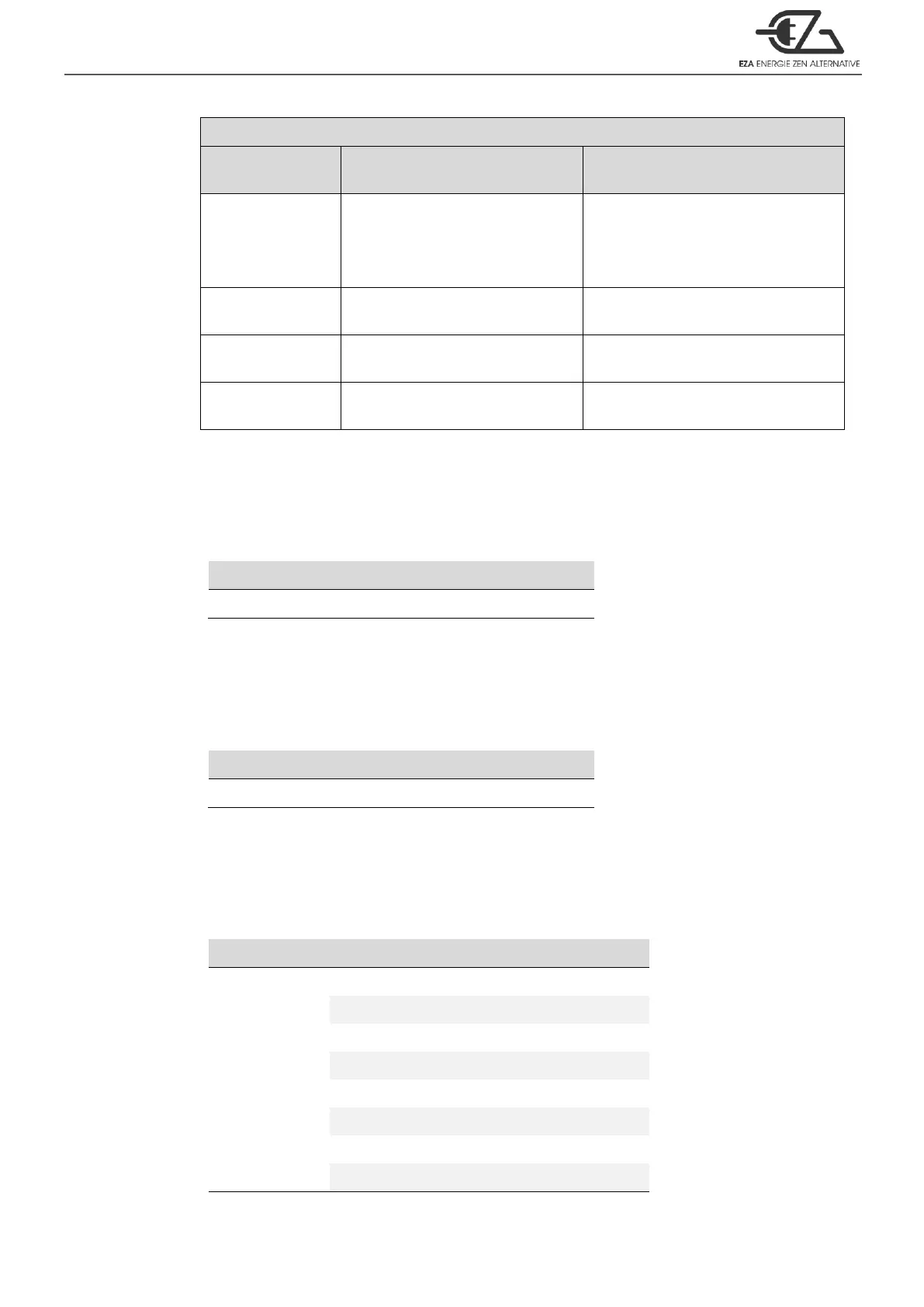
Inverter to utility AC: 8~10ms.;
Utility AC to inverter: 16~50ms.
Frequency is synchronized: < 4ms.;
Frequency is not synchronized:
Inverter to utility AC: < 4ms.;
Utility AC to inverter: 16~50ms.
Inverter to utility AC: 8~10ms.;
Utility AC to inverter: 16~25ms.
Inverter to utility AC: 8~10ms.;
Utility AC to inverter: 16~50ms.
Inverter to utility AC: < 4ms.;
Utility AC to inverter: 16~50ms.
Inverter to utility AC: 8~10ms.;
Utility AC to inverter: 16~25ms.
Table 40. ECB series transfer time
15. LCD contrast <FUNC14>:Sets the LCD screen contrast.
Default = 50%
Setting range = 0% ~ 100%
Table 41. LCD contrast <FUNC14>
16. LCD Auto-off <FUNC15>:Sets the LCD screen backlight auto off timer.
Default = 120 seconds
Setting range = 0 ~ 120 seconds.
Table 42. LCD Auto-off <FUNC15>
17. Buzzer setting <FUNC16>:Set the LCD remote control for the buzzer sound
Default = MSG, Alert, SHDN
Setting range = 0~7
Table 43. Buzzer setting <FUNC16>



 To Next Page