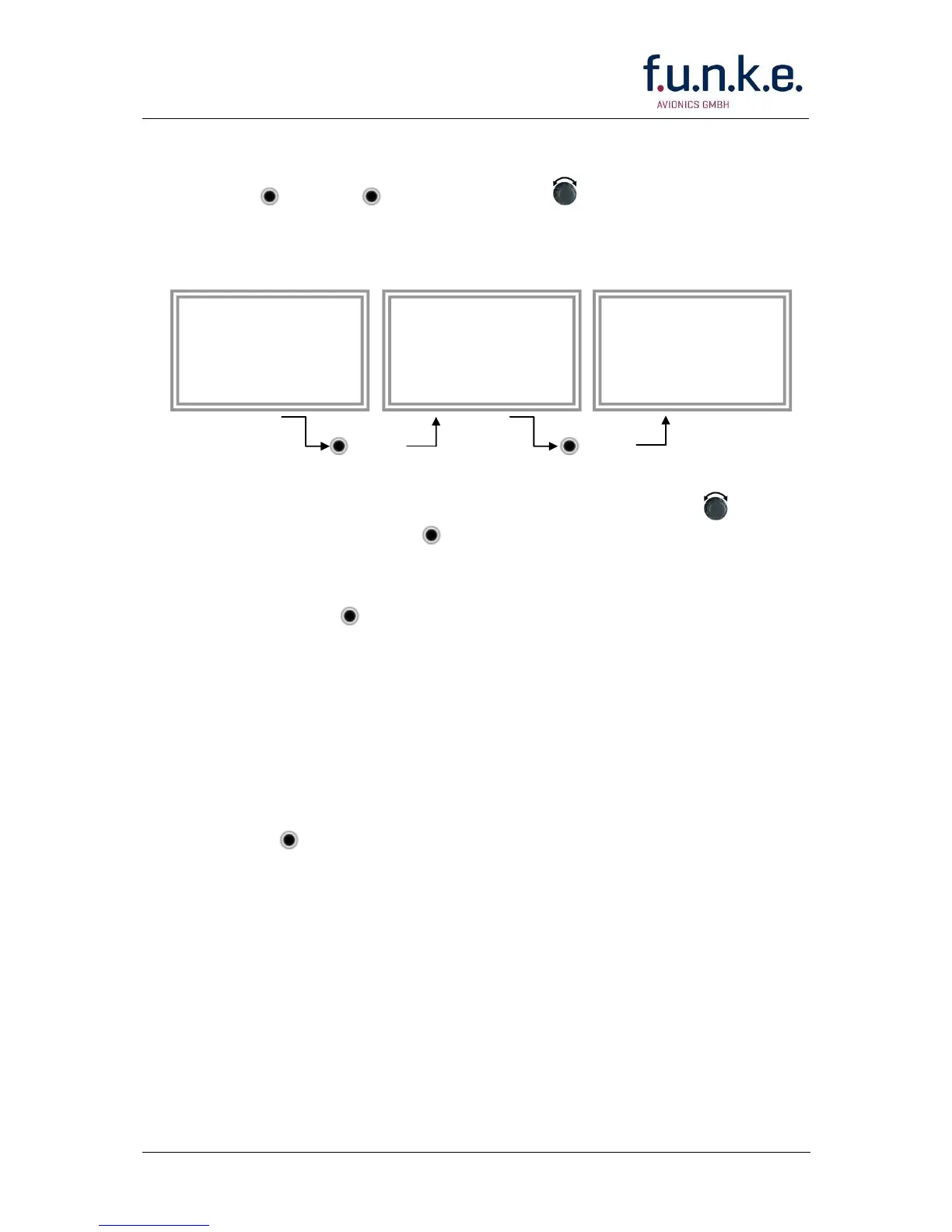
Display Standby Squawk:
Press VFR or ▼▲ or use the rotary knob (the VFR-
Squawk remains active!)
Example:
VFR VFR
Now the Standby Squawk can be adjusted by using the rotary
knob and activated with ▼▲.
In order to store the current active Squawk as new VFR-Squawk
(replacing the factory setting 7000):
Press and hold VFR until an „S“ is indicated (approx. 3 s); after
releasing the button „VFR“ is shown
2.9 ID – Special Position Identification (SPI): “Squawk
Ident”
Press ID to activate transmission of the special position identification
pulse with every reply within 18 seconds; “IDT” appears on the display
By pressing ID a special position identification pulse (SPI) is
transmitted with every reply within 18 seconds, which causes an
accented marking on the Controller’s screen. The „Special Position
Identification“ has to be activated after the „Squawk Ident“ request of the
Controller.
2.10 Error-Codes
Please refer to 2.3 Display - Indications for possible displayed errors.


 To Next Page