TRT800H / P/N 800ATC-H-(2xx)-(2xx)
Operation and Installation
Document-No: 03.2124.010.71e / Revision: 2.10
2.2 Switch ON/OFF
Switch ON: press I/O for 0.5 s
Switch OFF: press I/O for 3 s
2.2.1 Display information after power up
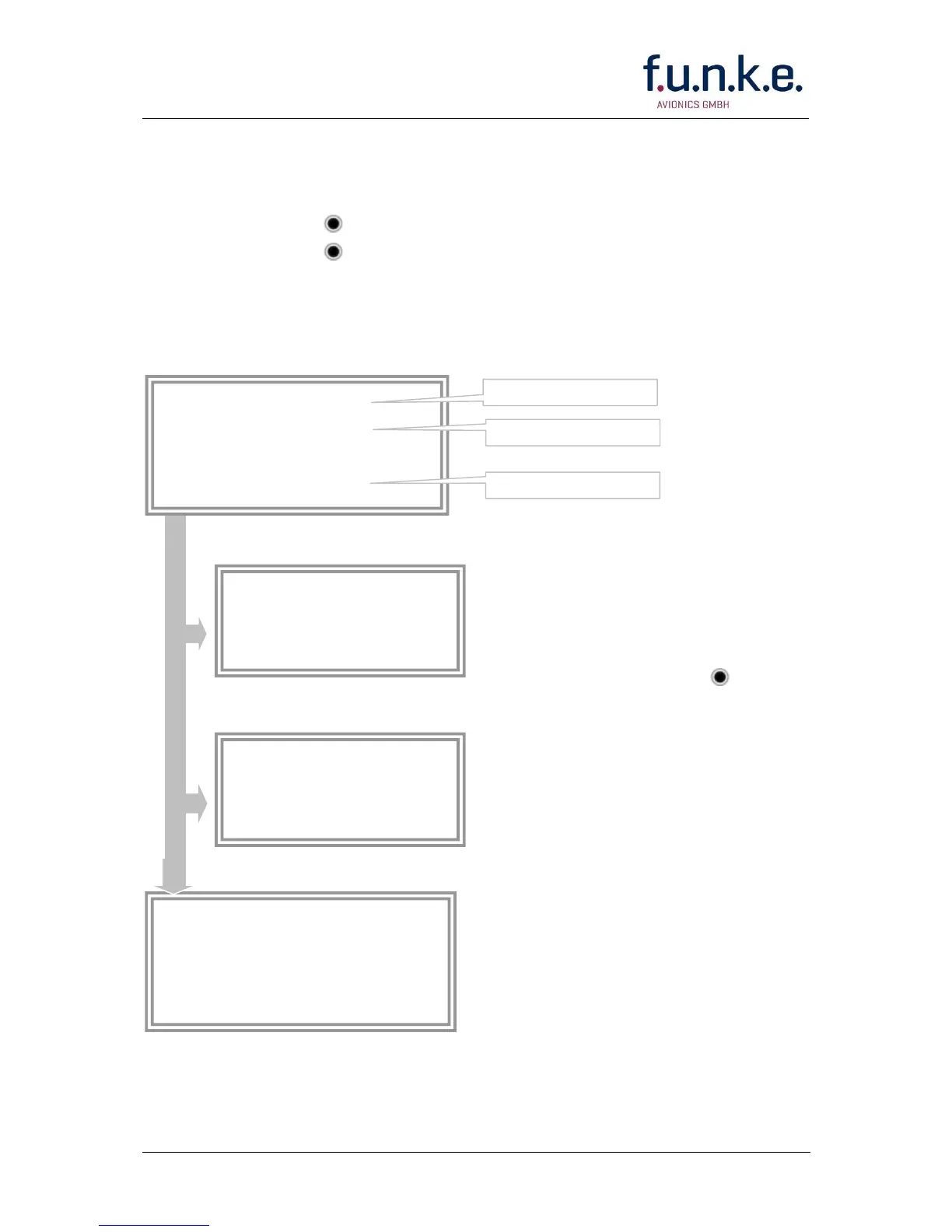
After turning-on the display appears as follows (example):
If more than one configuration
record is programmed the record
selection menu appears (example).
Select the desired record (rotary
switch) and confirm with
MODE.
If no external memory is connected
or no 24bit address is defined the
message “CRADLE OFF” appears.
In this case the device is working
as “Mode AC only” transponder.
The transponder starts in STBY
mode
24D5F2 < 000000
BE2343 000000
D4B3AA 000000
000000 000000
TRT800H.
V5.3
FPGA-Vers: 102


 To Next Page