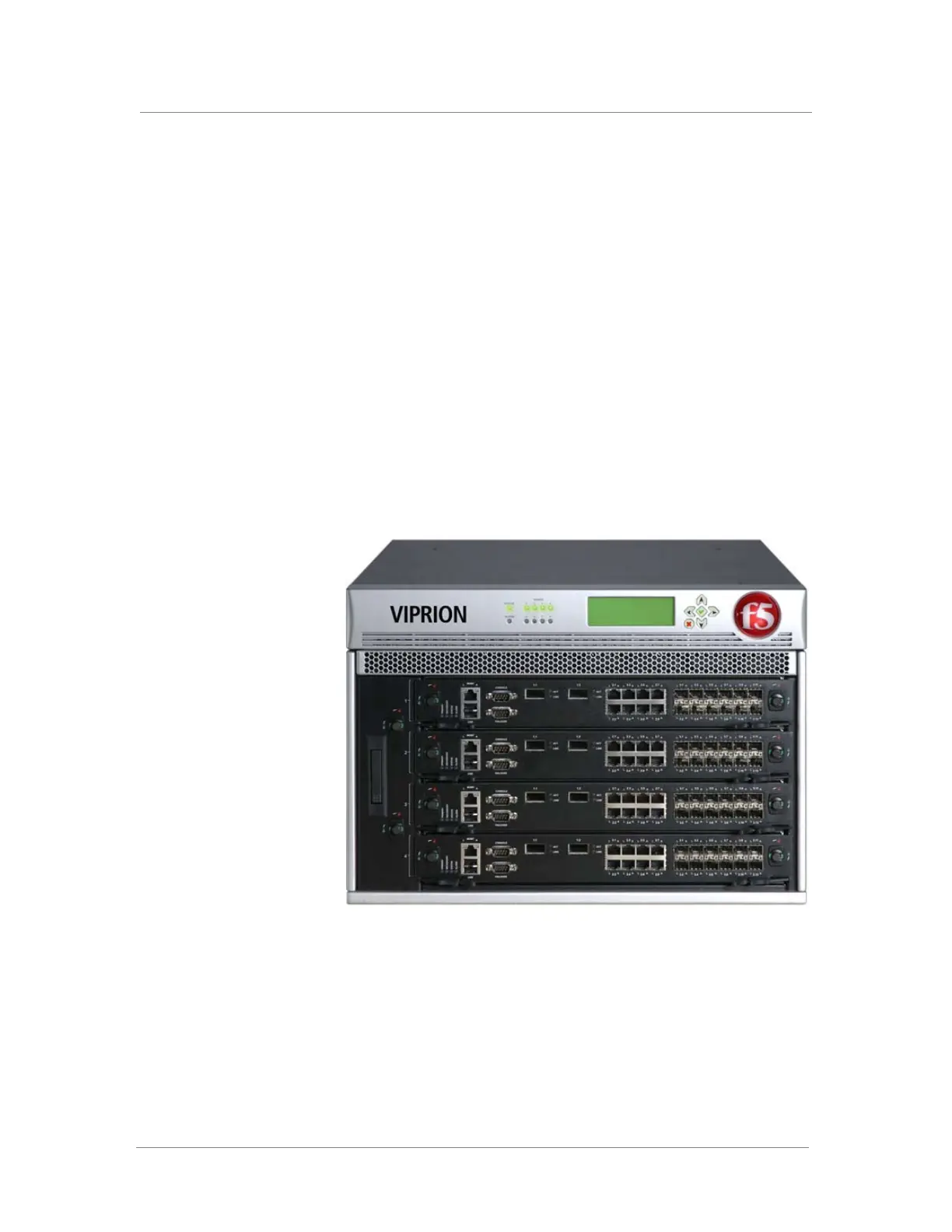
VIPRION LCD Panel
Platform Guide: VIPRION
®
3 - 1
About the LCD panel
Using the LCD panel, you can control the VIPRION
®
platform without
attaching a serial or network cable. The LCD panel provides menus with
options that enable you to configure certain features on the system. The
following menus are available on the LCD panel.
◆ Options menu
Use the Options menu to configure the display properties of the LCD
panel.
◆ System menu
Use the System menu to manage the clusters and blades that are a part of
the chassis configuration.
◆ Screens menu
Use the Screens menu to set up the informational screens you would like
the LCD panel to display.
Figure 3.1 Front view of the VIPRION
®
platform, with LCD panel attached



 To Next Page