Chapter 5
5 - 8
Removing and replacing the LCD component
The LCD component enables you to access several functions associated
with the platform, such as configuring the management port for the system.
To replace the LCD component
1. To remove the original LCD component, grasp the LCD component
on either side, using the indentations provided.
Note: Failure to use the indentations could result in pinched
fingers.
2. Pick up the replacement LCD component using the indentations
provided.
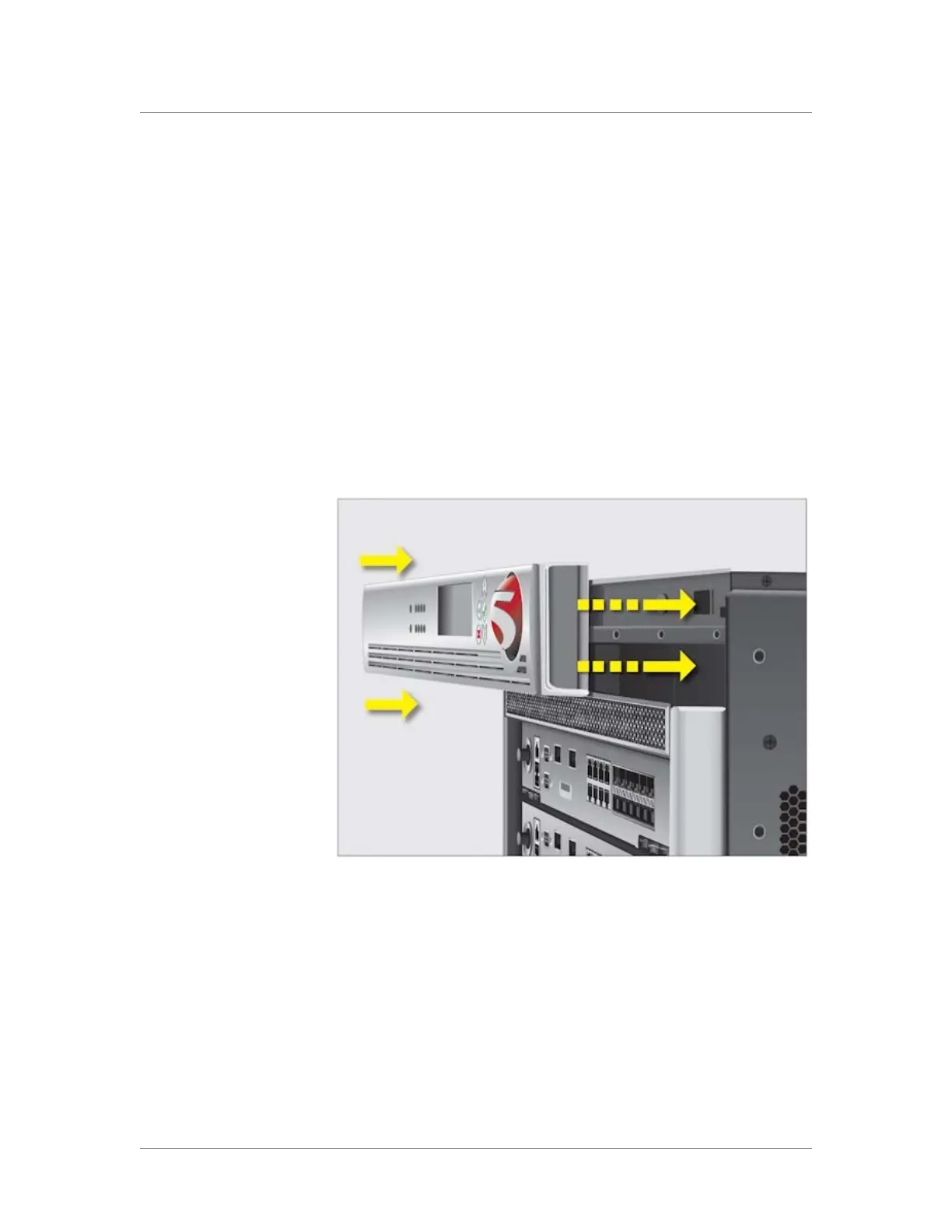
3. Align the guide pins on the panel to the corresponding holes in the
chassis as shown in Figure 5.6.
Figure 5.6 Replacing the LCD component



 To Next Page