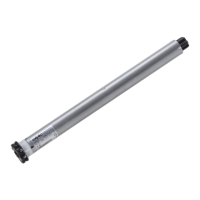
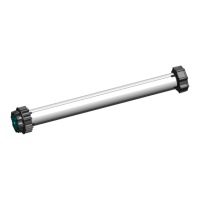
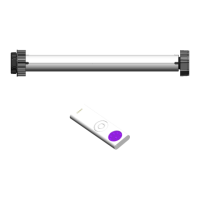
TM2 ERY 24 A4518_6G40_Rev.A
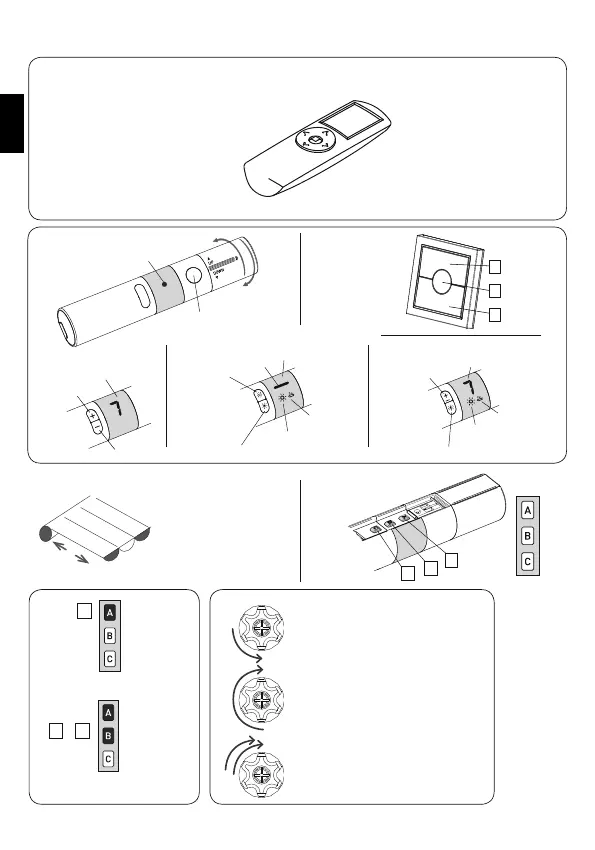
COMPATIBLE REMOTE CONTROLS
KEY TO SYMBOLS
Press button A
A
Press buttons A and B
at the same time
+
A B
DOWN
STOP
UP
short motor rotation in one
direction
long motor rotation in other
direction
double short rotation
DISPLAY
Change
channel
+
Change
channel
UP
STOP
DOWN
A
B
C
LED
DISPLAY
Activating the
Sun sensor
Deactivating the Sun sensor
Sun sensor is “ON”
Wind sensor
is “ON”
DISPLAY
Change channel
Check the specific instruction
book
TM2 X TT50
TM2 X T1 TM2 X TW1
TM2 X T7
TM2 X TS1
TM2 X TS7
Wind sensor
is “ON”
Sun sensor is “ON”
Activating/ Deactivating the Sun sensor
DOWN
UP
EN


 To Next Page