BEISSBARTH MT 740/ 745, 741/ 746
9-4
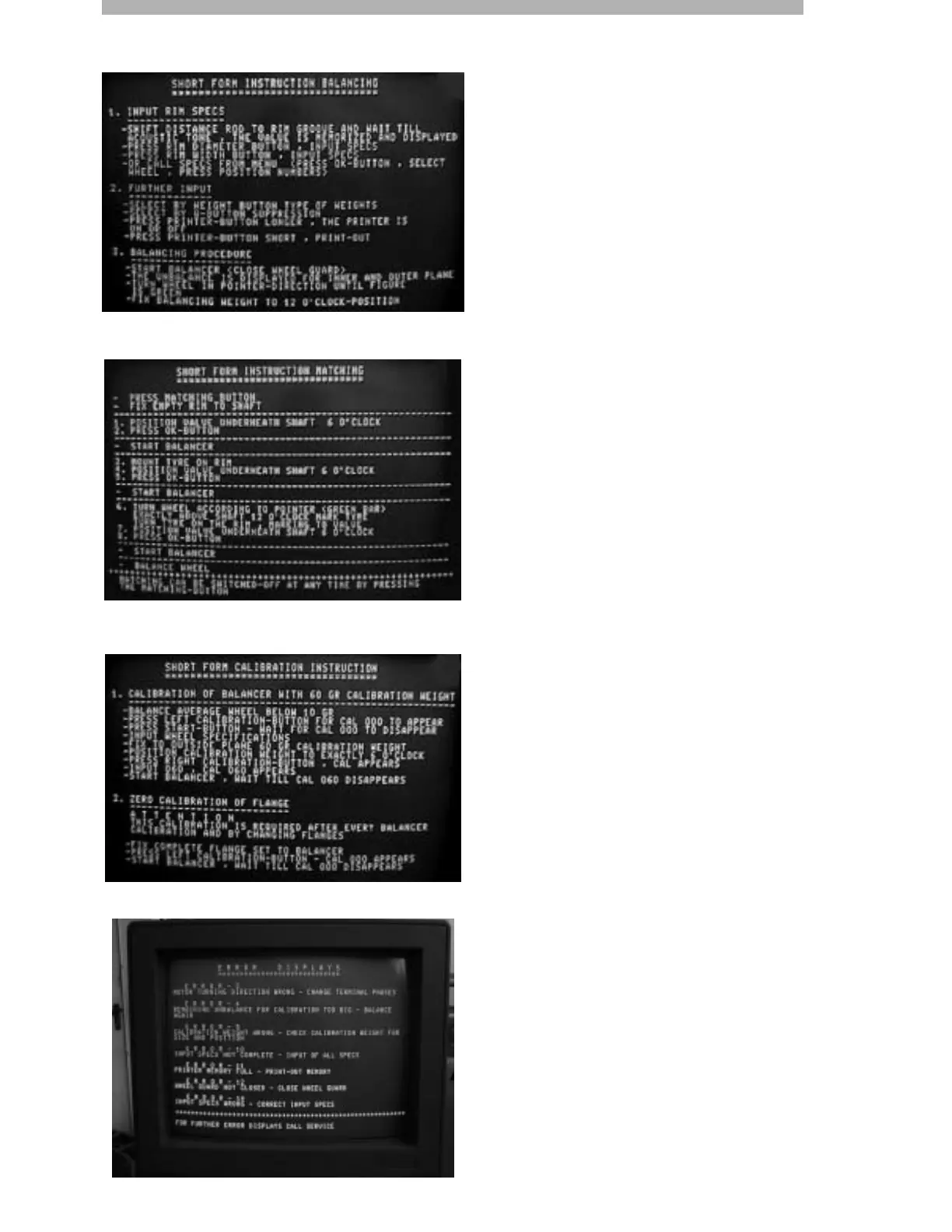
Operator guidance (explanatory texts) for the
program currently running can be called up at
any time by pressing the numerical input key
9/?.
If the 9/? key is pressed during the wheel-
balancing process, concise wheel-balancing
instructions appear.
Press the 9/? numerical input key again to
return to the current program.
If the 9/? key is pressed during the matching
process, concise matching instructions appear.
If the 9/? key is pressed during calibration
process, concise machine calibration instruc-
tions appear.
If the 9/? key is pressed while an error code is
displayed, the list of error messages appear.
Operator guidance



 To Next Page