Drive modules
DRIVE MODULES
Compact drives
3.
163
DDS
HARDWARE
Ref.1310
Other elements
Besides the various connectors, the front panel of the drive has other ele-
ments that are mentioned next.
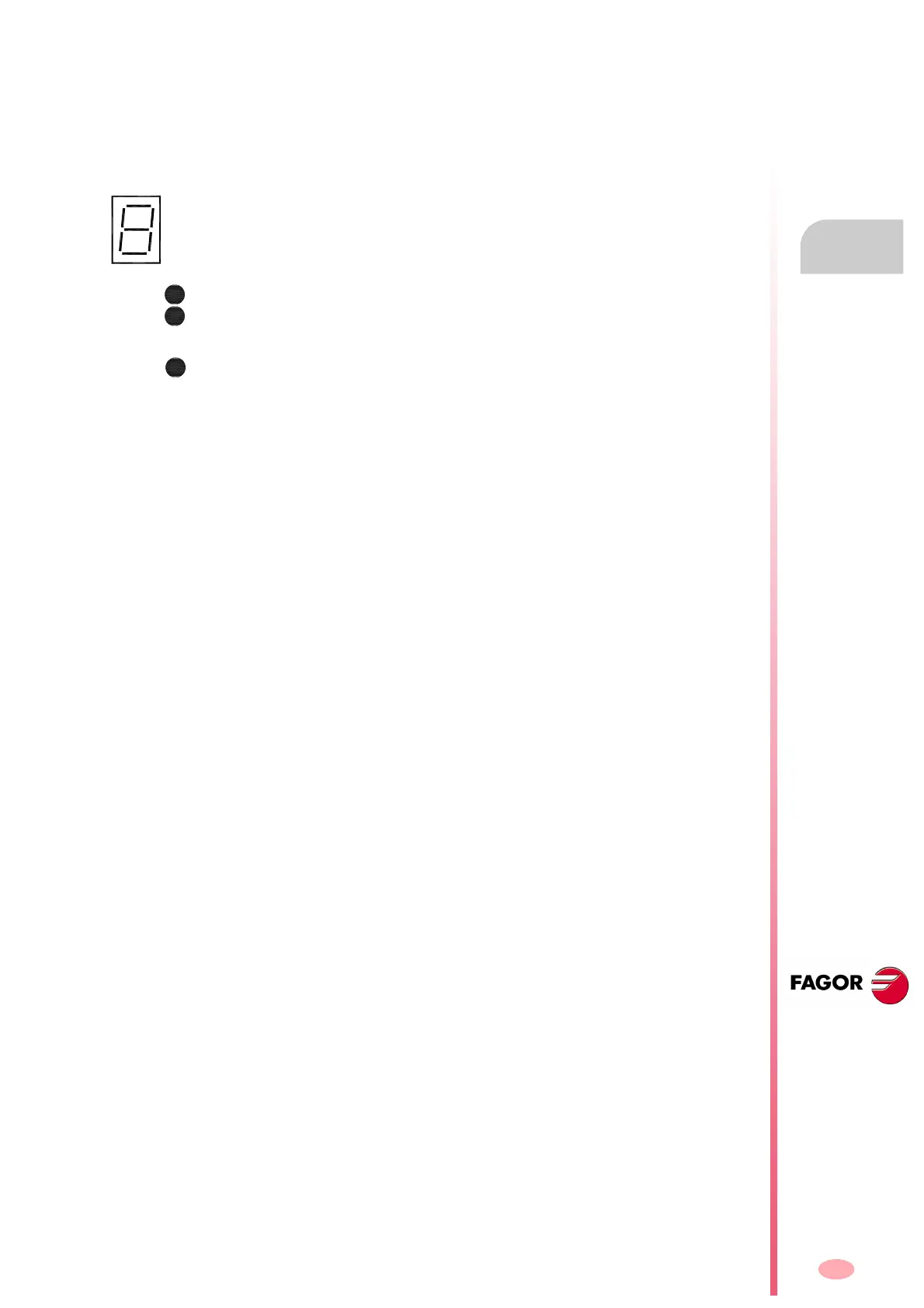
Status display
The status display shows the information on the drive module status or the
corresponding code when an error or warning occurs - see the section
“turning a drive on” at the end of this chapter -. It can also display the
transmission speed when setting it both with SERCOS or CAN interface.
Status indicator lamps
The status LED's, when lit, show:
BALLAST. That the Ballast circuit is on
DC BUS ON. That there is power at the bus.
24V ON. There are 24 V DC.




 To Next Page