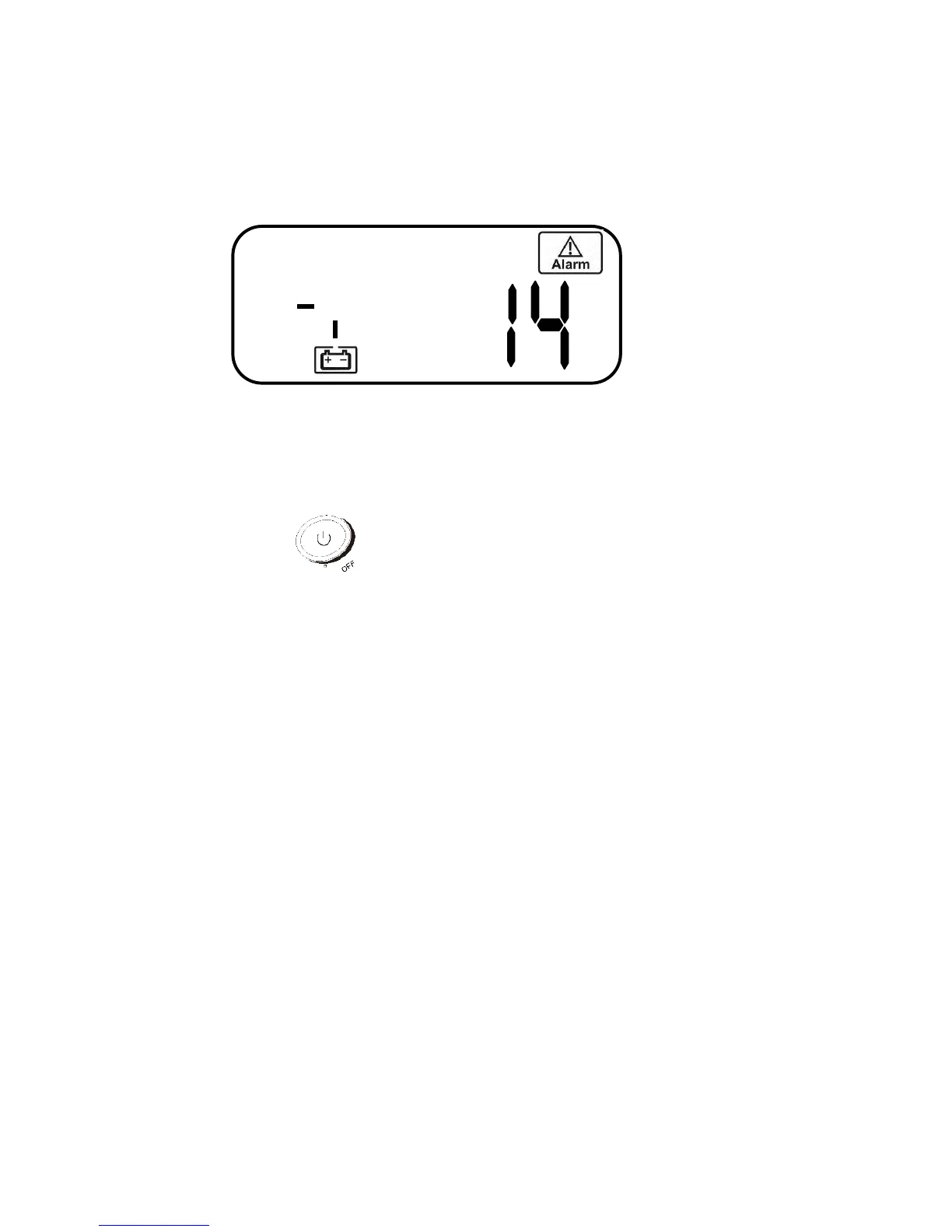
4.3.2.4 UPS Fault Condition
UPS may lock itself up if there was a critical, abnormal or failure condition.
The UPS will trigger the fault alarm and corresponding error code. Sample
error code shown below. (Figure N)
The procedure to release the UPS from locked-up status is as follows:
1. Check and record the error code.
2. Reference sections 6.1 and 6.2 for troubleshooting and error codes. If the
problem persists, contact Falcon Electric for further assistance.
3. Press the Off button and hold for 5 seconds until 2 beeps are
heard.
4. Unplug AC input power cord or turn off AC mains power source switch.
5. After the UPS completely shuts down, the UPS can be restarted to clear
fault condition.



 To Next Page