ENGLISH
10 / 73
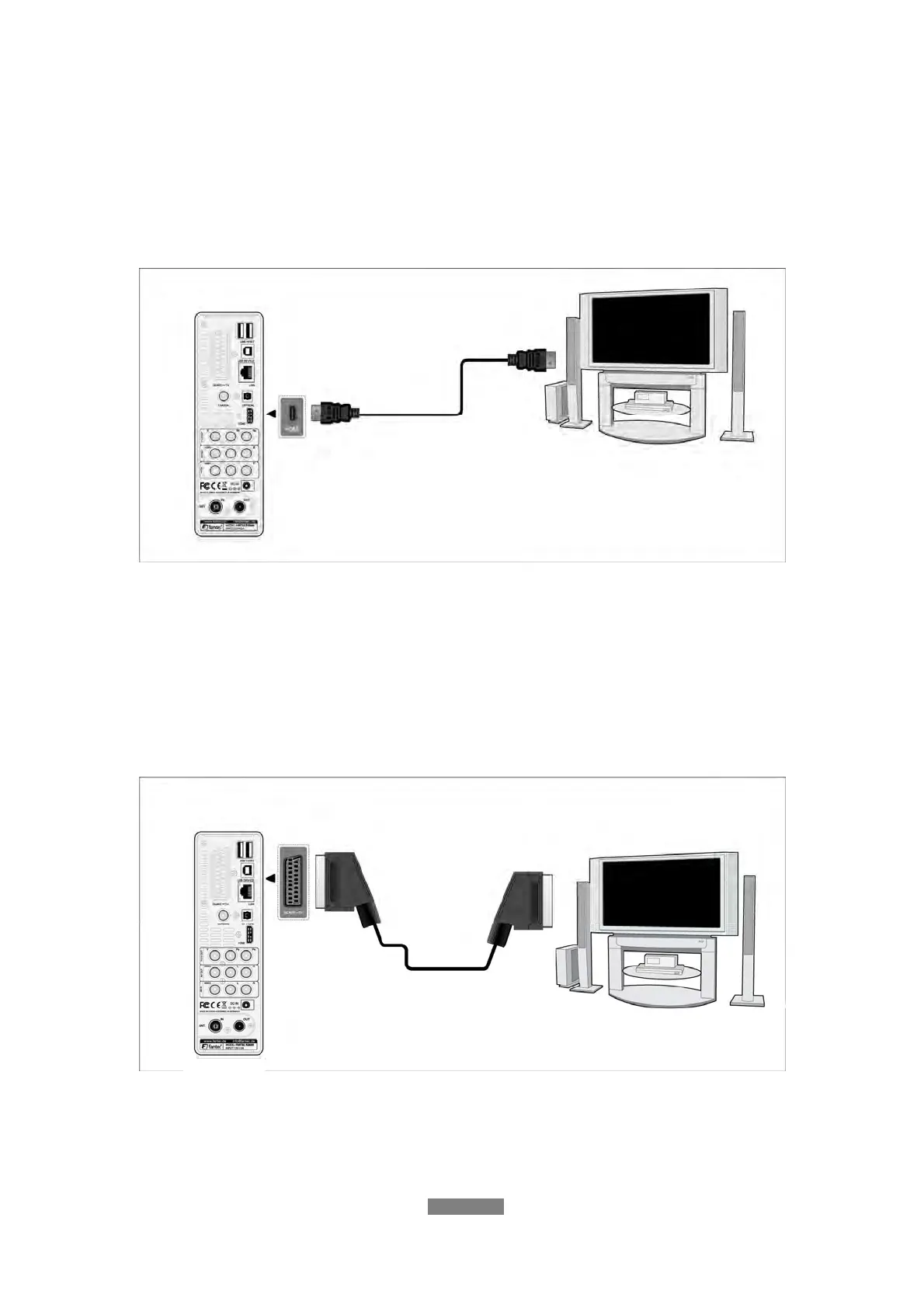
1.4.4.4 HDMI OUT
(1) Follow the picture and plug one connector on your HDMI cable to the
player’s HDMI jack;
(2) Follow the picture and plug the other connector on your HDMI cable to the
TV’s HDMI jack.
Note: The HDMI cable is an optional accessory sold separately.
In this way, you can have the highest quality video and audio via a single
cable.
1.4.4.5 SCART OUT
(1) Follow the picture and plug one connector on the SCART cable to the
player’s SCART socket;
(2) Follow the picture and plug the other connector on the SCART cable to the
TV’s SCART socket.



 To Next Page