ENGLISH
11 / 73
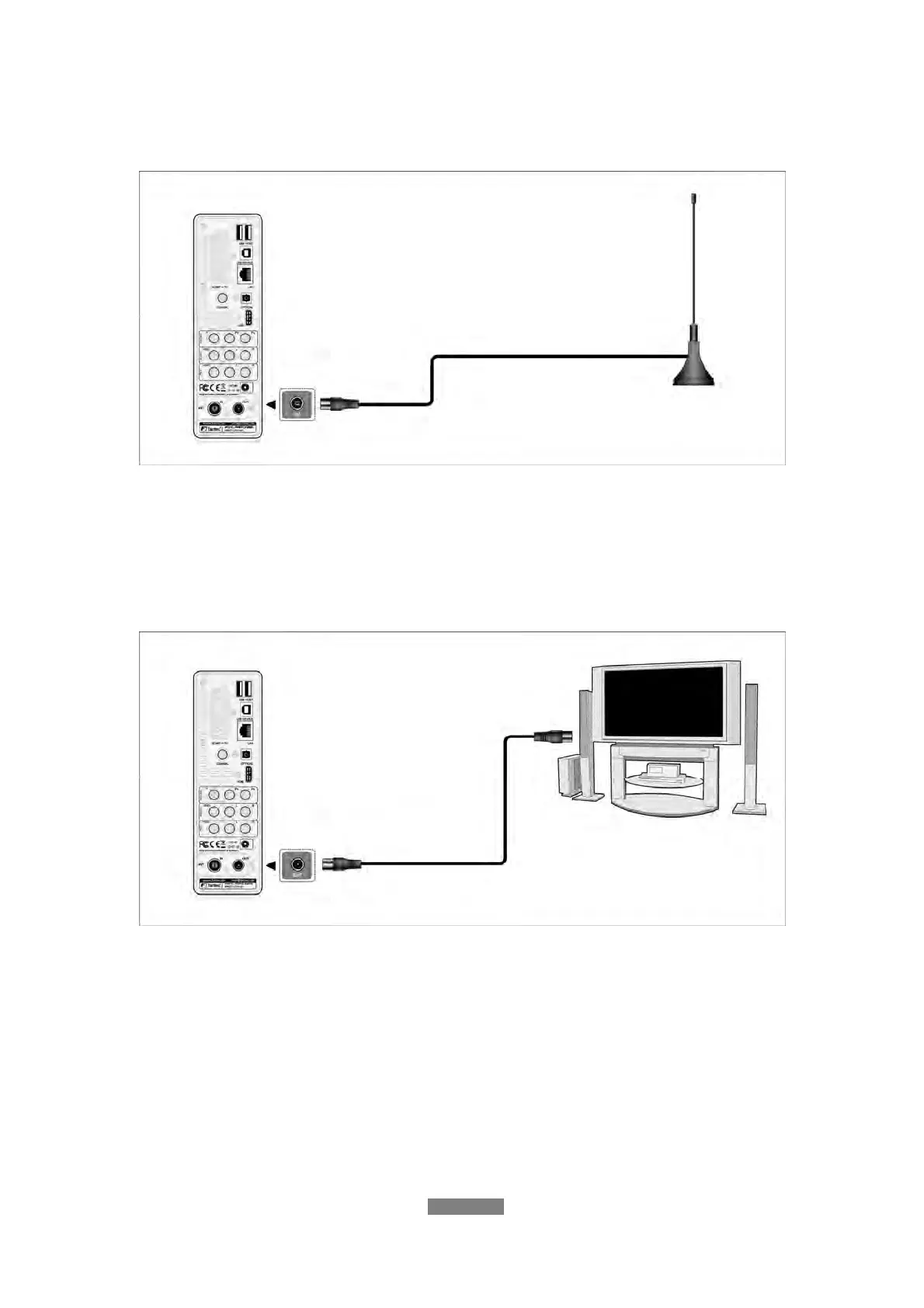
1.4.4.6 ANT. / RF IN
Follow the picture and plug a TV Aerial to the ANT. / RF IN socket;
1.4.6.7 ANT. / RF OUT
(1) Make sure the player is connected to power supply;
(2) Make sure the antenna for DVB-T is connected to the ANT. / RF IN socket;
(3) Follow the picture and plug a coax TV cable to the RF OUT socket then
connect this cable to a TV or other DVB-T receiver.
The player can loop out the DVBT-T signal to other TV or TV receiver device.
In this way, you can watch the DVB-T programs as usual while the FANTEC
R2650 is recording a different DVB-T program.
1.4.5 Connecting to an Digital Amplifier
(1) Follow the picture and plug in the RCA connector on your coaxial cable to
the player’s S/PDIF Coaxial jack. Or if you use optical fiber, please plug in the
Toslink connector on your optical fiber to the player’s S/PDIF Optical jack;
(2) Follow the picture and plug in the other connector on your coaxial cable or



 To Next Page