10
3. Enter a user name and password, and verify the password.
NOTE: If Apple Remote Desktop (ARD) is going to be used to manage Deep Freeze Mac
deployments, ensure that only alpha-numeric characters are used in the password, or the
remote tasks will fail.
4. Click OK to finish creating the first user.
5. e Deep Freeze Controller screen appears, with seven tabs: Boot Control, Drives, awSpace,
Maintenance, Mapping, DF Users, and Uninstall.
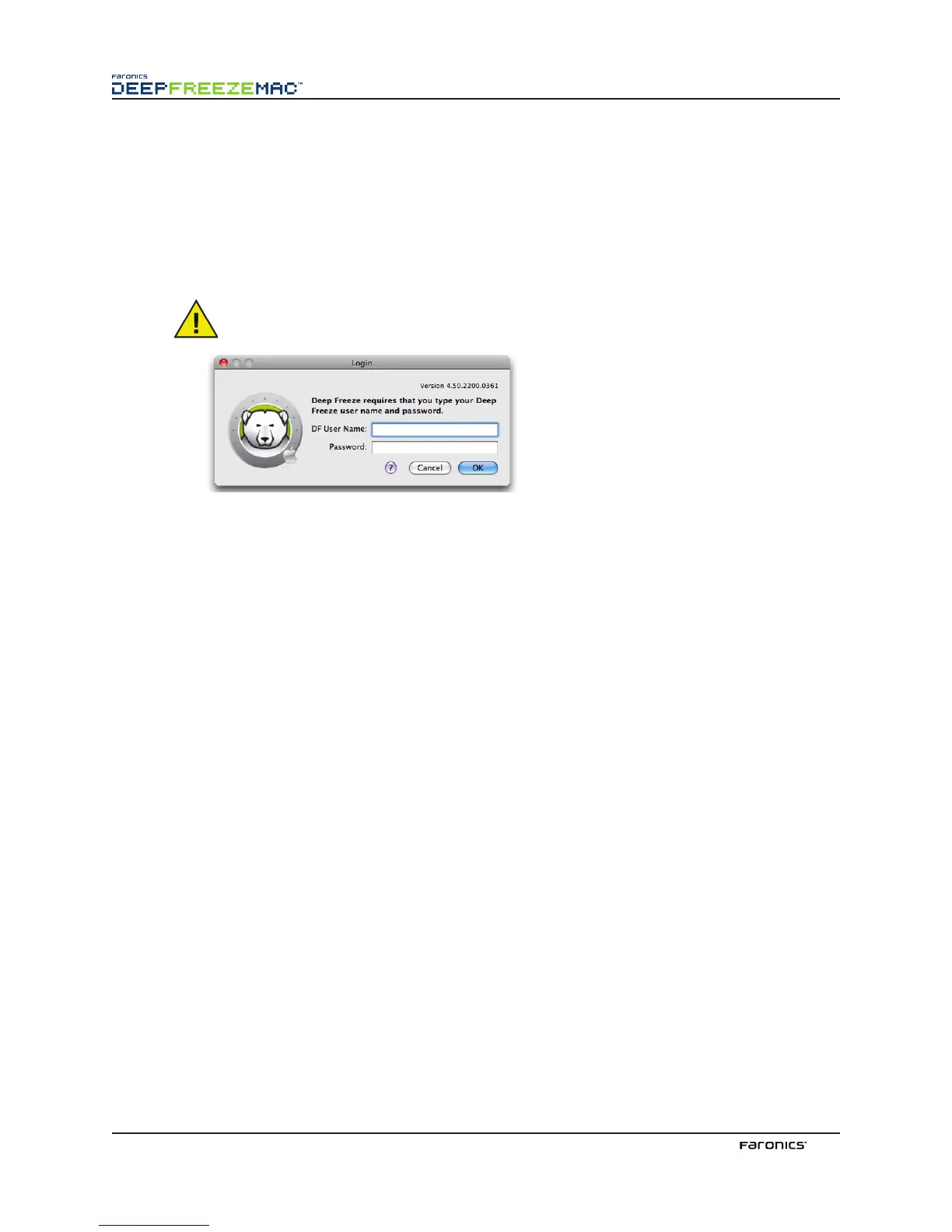
When opening the Deep Freeze Controller again, the login window appears as shown:
Enter a valid DF User Name and password and click OK.
e Deep Freeze Controller screen appears with the Boot Control tab active.
UpdatingtheLicenseKeyafterInstallation
To update the License Key aer installation, complete the following steps:
1. Open DFX Control menu.
2. Select Enter License Key. e License Key dialog is displayed.
3. Enter the License Key and click OK.



 To Next Page