22
AppendixI:DeepFreezeAssistantandCustomizingtheInstaller
e Deep Freeze Assistant can be used to create customized Deep Freeze installation packages and
allows you to create global settings for a multiple workstation environment.
e Deep Freeze Assistant can also directly install Deep Freeze specific Saved Tasks into the Apple
Remote Desktop (ARD) console on the current system. ARD tasks are not part of the customized
Deep Freeze installation package. ARD must not be running in order for the task installation to be
successful.
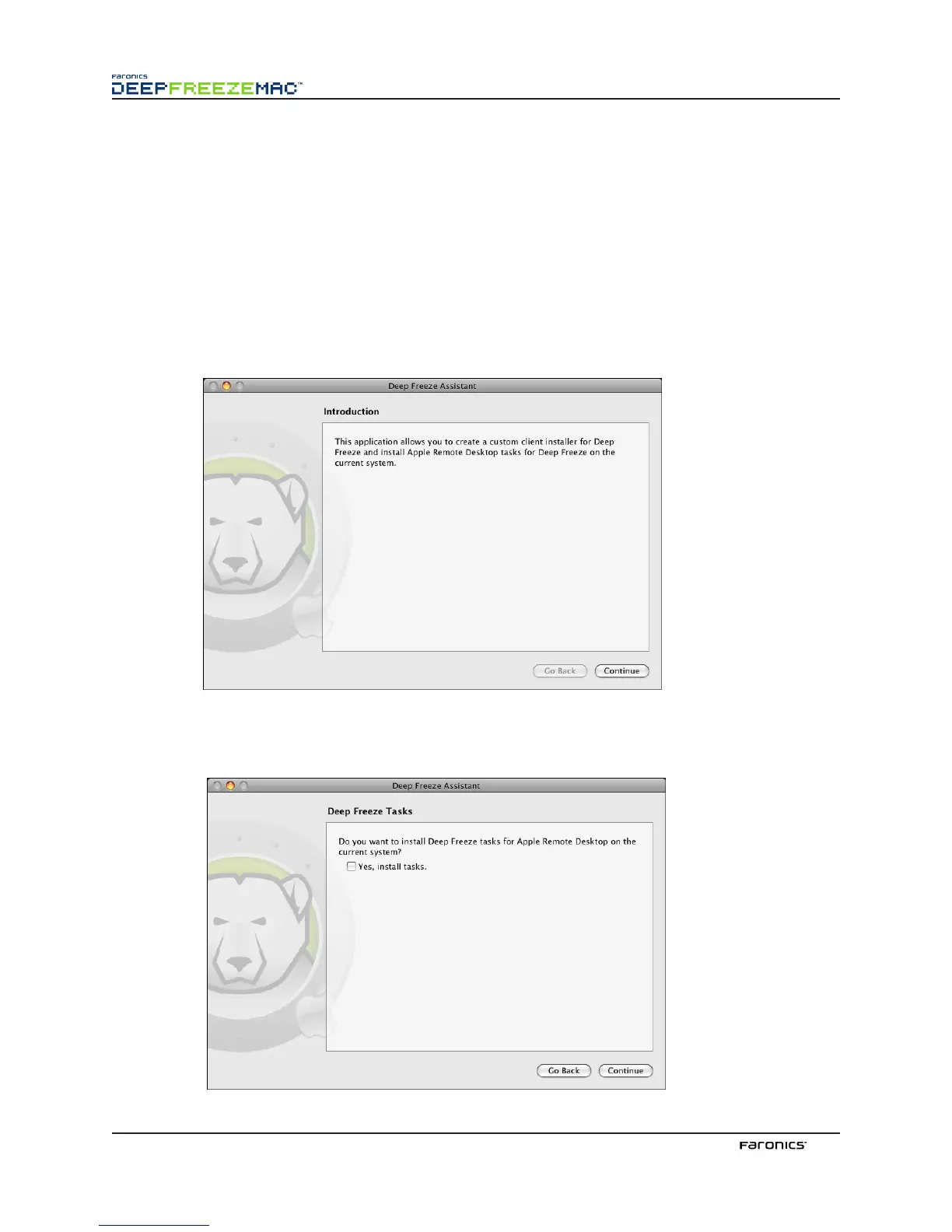
To run Deep Freeze Assistant, complete the following steps:
1.
Double-click the program icon to open the Deep Freeze Assistant. e Introduction screen
appears, as shown:
2. Click Continue. e Deep Freeze Tasks screen appears:



 To Next Page