29
AppendixII:AppleRemoteDesktopv.3.0Integration
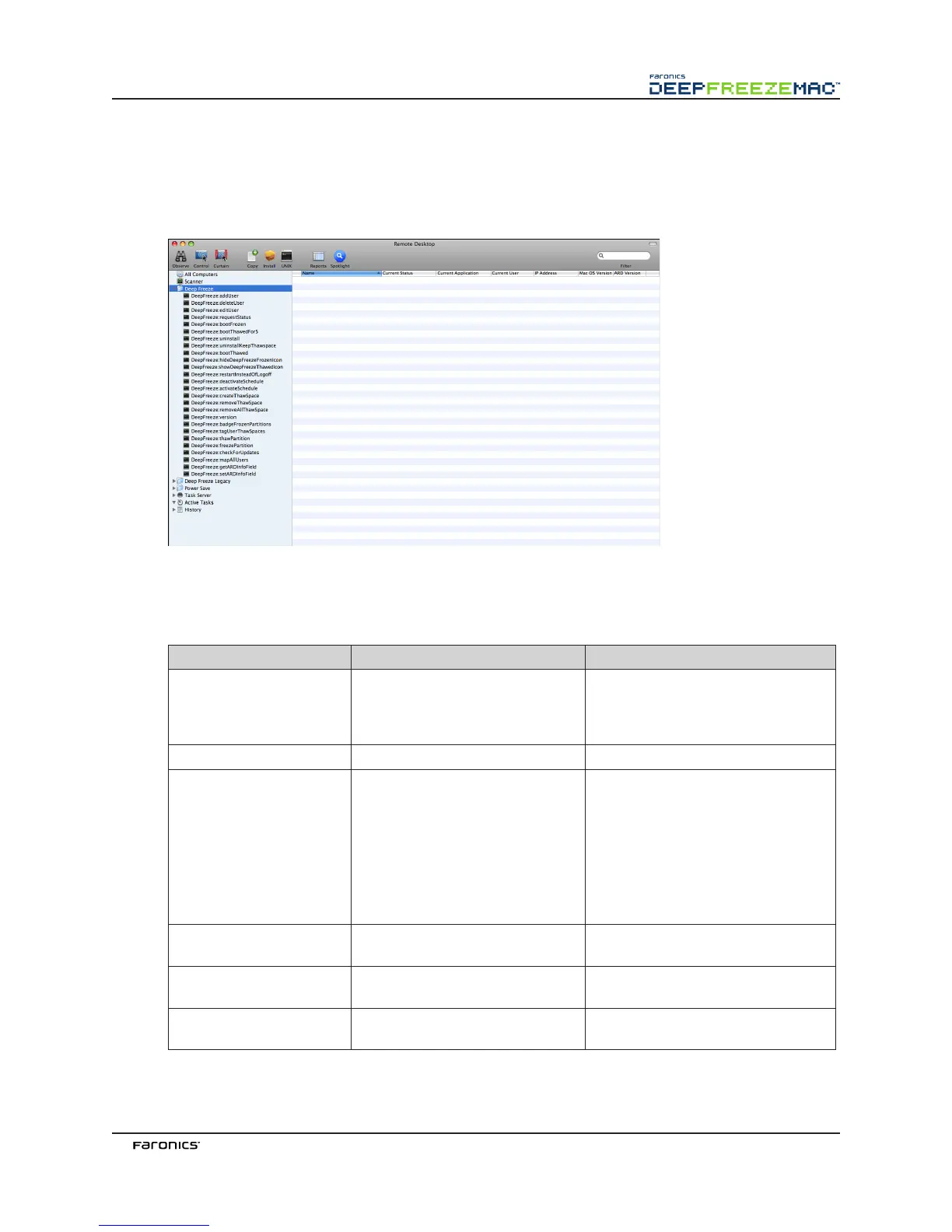
Deep Freeze Assistant can install tasks for use with Apple Remote Desktop. ese tasks can be used as
supplied or as a starting point for controlling Deep Freeze with ARD. In ARD 2.2, the Deep Freeze-
specific tasks are saved in the Saved Tasks folder, not in a named folder.
e functions of each task are identical to the functions described below. Each task can be configured
in the Deep Freeze Controller, except for requestStatus.
e following new commands and arguments are available in this release:
Task(Command) Argument Function
activateSchedule Schedule name
Activates the scheduled updates
on target computer(s); name of the
schedule must be included in the
command as a parameter.
addUser New user name
Adds user to list.
addSchedule schedule_name
[-a “on”|”off”] [-d “monda
y”|”tuesday”|”wednesday”|”
thursday”|”friday”|”saturd
ay”|”sunday”] [-b “24-hr-
time”] [-e minutes] [-o
“on”|”off”] [-i “on”|”off”]
[-l “on”|”off”] [-w
“off”|5|10|15] [-m “message
string”] [-s “on”|”off”]
Adds a schedule.
24-hr-time is in the form of
HH:MM.
badgeFrozenPartitions on|off
Shows/Hides Deep Freeze icon on
Frozen partitions.
bootFrozen
Sets target computer(s) to restart in a
Frozen state.
bootThawed
Sets target computer(s) to restart in a
awed state.



 To Next Page