28
11. Click Choose and browse to the location of the Deep Freeze installer package (.pkg extension)
that exists in the Deep Freeze folder. Alternatively, drag and drop the package file into the
Choose dialog screen.
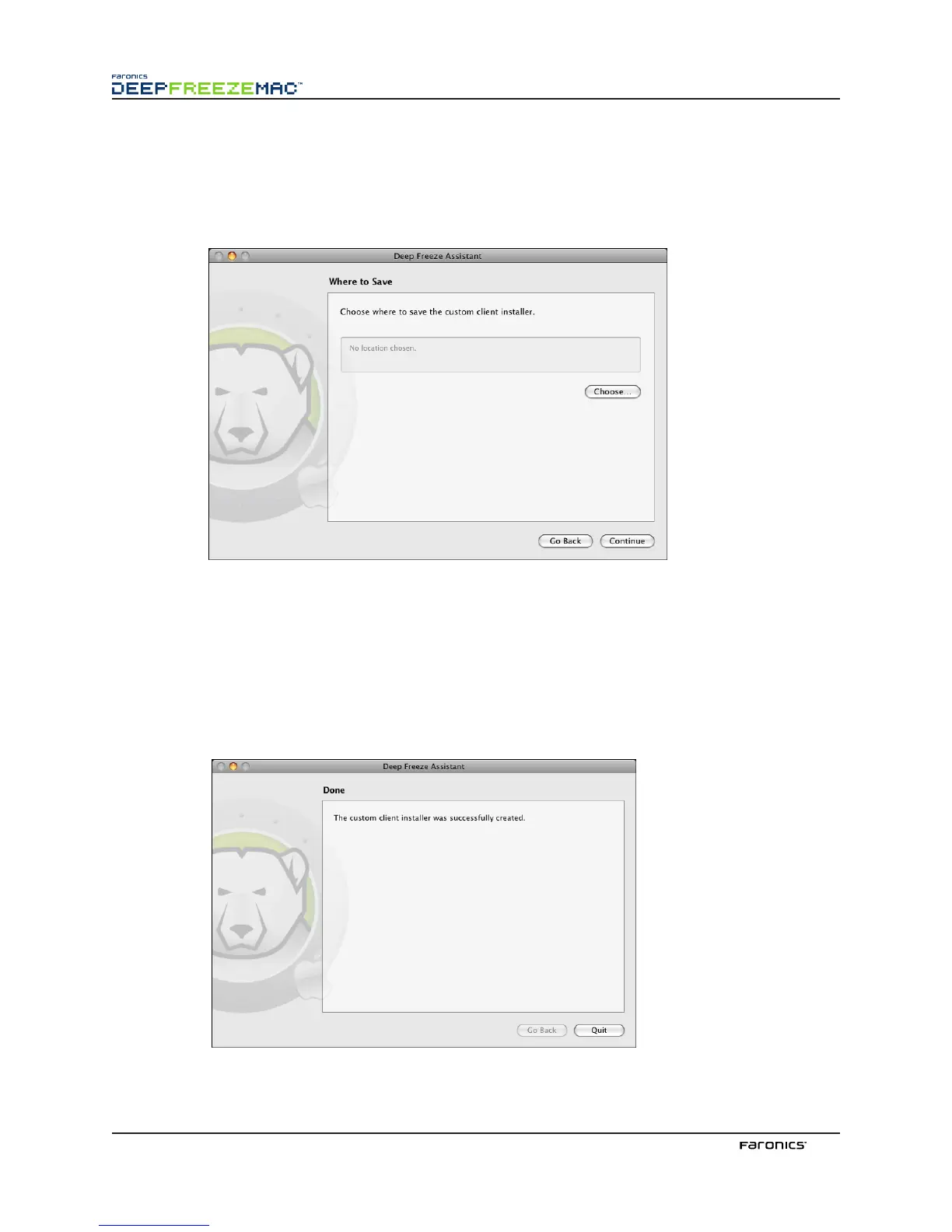
Click Continue. e Where to Save screen appears.
12. Click Choose. A standard Save dialog appears. Browse to a location to save the custom client
installer and select it. Alternatively, drag and drop the preferred save location into the Choose
dialog screen.
Click Continue.
e final screen appears, stating that the custom client installer was successfully created and
that the Deep Freeze tasks were installed into ARD.
Click Quit to close the Deep Freeze Assistant.



 To Next Page