12
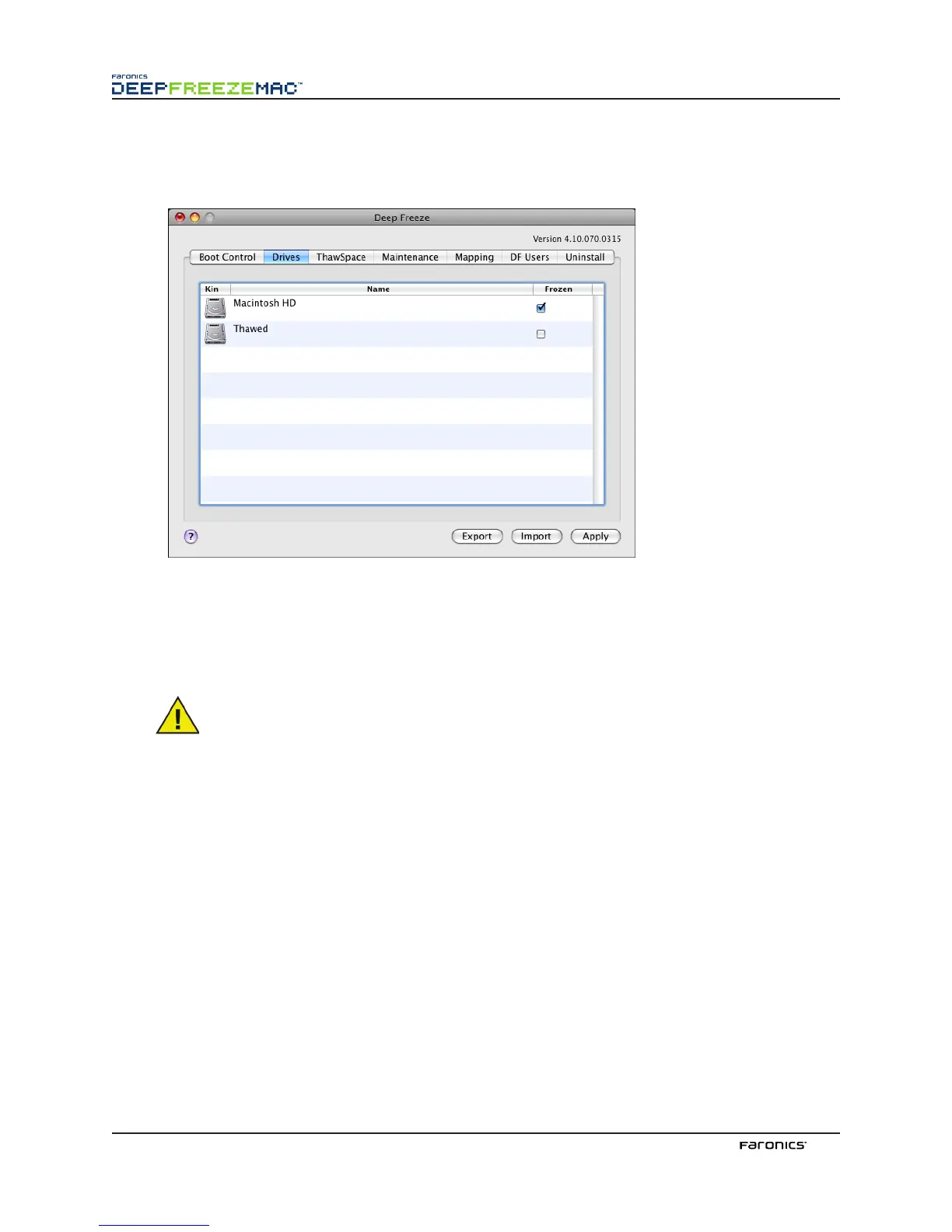
DrivesTab
When the Drives tab is selected, Deep Freeze searches the computer and lists the drives present on a
computer. e drives listed can be put into a Frozen state or a awed state.
All drives on the computer are initially Frozen by default, unless otherwise specified in the Deep Freeze
Assistant (see Appendix I for more information). If you have created a partition to save user data and
did not designate it as a awed partition in the Assistant, put that partition in a awed state by
deselecting the corresponding checkbox in the Frozen column.
To save any changes made, click Apply; the changes take effect aer a restart.
Removable media such as external FireWire or USB hard drives or keychain drives are
not displayed and can not be Frozen.



 To Next Page