27
10. To create multiple individually named Maintenance Schedules, click Add. e default
Schedule 1 tag appears in the list on the le side of the tab. Each additional Schedule added
has that default tag, but can be renamed. To rename a Schedule, double-click the tag to be
renamed and edit the field.
NOTE: up to 10 individually named Maintenance schedules can be created.
To configure a schedule, click the name of the Schedule to be configured. Choose from the
following options to configure the Maintenance Schedule:
• To turn the Maintenance Schedule on, click Activate Maintenance Schedule.
• From the Day drop-down menu, select a day of the week that the Schedule will occur.
• Use the From and To fields to enter the period of time that Schedule will occur.
• Select the Once Only checkbox to create a one-time only Schedule; if this box is not
selected, the schedule will recur on a weekly basis.
• Select Install Apple Soware Updates to automatically perform Apple Soware Updates
during the Maintenance Schedule.
• Select Lock Out User to prevent user access during the scheduled updates.
• Select Warn User At to provide a message to users warning them that the computer will
be taken over at a specified time, and enter the specified time in the field provided.
• Use the Message for User field to enter a custom message for the user, explaining that the
Maintenance Schedule will take place at a specified time; by inserting %d as a variable into
your message, Deep Freeze will automatically display the number of minutes until the
Maintenance Period begins. (%d is a variable corresponding to the number of minutes
between the current time and the time that scheduled Maintenance will begin.)
• Click Shutdown Aer Maintenance to shut the computer down aer the Maintenance
Period is complete.
NOTE: e minimum time allowed for a Maintenance Period is 10 minutes.
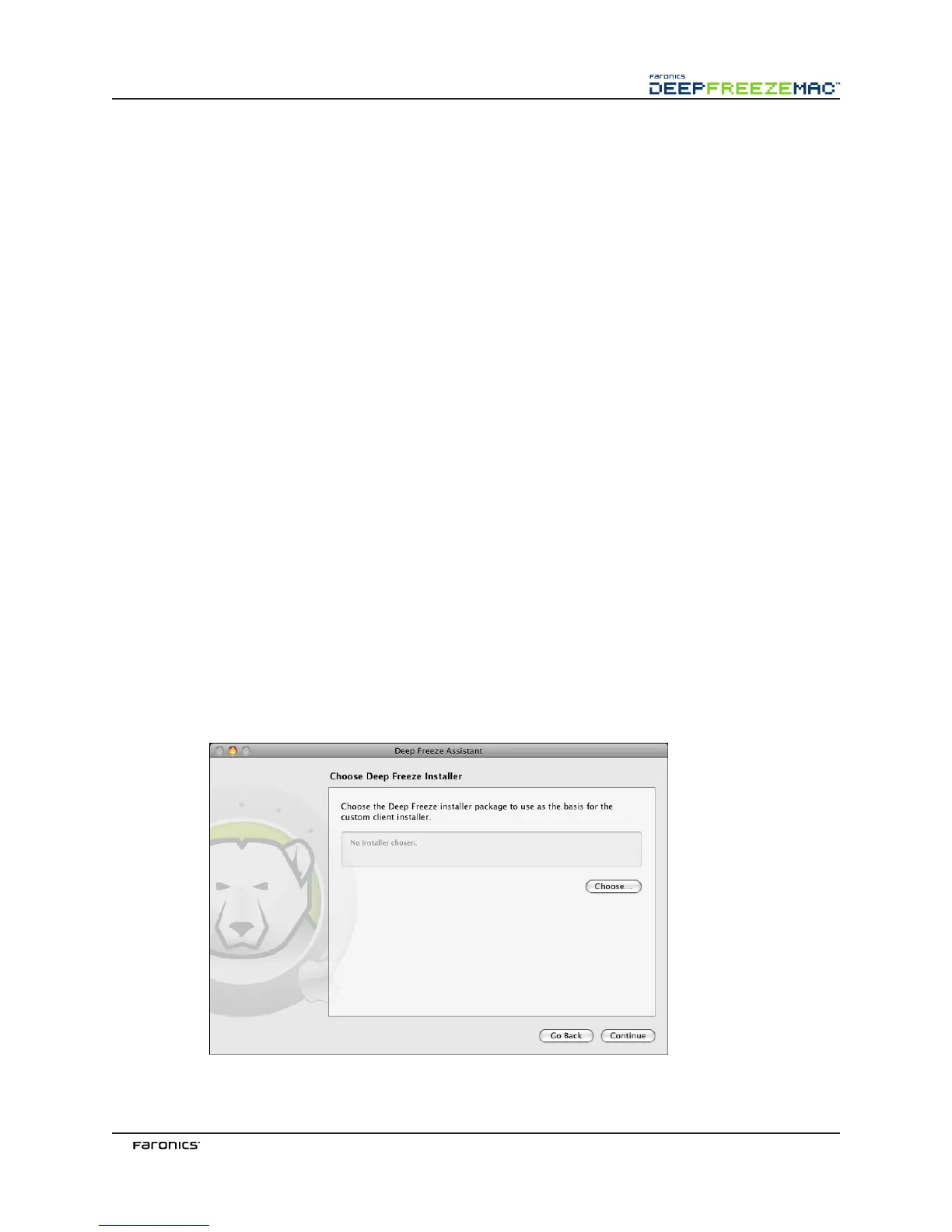
Click Continue. e Choose Deep Freeze Installer screen appears:



 To Next Page