14.2 Radio-remote control
14.2.1 Use of the radio-remote control
(!) ATTENTION (!)
First read the instructions given in the User's Manual supplied by the
Manufacturer before using the remote control to avoid improper use.
The plates shown on the side of each push-button panel lever of the radio remote
control determine the operation of the levers in relation to the movement of the
crane.
(!) ATTENTION (!)
The sequence of the plates placed on the crane controls may be different.
Make sure that the lever you are going to operate corresponds to the control
you selected.
(!) ATTENTION (!)
Operate the levers smoothly and gradually.
When carrying out simultaneous movements of two or more functions, also
related to pump flow and lever travel, it is possible that on reaching the stro-
ke end of a particular function, an increase in speed of the other functions
will occur.
- TELE-RADIO REMOTE CONTROL
The radio remote control, in the case of a discharged battery or in the presence of
interference in the radio transmission, or use of the crane in situations where the
transmission by radio is forbidden, can be easily transformed into tele-radio remote
control.
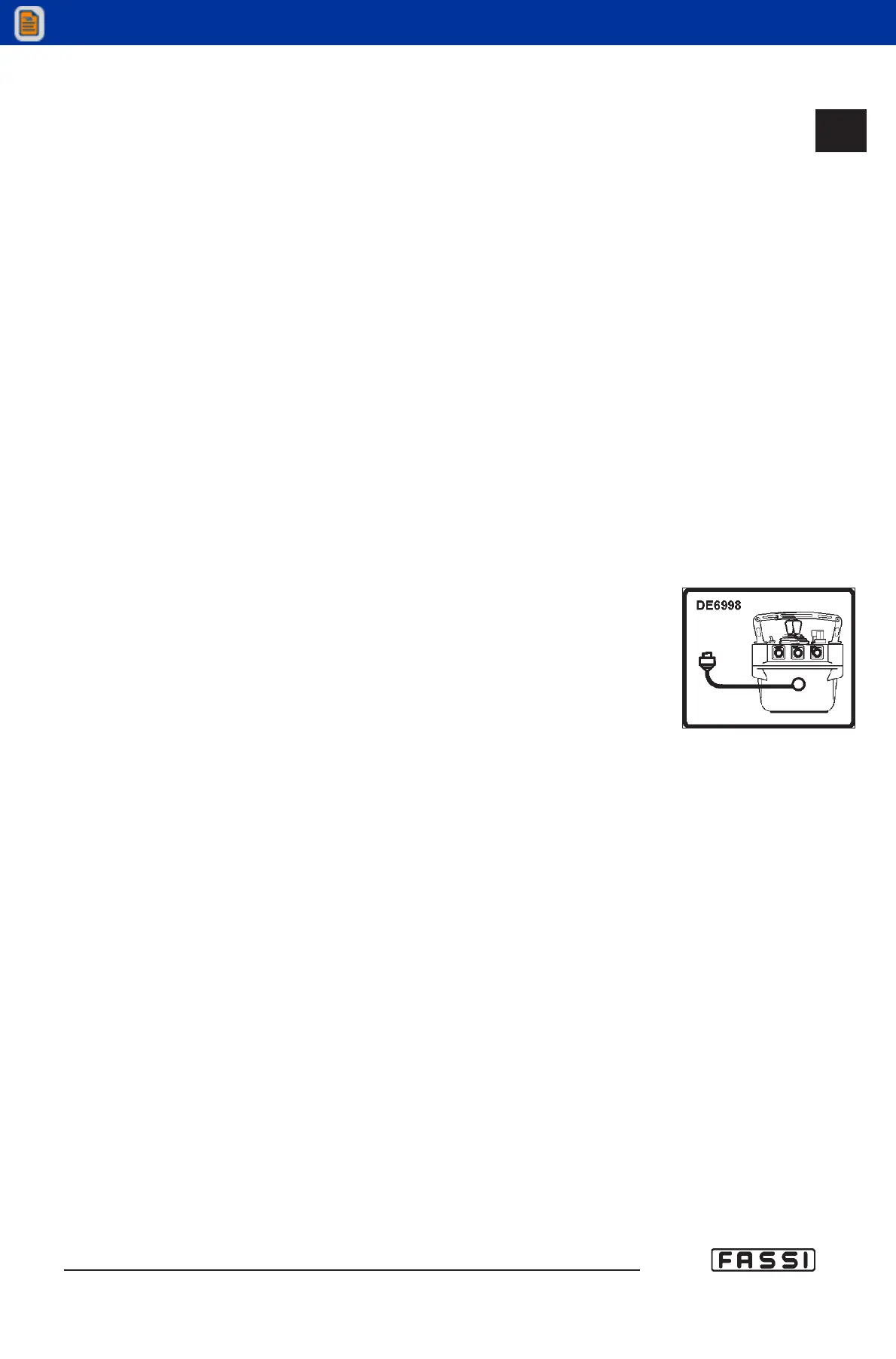
Connect the push-button panel and the socket, indicated by the DE6998 plate (fig.
2), placed on the base with the serial cable (supplied with the radio remote control).
The battery of the push-button panel may be left (even if it will not be charged).
Turn push-button panel on, using the ignition key (fig 5).
If the remote radio control does not work, you can use the emergency distributor to
put down the load on the ground. Read attentively paragraph 16.8.1, before using it.
14.2
CONTROLS TO
OPERATE THE CRANE
GR4_5-EVOLUTION
fig. 2



 To Next Page