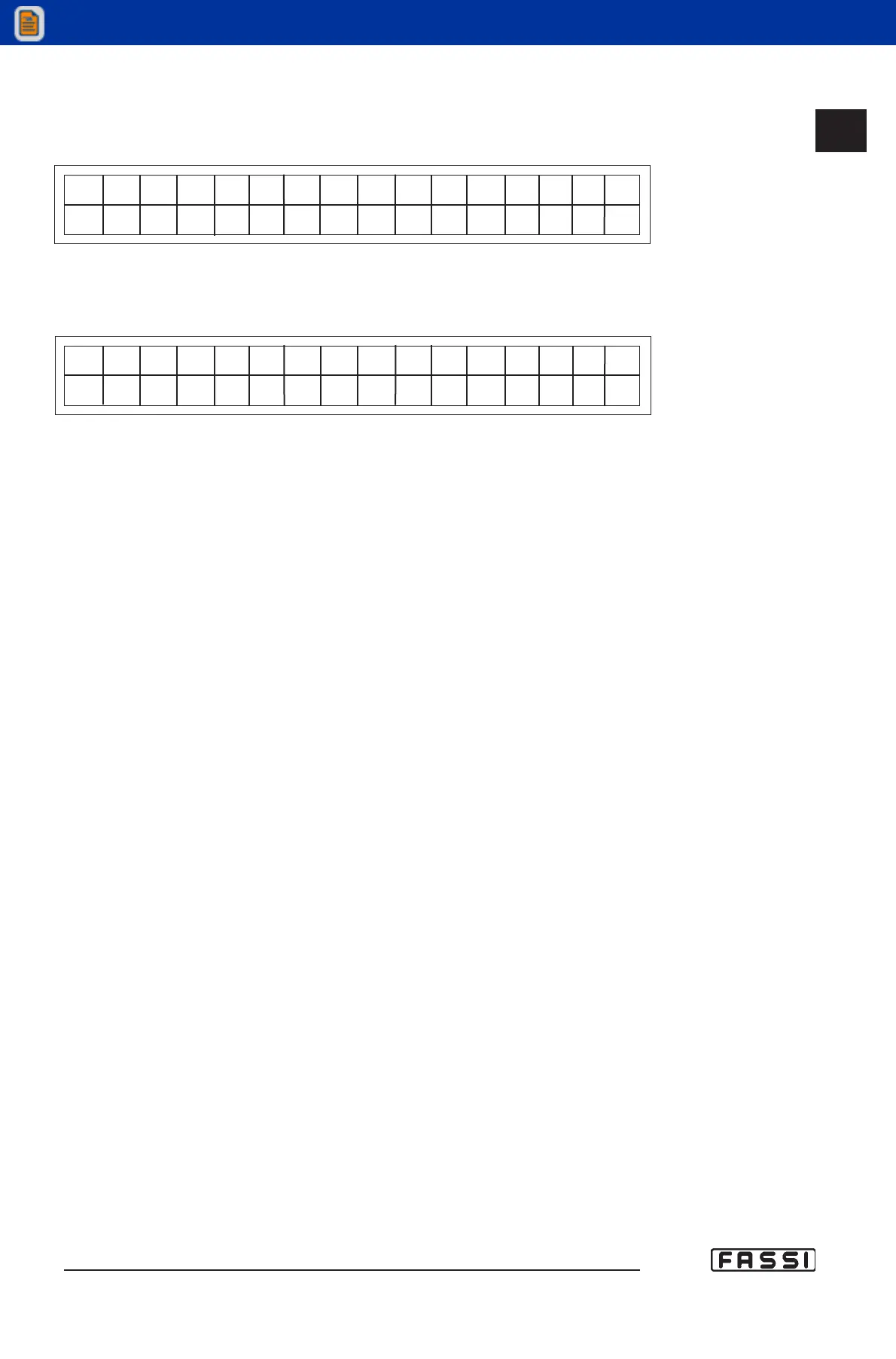
- If during the load calculation the lifting has been too quick, the system
will display the following error message.
N O S P E E D
- Finally if the load exceeds the crane limit (i.e. inner ram overload), the
following message will be displayed.
N O L O A D C R A N E
- When one of the above mentioned messages is displayed, the proce
dure is over. Press ENTER to go back to the main menu (ram pressures).
16.8 Diagnostic: alarms and warnings
It is possible to install on the machine some operation improvements of the
limiting device. The crane software has a reference code that can be read on
the display when switching on or by following the VERSION procedure (see
par. 16.7). For further explanations refer to Fassi service network.
All eventual problems of the electronic system are detected and shown as
codes on the display of the push-button panel of the radio remote control (or
displayed on the operator panels) and determine the interruption of EV outputs
(towards the electrovalves) and the immediate halt of the machine.
The alarms can be divided in two groups:
Alarm:
non-resettable alarm; this means that the alarm can be reset by pressing on
the LMI button only if the problem has been solved. The alarm is signalled not
only on the display, but also by the fixed red light on the push-button panel, by
the red tower light and by the acoustic alarm.
Warning:
resettable alarm; this means that the alarm can be reset by pressing on the
LMI button which brings the display back to its main menu and restores the
crane operation, even if the problem has not been solved. The malfunctioning
is signalled not only on the display, but also by the red flashing light on the
push-button panel, the red tower light and by the intermittent audible alarm.
Notes:
. In case of crane block due to overload conditions, the resettable alarms
(warning) become non-resettable and determine the appearance of the
signal "Alarm".
. On the alphanumeric panel the red light corresponds to the last led on
the led band signalling the load percentage, while on the graphical
panel and the push-button panel of the remote control the warning con
dition is signalled by the flashing of the 100% icon.
16.8
CONTROLS TO OPERATE
THE CRANE
GR4_5 - EVOLUTION



 To Next Page