Gently touch【SETTING】icon to enter the sub menu.
LANGUAGE: English/Chinese
FAN: 0~3
RESET: NO/YES
DEVICE SN: device serial number
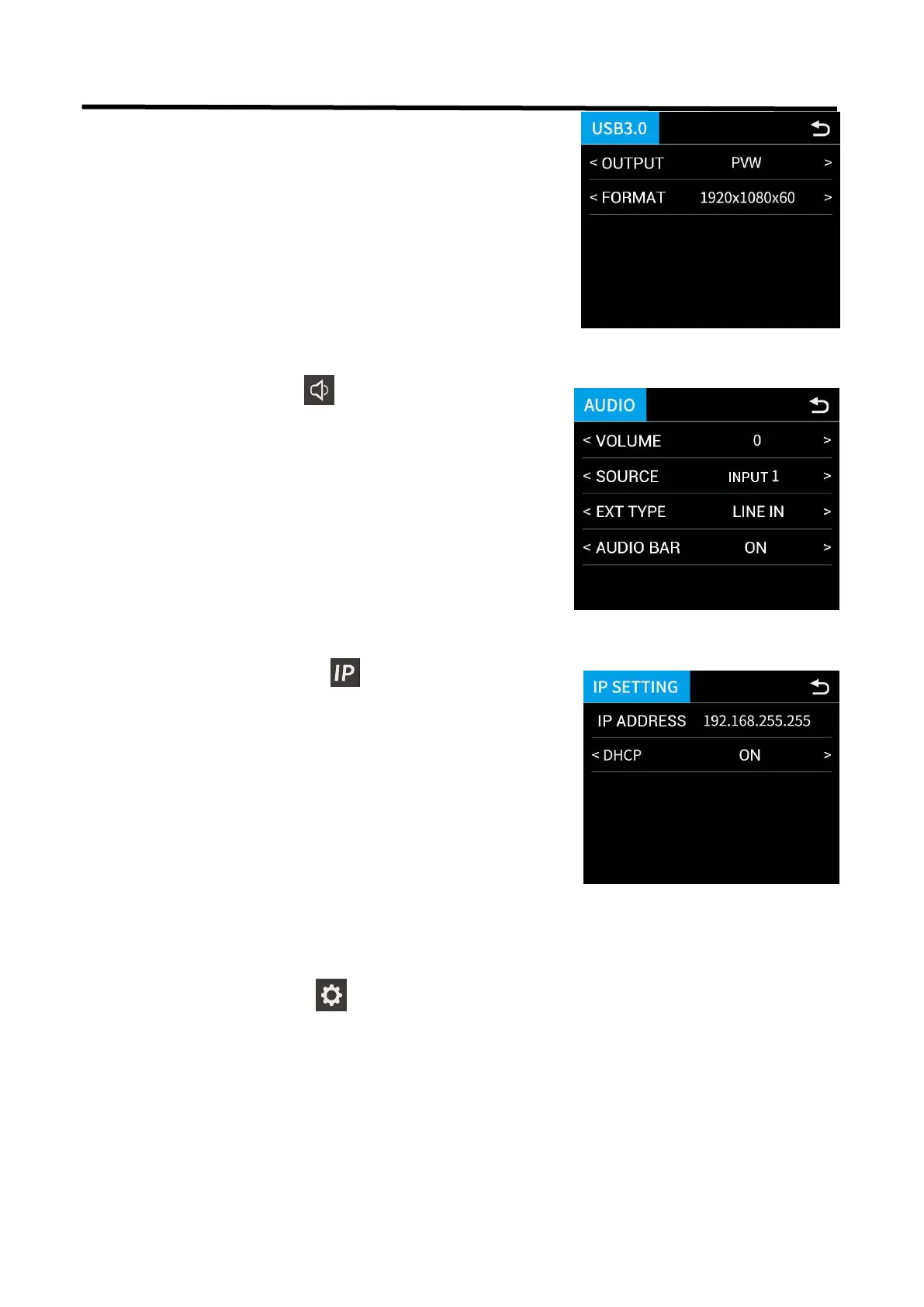
Gently touch【IP SETTING】icon to enter the sub menu
SET IP Address Manually
Turn OFF DHCP and select each segment with the
knob, then press to enter and set the
value of each segment by pressing the knob again.
Set IP Address Automatically
Use this setting if your network/router has a DHCP server
Turn ON DHCP
manual setting is disabled, and the IP Address for
L2 PLUS is set from the network.
Gently touch【AUDIO】icon to enter the sub menu
Selecting by touching screen or turning the knob.
VOLUME: 0~100
SOURCE: AFV/LINE IN/ Input 1~4
EXT TYPE: LINE IN/MIC
AUDIO BAR: ON/OFF


 To Next Page